Screenshot style breakdown
Sampled from 6 of マンガ放題 ㊙人気マンガ読み放題の漫画アプリ's App Store screenshots — background, accent and theme, measured by LaunchShots (not something Apple publishes).
#5C5C5C bg
#727272
#1CCCD4 accent
#FFFFFF text
Screenshots
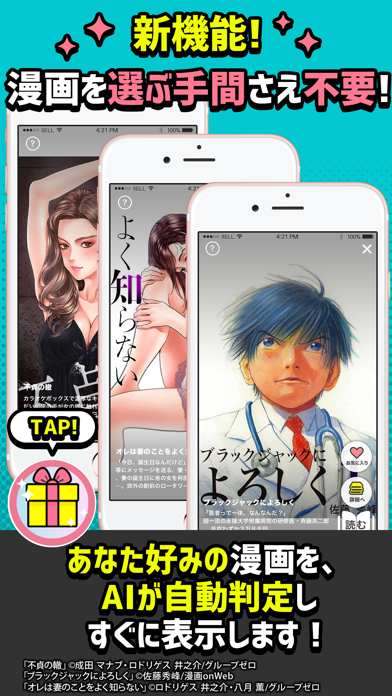
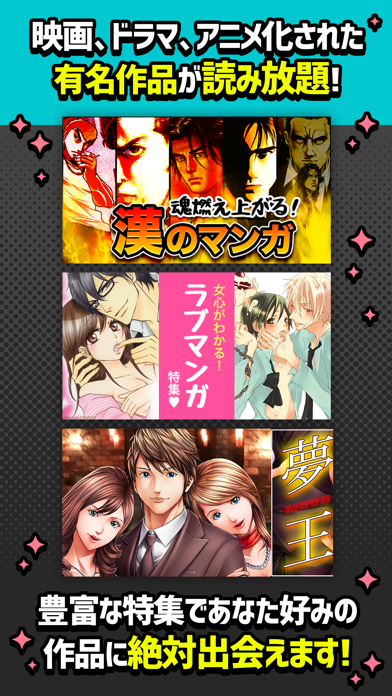
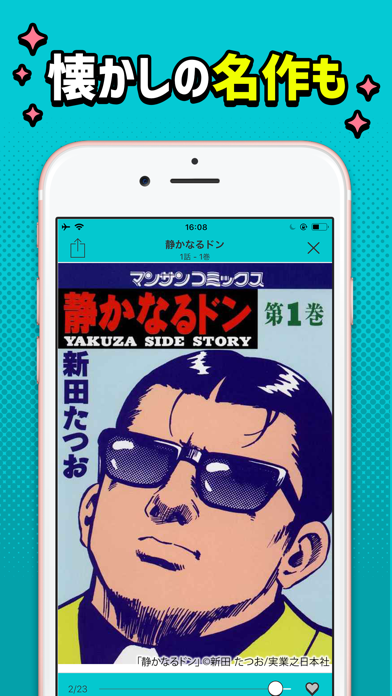
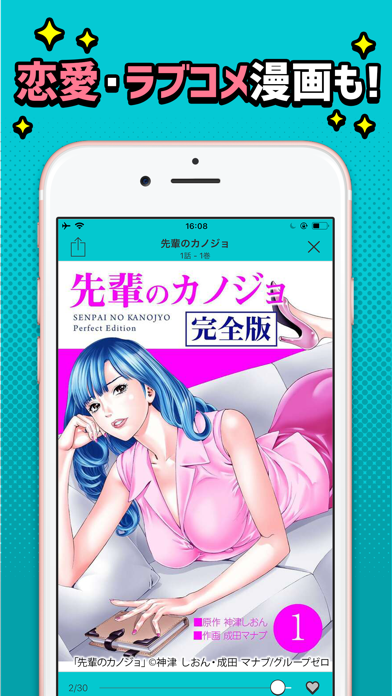
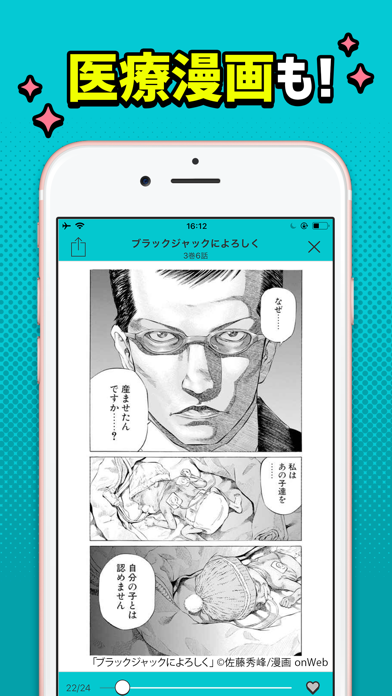
iPad screenshots


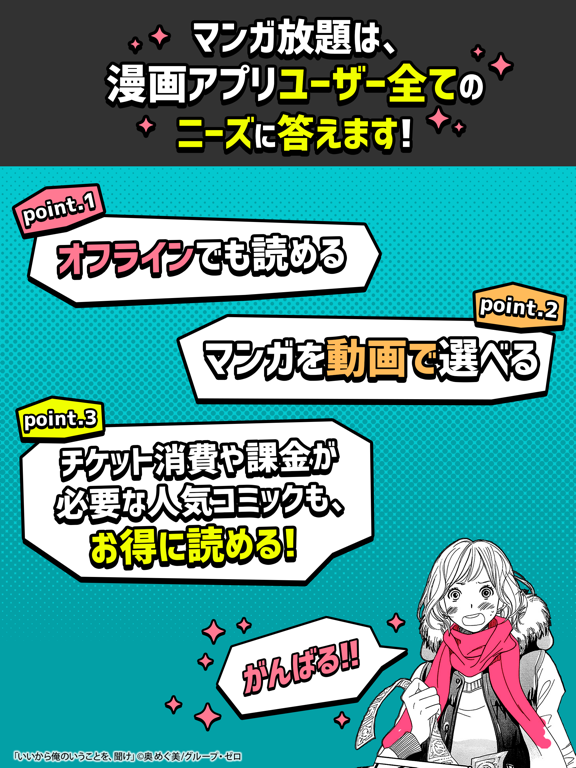
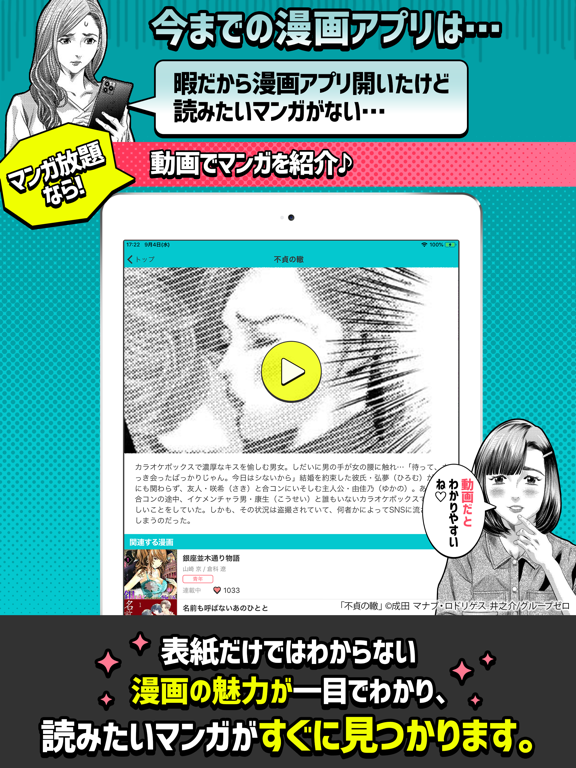
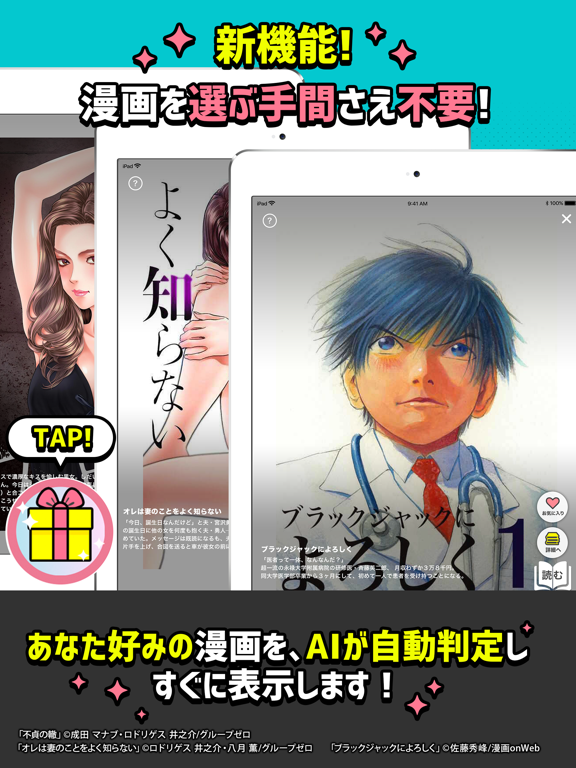
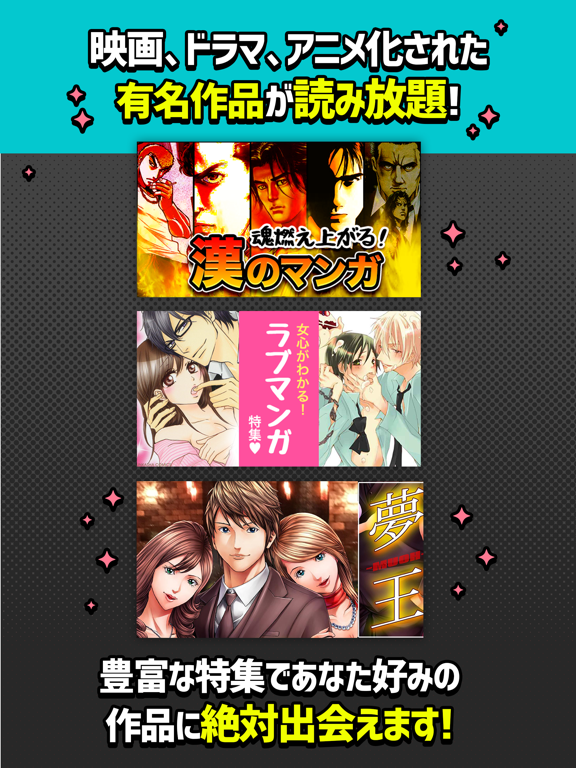
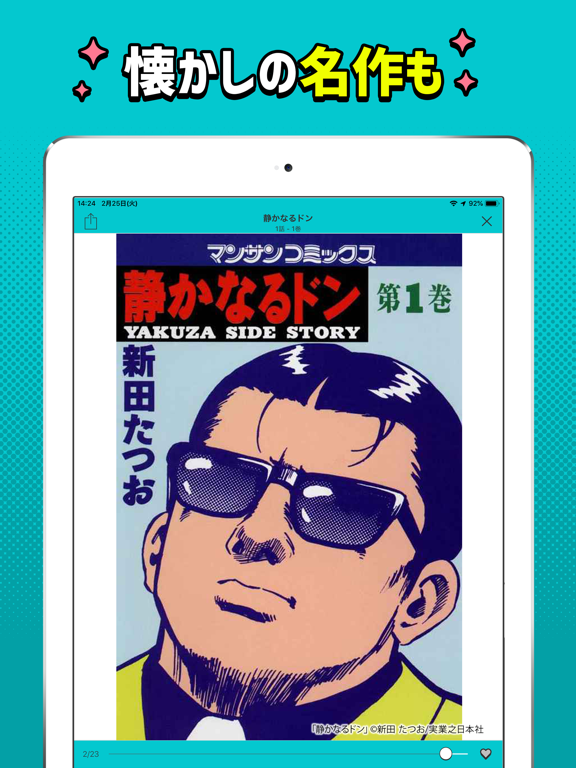
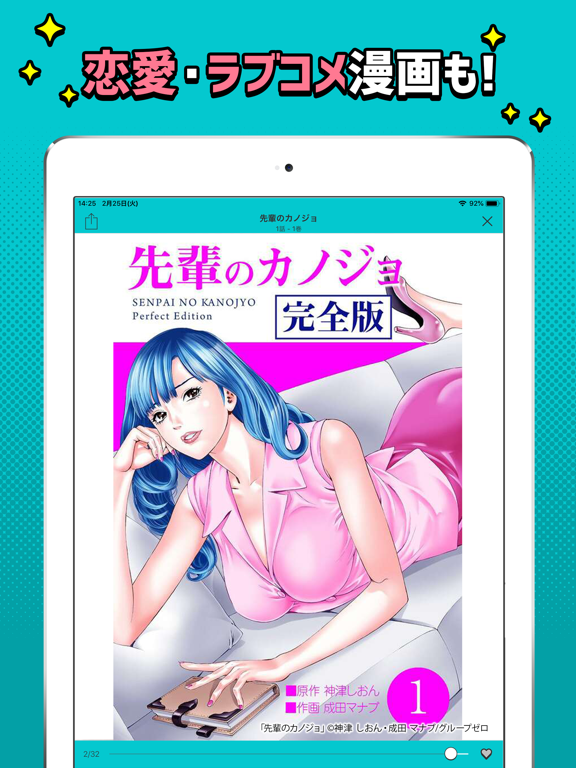

Icon palette
About this app
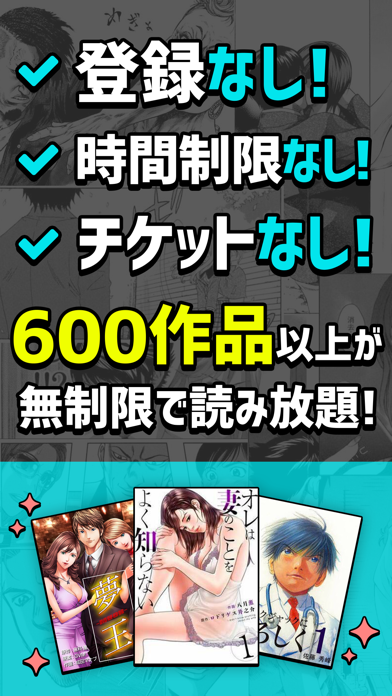
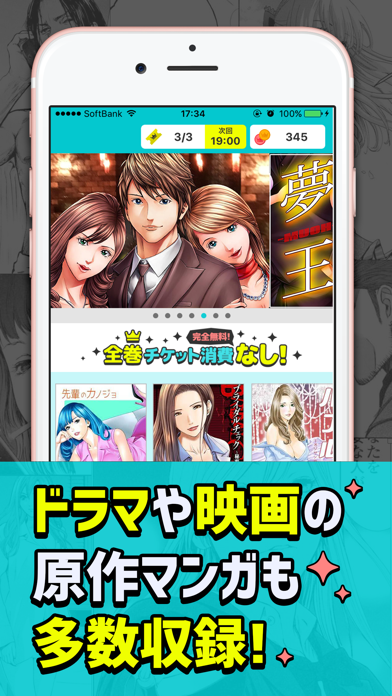
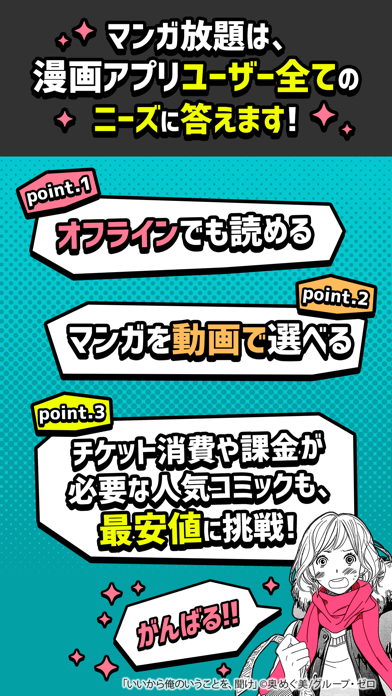
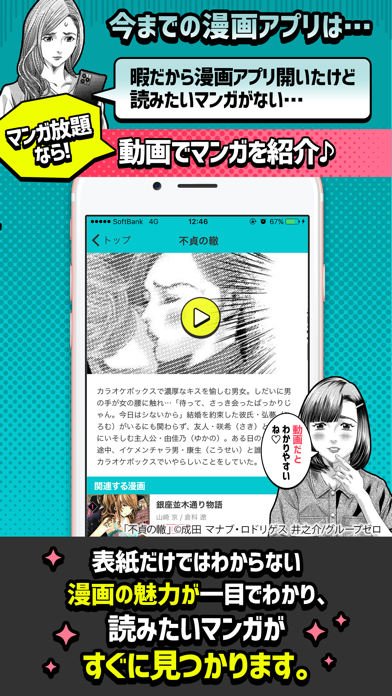
マンガが全巻無料で読める漫画アプリ! 600作品以上が完全に無料(タダ,0円,まんが無料)で読めます! .+゚*。:゚業界初.+゚*。:゚ おすすめマンガを動画で紹介! 面白いマンガに絶対会える漫画アプリ! まんが読むならマンガ放題! 1番 面白いマンガに出会えて、 1番 使いやすく、 1番 無料ででたくさん読めて、 1番 通信制限になりづらくて、 1番 見た目がオシャレで、 1番 楽しい漫画アプリを目指して作られたのがマンガ放題です◇* 朝と夜にチケットがもらえる! マンガアプリ、マンガ放題を無料でお楽しみください◇* ーアノ有名タイトルが業界最安値で読めるー マンガ放題がこだわったのは、とにかく面白い作品を提供する事。 完全無料で読めるマンガもたくさんありますが、有料コンテンツも【業界最安値】で読めるようにご用意しました! 有料マンガでも毎日チケットがもらえるので、無料で楽しむ事もできます。 ◇*◆今までの漫画アプリの問題点◇*◆ ×暇だから漫画アプリ開いたけど読みたいマンガが見つからない ◯動画と豊富な作品タイトルで読みた…
App details
What you can learn from マンガ放題 ㊙人気マンガ読み放題の漫画アプリ
Every shipping app on the App Store has gone through the same decisions you're working through right now: which screenshot goes first, what caption sits over it, which device frame to show, what color the background should be. The 18 screenshots above are マンガ放題 ㊙人気マンガ読み放題の漫画アプリ's answers to those questions — they're public, they're real, and they made it through Apple's review.
What the numbers say: マンガ放題 ㊙人気マンガ読み放題の漫画アプリ runs a dark set where the background shifts from screenshot to screenshot (first shot #5C5C5C) — each image has to stand on its own, so the captions carry more of the story. The accent colour we picked up, #1CCCD4, is the one to reuse for badges, arrows and highlighted words if you borrow this look. Hit Use this style to open the editor with these exact colours and drop your own screenshot in.
Notice the first screenshot in particular. It's the one users see in search results and on the product page, and it's where most apps spend their best caption and tightest design. Look at the proportion of background to phone, where the text sits, what one thing the image is trying to communicate.
Want to see how other Book apps approach the same problem? Browse more Book apps in the showcase.
Take what works into your own screenshots
Open LaunchShots and design your App Store & Google Play screenshots — pick a device frame, drop captions, ship in minutes. Free, in your browser.
Open the screenshot editor →Apps with a similar look
Closest background + accent colours among the listings we've analysed — useful when you want to see the same palette handled by a different team.