Chart position — tracked daily by LaunchShots
Screenshot changes — detected by LaunchShots
Screenshot style breakdown
Sampled from 6 of 中古マンション検索 カウカモ|リノベーション物件探しアプリ's App Store screenshots — background, accent and theme, measured by LaunchShots (not something Apple publishes).
#04CCD4 bg
#03B3BA
#94745C accent
#111111 text
Screenshots
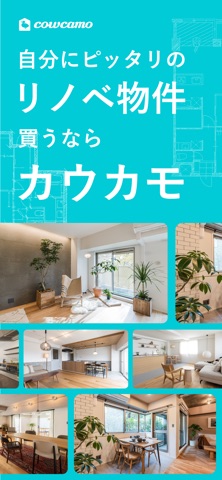

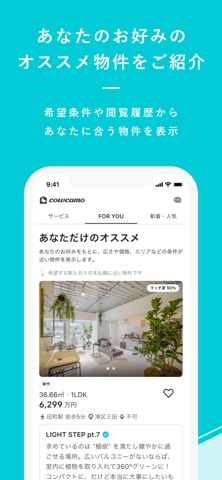
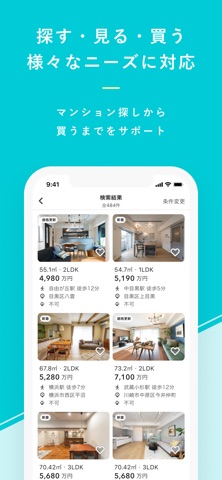
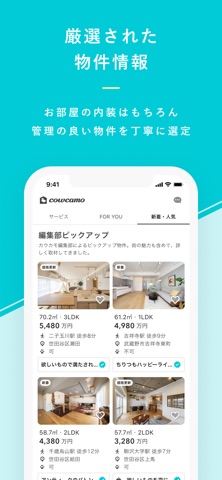

iPad screenshots



Icon palette
About this app
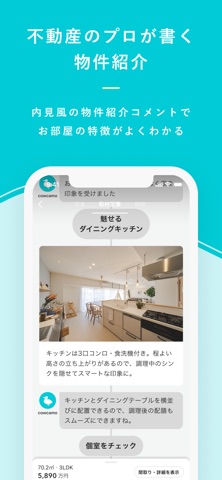
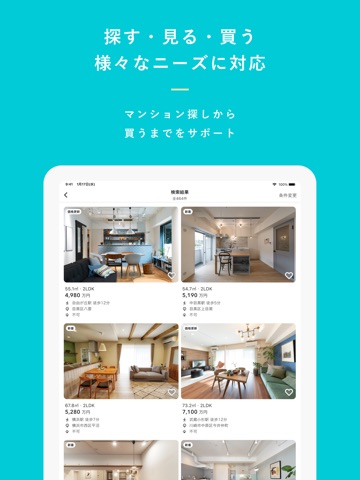
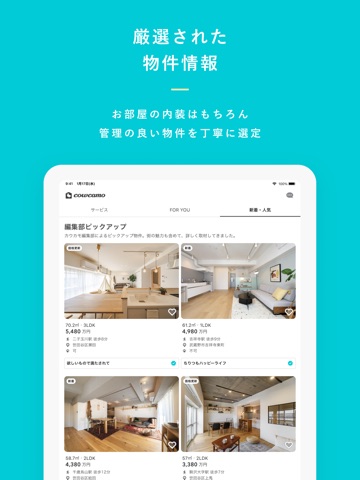
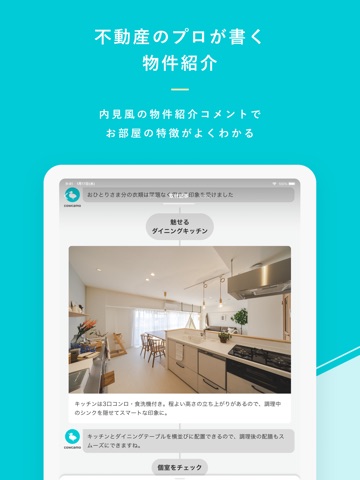
カウカモは、都内の中古マンション・リノベーション(リノベ)済み物件を多数掲載しているアプリです。快適な住まい探しをお楽しみください。 暮らしにあった理想のリノベーション(リノベ)マンションに出会える! 数多くの物件を見てきたカウカモが、独自の視点で物件をチェック。スペックやデザインはもちろん、街の魅力や管理体制も考慮した上でマンションを掲載しています。カウカモによるマンションのレビューとプロカメラマンが撮影した写真でリノベーション(リノベ)物件を多数ご紹介!物件ごとに住宅ローンを組んだ場合の支払い額が表示されるので、より具体的に中古マンション購入を検討できます。お問い合わせ後は、エージェントとアプリ上でやりとりが可能です。 ■主な機能 ◎豊富な情報量 数多くのリノベ物件を見てきたカウカモ独自の目線で、中古マンションをチェック。マンションのレビューを物件ごとに掲載しています。また、豊富な写真により、実際に内見しているような視点で内装や眺望を確認することができます。 ◎進化した検索機能 「価格・広さ・…
App details
What you can learn from 中古マンション検索 カウカモ|リノベーション物件探しアプリ
Every shipping app on the App Store has gone through the same decisions you're working through right now: which screenshot goes first, what caption sits over it, which device frame to show, what color the background should be. The 14 screenshots above are 中古マンション検索 カウカモ|リノベーション物件探しアプリ's answers to those questions — they're public, they're real, and they made it through Apple's review.
What the numbers say: 中古マンション検索 カウカモ|リノベーション物件探しアプリ runs a light set with one background colour (#04CCD4) carried across every screenshot — the listing reads as a single poster when the shots sit side by side in search results. The accent colour we picked up, #94745C, is the one to reuse for badges, arrows and highlighted words if you borrow this look. Hit Use this style to open the editor with these exact colours and drop your own screenshot in.
Notice the first screenshot in particular. It's the one users see in search results and on the product page, and it's where most apps spend their best caption and tightest design. Look at the proportion of background to phone, where the text sits, what one thing the image is trying to communicate.
Want to see how other Navigation apps approach the same problem? Browse more Navigation apps in the showcase.
Take what works into your own screenshots
Open LaunchShots and design your App Store & Google Play screenshots — pick a device frame, drop captions, ship in minutes. Free, in your browser.
Open the screenshot editor →Apps with a similar look
Closest background + accent colours among the listings we've analysed — useful when you want to see the same palette handled by a different team.