Screenshots
iPad screenshots
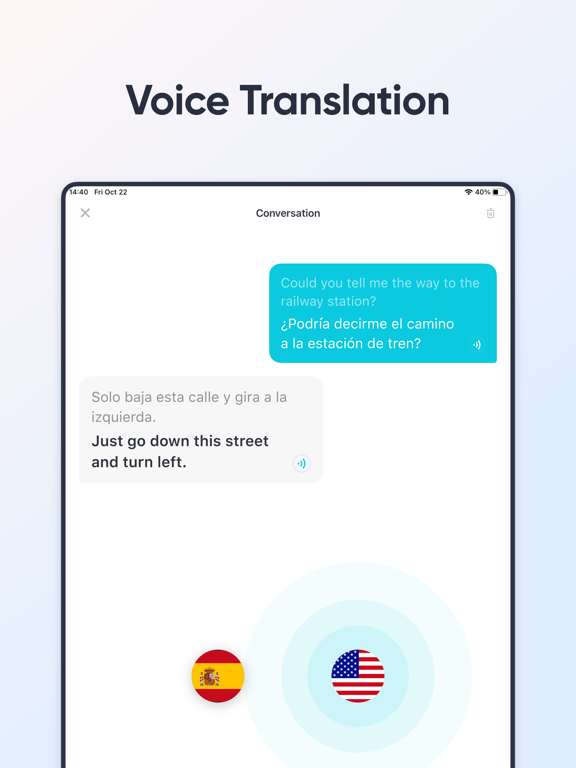
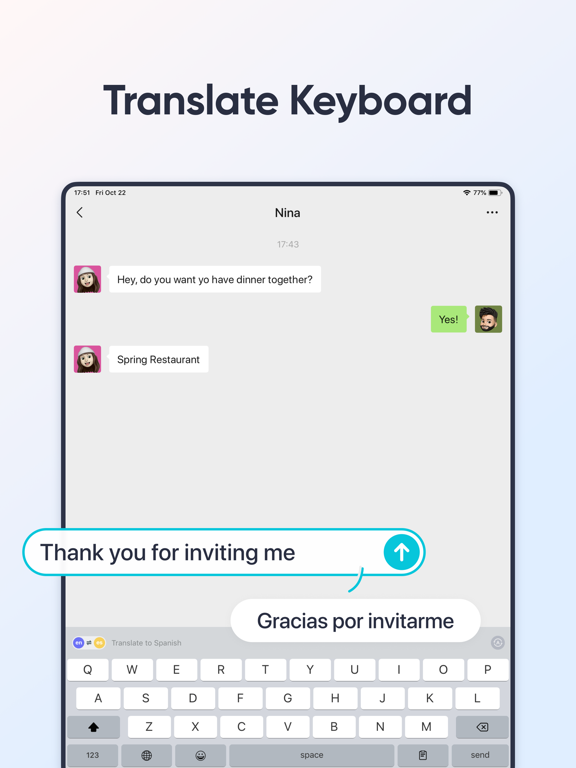


Icon palette
About this app
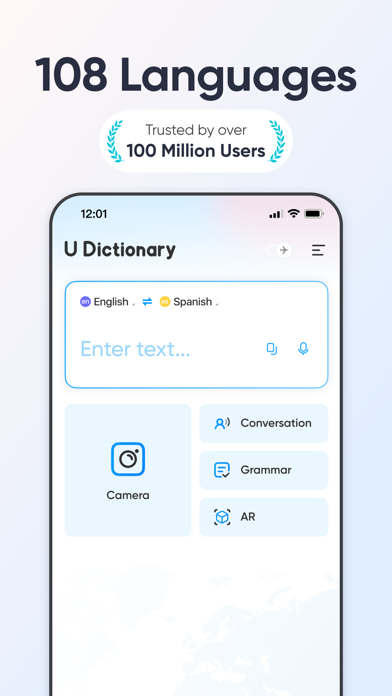
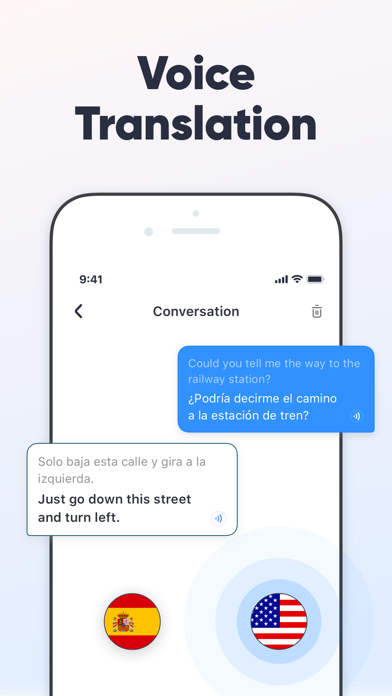
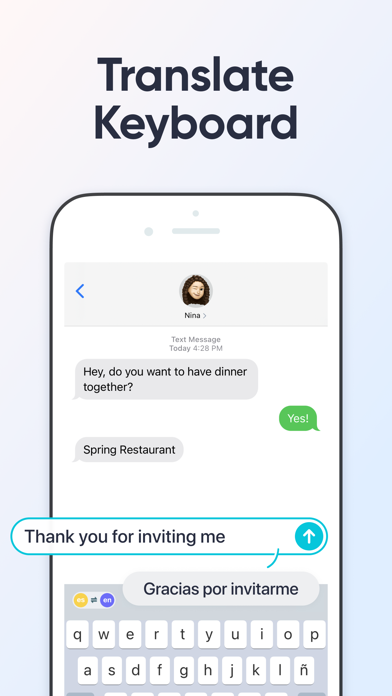
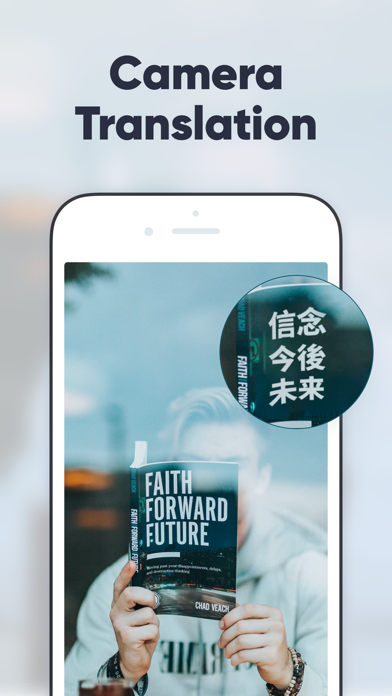
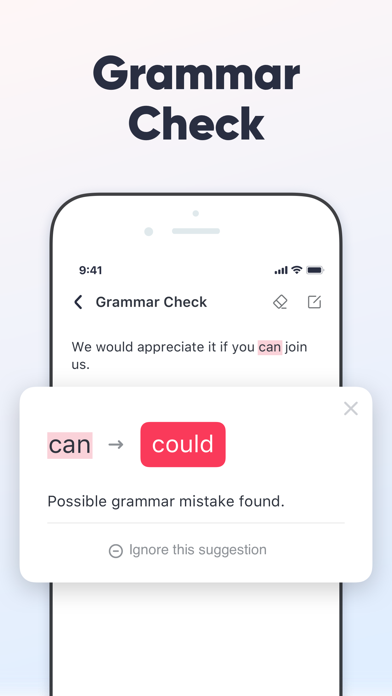
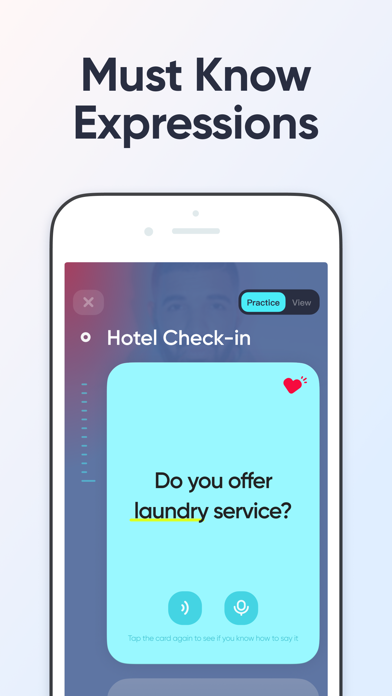
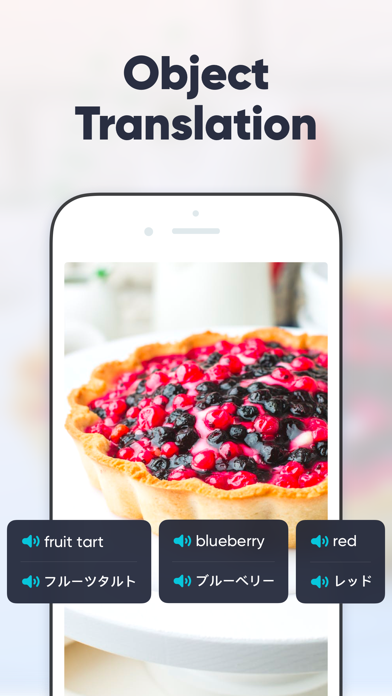
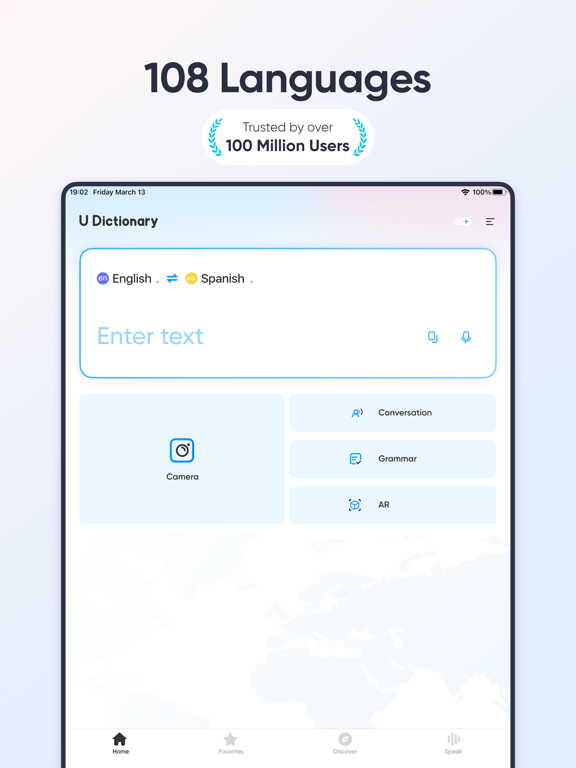
** 100,000,000 users across 150 countries. ** U-Dictionary is an efficient translation and dictionary app. Effortlessly translate texts, pictures, or conversations in 108 languages. Get translation instantly whether you're learning a new language or traveling abroad. Help remove your language barriers anytime anywhere. U-Dictionary takes in originally developed dictionaries, Collins COBUILD Advanced Dictionary, WordNet Dictionary, Bilingual Examples, Native Examples, Synonyms, Antonyms, Etymology Dictionary and so on. FEATURES: • Text Translation: Get translation of any pair within 108 languages. • Voice Translation: Translate bilingual conversations in 33 languages, 47 accents. • Authoritative Dictionary: Built-in Concise Dictionary, Collins Advanced Dictionary and WordNet Dictionary. • Perfect English Pronunciation: Native UK (British) and US (American) accent. Listen and Learn. • N…
App details
What you can learn from UDictionary Translator
Every shipping app on the App Store has gone through the same decisions you're working through right now: which screenshot goes first, what caption sits over it, which device frame to show, what color the background should be. The 14 screenshots above are UDictionary Translator's answers to those questions — they're public, they're real, and they made it through Apple's review.
Notice the first screenshot in particular. It's the one users see in search results and on the product page, and it's where most apps spend their best caption and tightest design. Look at the proportion of background to phone, where the text sits, what one thing the image is trying to communicate.
Want to see how other Reference apps approach the same problem? Browse more Reference apps in the showcase.
Take what works into your own screenshots
Open LaunchShots and design your App Store & Google Play screenshots — pick a device frame, drop captions, ship in minutes. Free, in your browser.
Open the screenshot editor →