Chart position — tracked daily by LaunchShots
Screenshot style breakdown
Sampled from 6 of d払い-スマホ決済アプリ、キャッシュレスでお支払い's App Store screenshots — background, accent and theme, measured by LaunchShots (not something Apple publishes).
#CC0404 bg
#D32727
#64C484 accent
#FFFFFF text
Screenshots
Icon palette
About this app
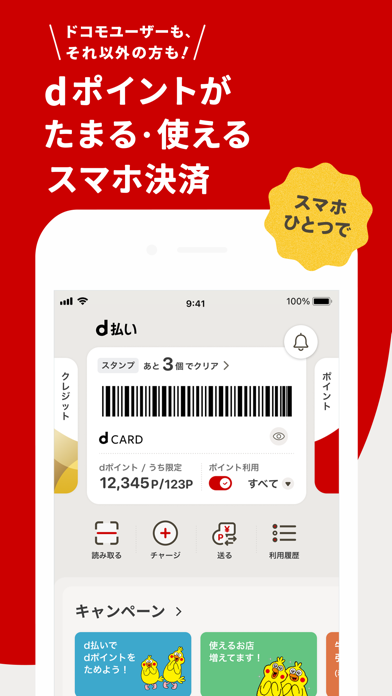
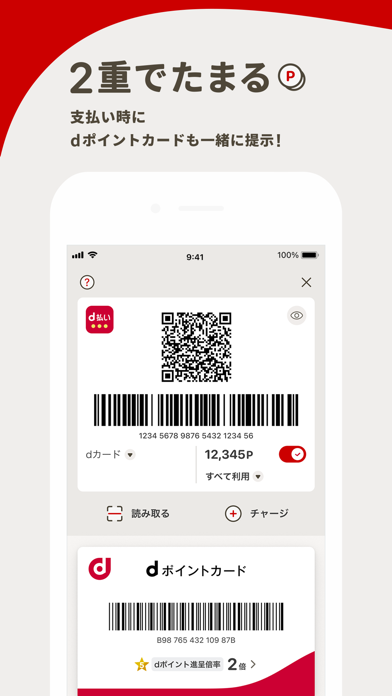
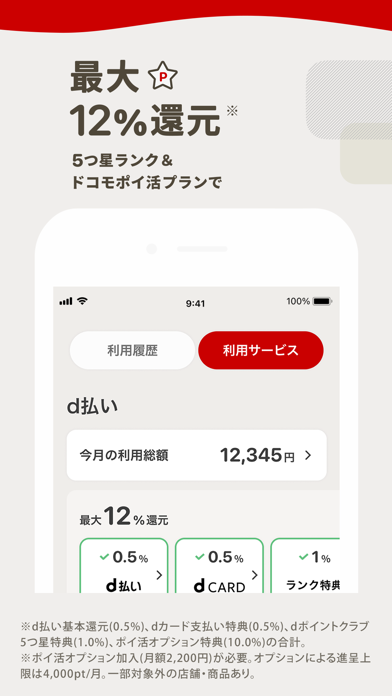
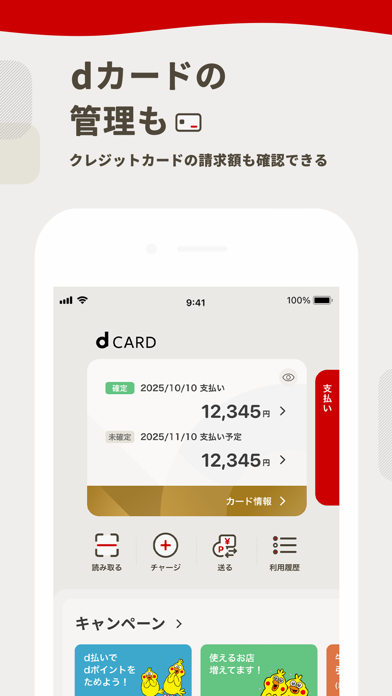
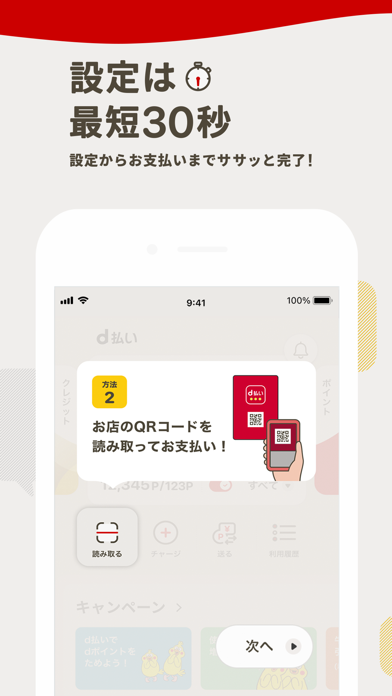
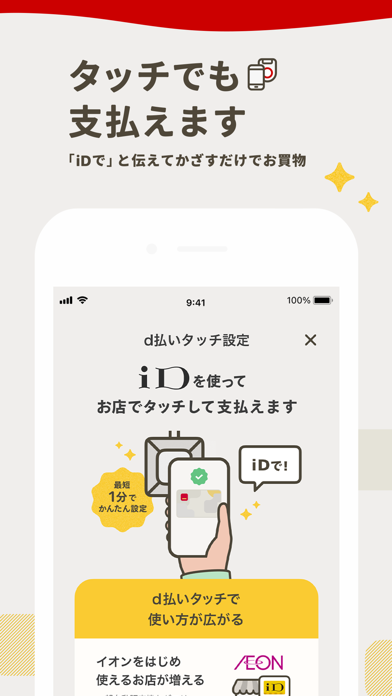
~キャッシュレスは「d払い」~ ■便利なスマホ決済!スマホのバーコード1つでお支払いが完結 ■お支払い時にdポイントがたまる、つかえる!dポイントをもっとお得につかいこなせるチャンス! ■電話料金合算払いからの支払い・d払い残高からの支払い・クレジットカード登録で今すぐに使えます (※1) ■d払いはドコモグループの株式会社NTTドコモ・フィナンシャルグループが提供するサービスです 【はじめよう、d払い】 かんたん30秒!4桁のパスワードを入れるだけで、アプリでかんたんにスマホ決済がはじめられます。(※1) アプリを開くと、あなた専用のバーコード/QRコードが表示されます。 ※QRコードは、株式会社デンソーウェーヴの登録商標です。 dポイントカードもd払いアプリからワンタップで呼び出せます。 【d払いアプリでのお支払い方法】 お会計時は、レジで「d払いで!」と伝えましょう。 アプリ画面に表示されているバーコード/QRコードでお支払い完了! ・コードを見せてお支払い 1.お店の人にバーコードを提示 2.お店の人がバーコードを読み取…
App details
What you can learn from d払い-スマホ決済アプリ、キャッシュレスでお支払い
Every shipping app on the App Store has gone through the same decisions you're working through right now: which screenshot goes first, what caption sits over it, which device frame to show, what color the background should be. The 7 screenshots above are d払い-スマホ決済アプリ、キャッシュレスでお支払い's answers to those questions — they're public, they're real, and they made it through Apple's review.
What the numbers say: d払い-スマホ決済アプリ、キャッシュレスでお支払い runs a mixed light-and-dark set where the background shifts from screenshot to screenshot (first shot #CC0404) — each image has to stand on its own, so the captions carry more of the story. The accent colour we picked up, #64C484, is the one to reuse for badges, arrows and highlighted words if you borrow this look. Hit Use this style to open the editor with these exact colours and drop your own screenshot in.
Notice the first screenshot in particular. It's the one users see in search results and on the product page, and it's where most apps spend their best caption and tightest design. Look at the proportion of background to phone, where the text sits, what one thing the image is trying to communicate.
Want to see how other Finance apps approach the same problem? Browse more Finance apps in the showcase.
Take what works into your own screenshots
Open LaunchShots and design your App Store & Google Play screenshots — pick a device frame, drop captions, ship in minutes. Free, in your browser.
Open the screenshot editor →Apps with a similar look
Closest background + accent colours among the listings we've analysed — useful when you want to see the same palette handled by a different team.