Chart position — tracked daily by LaunchShots
Screenshot style breakdown
Sampled from 4 of mediLink - メディリンク's App Store screenshots — background, accent and theme, measured by LaunchShots (not something Apple publishes).
#0444AC bg
#275EB7
#547CC4 accent
#FFFFFF text
Reading the caption text from the screenshots in your browser…
Screenshots

iPad screenshots


Icon palette
About this app
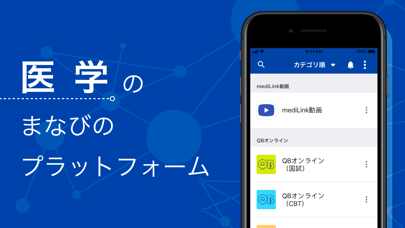
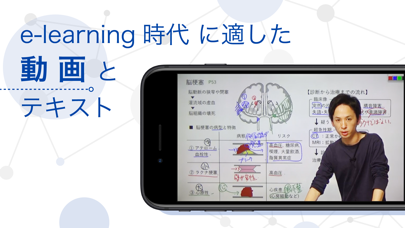
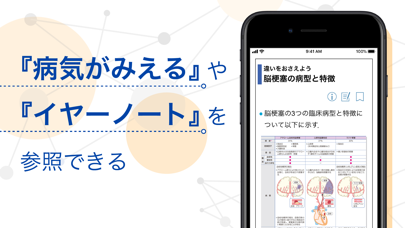
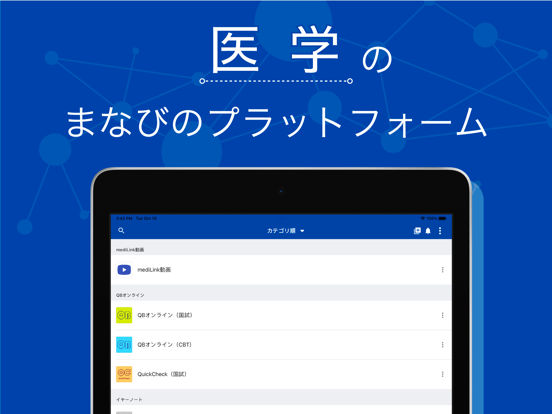
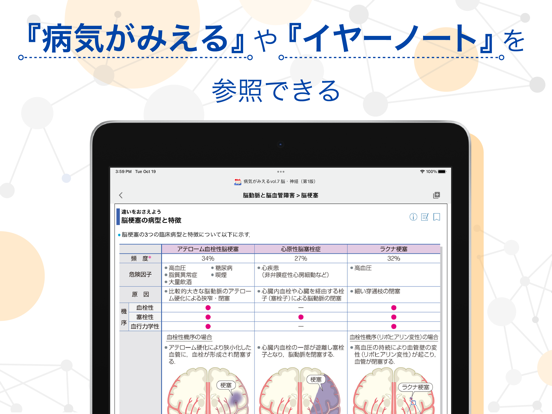
mediLink -医学の “まなび” のプラットフォーム- ◆学習の3段階が1つにまとまる◆ 医学の学びを、もっとSmartに、もっと楽しくしたい――。そのような思いで私たちは「mediLink」をつくりました。 ・まず、①講義動画(INPUT)、②問題演習(OUTPUT)、③書籍参照による知識の補強(REINFORCE)、この3つの学びの流れを1つのスマートフォン・タブレット端末向けのサービスとして一体化し、スムーズに学習できるようにしました。 ◆mediLink動画:e-learning時代に適した動画とテキスト◆ ・ベースとなる講義「Q-Assist」は、1動画10分前後とスキマ時間でも視聴しやすく、1疾患1タイトルが基本なので復習時も見たいテーマをすぐ探せるようになっています。 ・電子黒板を利用した講義はスマートフォンでも見やすく、字が読めない、板書時間が長いといったストレスもありません。 ・テキストはPDFで公開しているため、印刷して使うことも、「GoodNotes」などのアプリを利用し端末内で管理することもできます。 ◆QBオンライン:効率の良い過去問演習◆ ・各講義動画をみたあと、…
App details
What you can learn from mediLink - メディリンク
Every shipping app on the App Store has gone through the same decisions you're working through right now: which screenshot goes first, what caption sits over it, which device frame to show, what color the background should be. The 8 screenshots above are mediLink - メディリンク's answers to those questions — they're public, they're real, and they made it through Apple's review.
What the numbers say: mediLink - メディリンク runs a mixed light-and-dark set where the background shifts from screenshot to screenshot (first shot #0444AC) — each image has to stand on its own, so the captions carry more of the story. The accent colour we picked up, #547CC4, is the one to reuse for badges, arrows and highlighted words if you borrow this look. Hit Use this style to open the editor with these exact colours and drop your own screenshot in.
Notice the first screenshot in particular. It's the one users see in search results and on the product page, and it's where most apps spend their best caption and tightest design. Look at the proportion of background to phone, where the text sits, what one thing the image is trying to communicate.
Want to see how other Medical apps approach the same problem? Browse more Medical apps in the showcase.
Take what works into your own screenshots
Open LaunchShots and design your App Store & Google Play screenshots — pick a device frame, drop captions, ship in minutes. Free, in your browser.
Open the screenshot editor →Apps with a similar look
Closest background + accent colours among the listings we've analysed — useful when you want to see the same palette handled by a different team.