Chart position — tracked daily by LaunchShots
Screenshot style breakdown
Sampled from 6 of myBridge - サクッと名刺管理's App Store screenshots — background, accent and theme, measured by LaunchShots (not something Apple publishes).
#24242C bg
#424249
#04C404 accent
#FFFFFF text
Screenshots

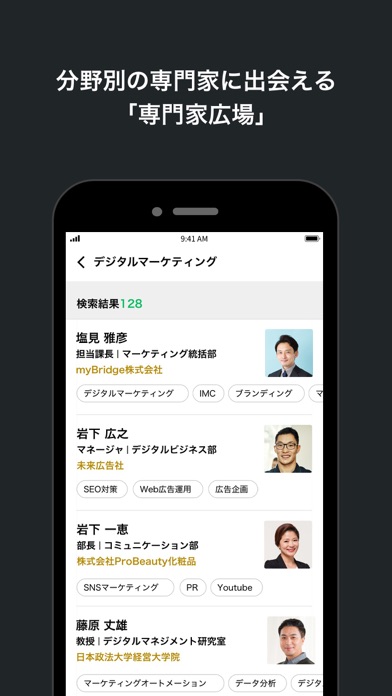
iPad screenshots
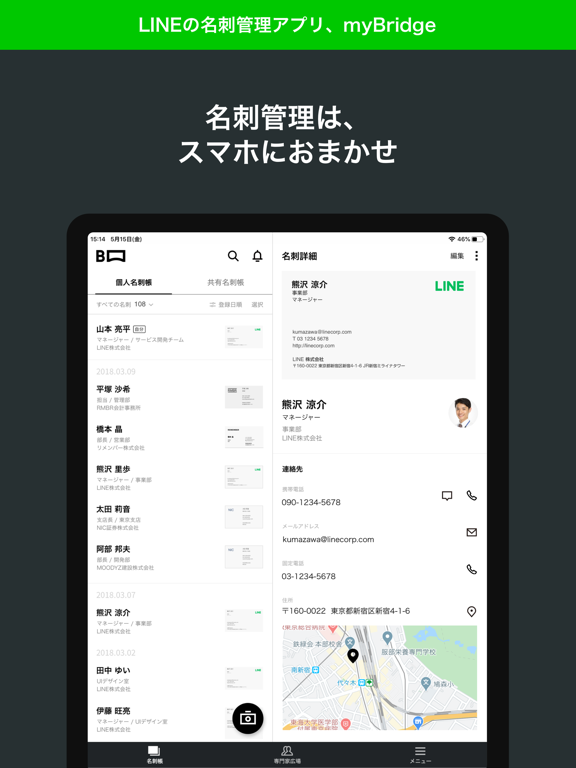
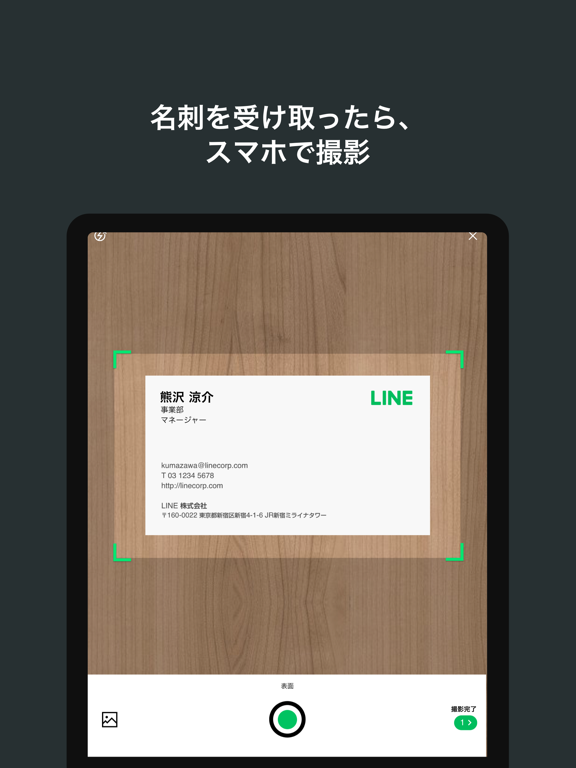

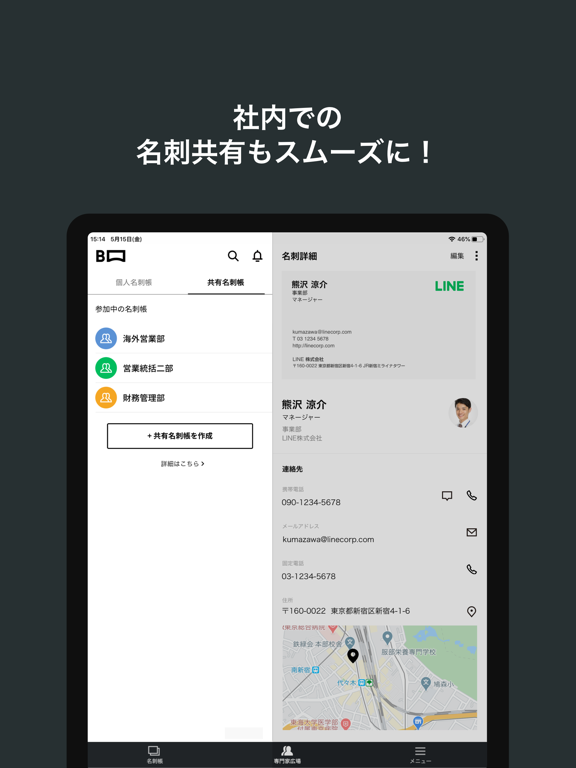
Icon palette
About this app
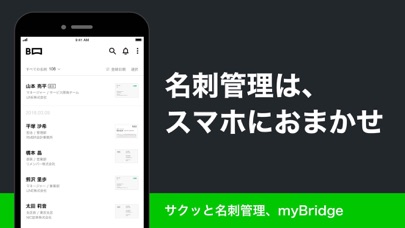
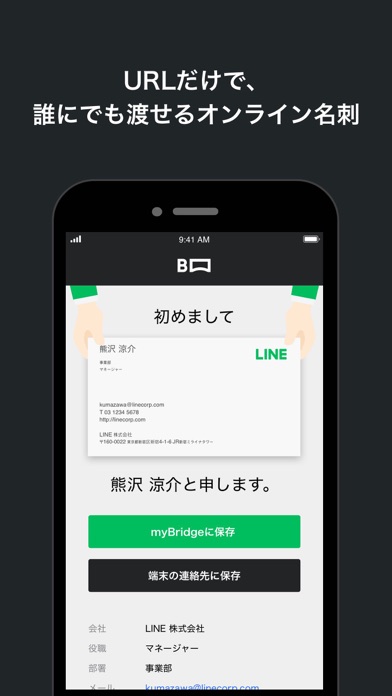
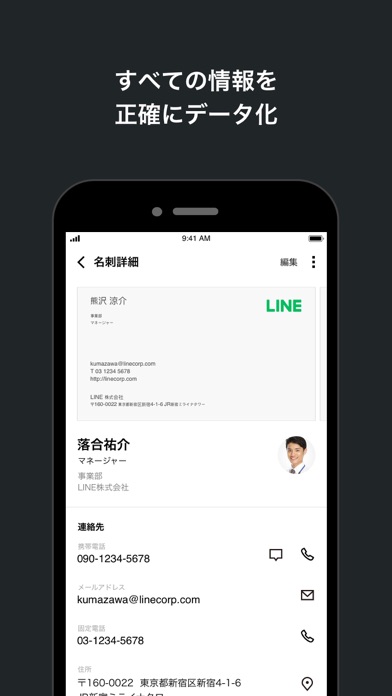
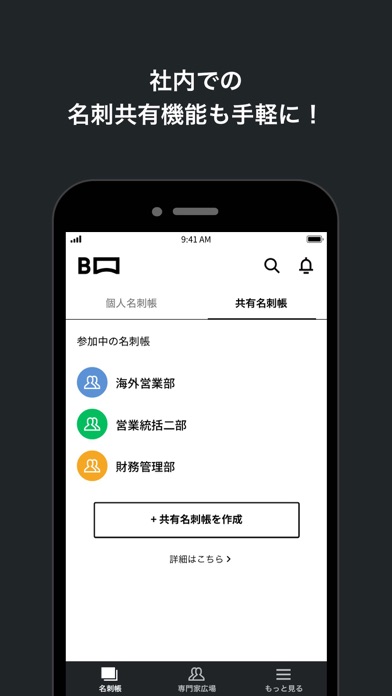
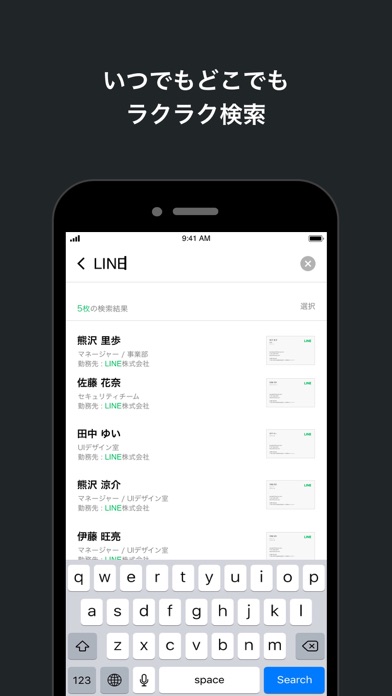
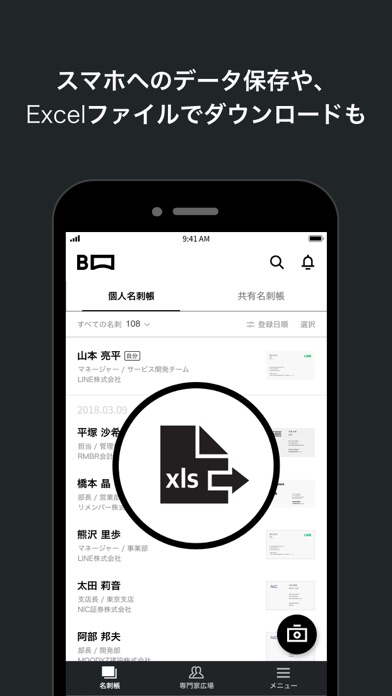
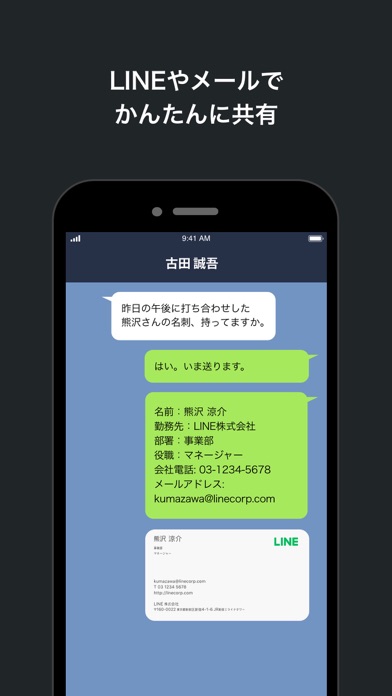
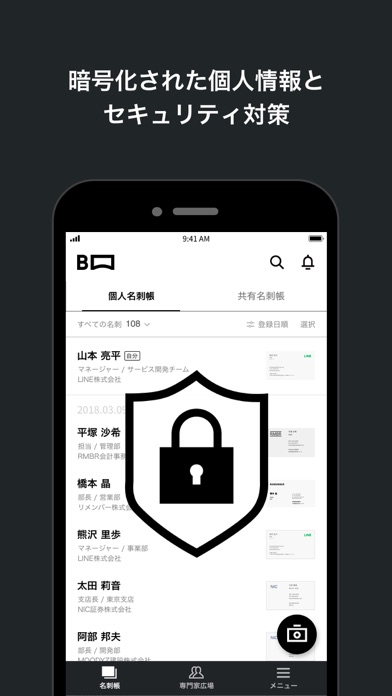
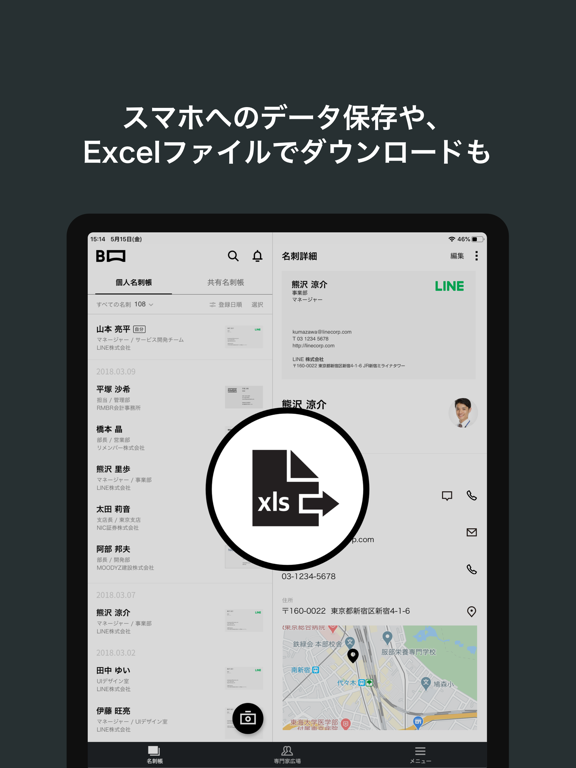
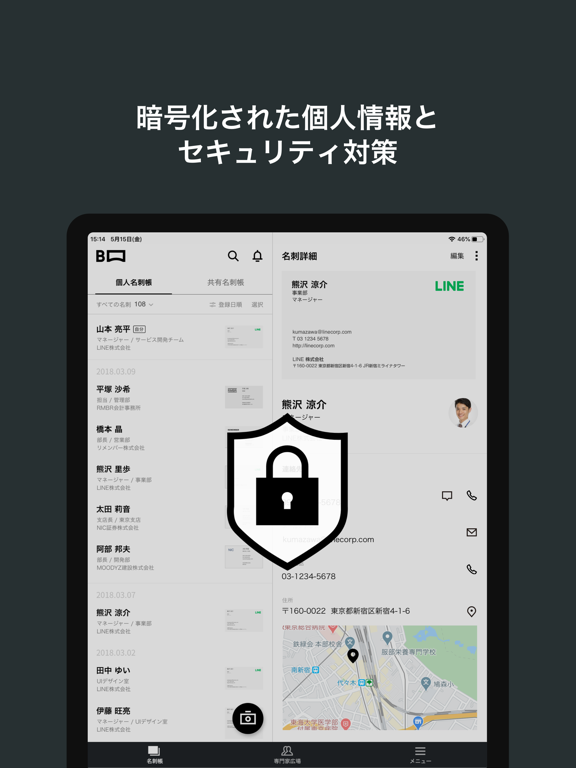
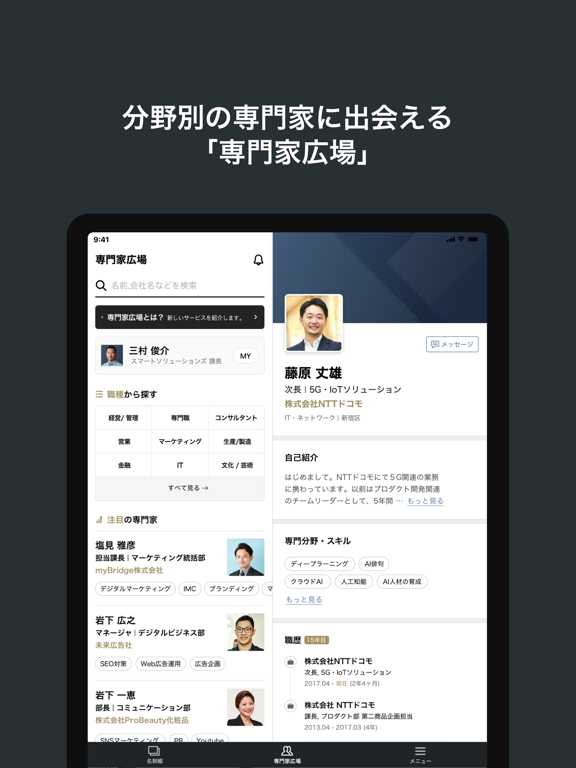
【無料ではじめられる名刺管理】 ■個人名刺帳は登録できる名刺の枚数に上限なし! ■チームで名刺をシェアできる便利な共有機能 ■名刺ごとのメモ作成やExcelファイルでのダウンロードも可能 【名刺をスマホで撮影するだけで、正確にデータ化】 ■自分で名刺情報を入力する必要なし! ■文字認識と人の手による正確なデータ化! ■名前・会社・部署・役職・メモなど、キーワードでかんたん検索! 【社内メンバーと名刺をシェアできる「共有名刺帳」】 ■登録した名刺を社内のメンバーとシェアし、一緒に管理! ■共有名刺帳ごとに共有するメンバーを選べる ■メモ機能でシンプルなデータ管理と生産性向上を実現 【他の連絡帳サービスとの連携、一括ダウンロード】 ■登録した名刺情報をスマホやGoogleの連絡帳に保存可能! ■Excelファイルで一括ダウンロードも! 【URLだけで、誰にでも渡せるオンライン名刺】 ■自分の名刺を登録したら、オンライン名刺が自動発行! ■オンライン名刺のURLを送れば、会員登録/アプリなしで確認・保存可能! ■ウェブ会議など、オンラインで…
App details
What you can learn from myBridge - サクッと名刺管理
Every shipping app on the App Store has gone through the same decisions you're working through right now: which screenshot goes first, what caption sits over it, which device frame to show, what color the background should be. The 17 screenshots above are myBridge - サクッと名刺管理's answers to those questions — they're public, they're real, and they made it through Apple's review.
What the numbers say: myBridge - サクッと名刺管理 runs a dark set with one background colour (#24242C) carried across every screenshot — the listing reads as a single poster when the shots sit side by side in search results. The accent colour we picked up, #04C404, is the one to reuse for badges, arrows and highlighted words if you borrow this look. Hit Use this style to open the editor with these exact colours and drop your own screenshot in.
Notice the first screenshot in particular. It's the one users see in search results and on the product page, and it's where most apps spend their best caption and tightest design. Look at the proportion of background to phone, where the text sits, what one thing the image is trying to communicate.
Want to see how other Business apps approach the same problem? Browse more Business apps in the showcase.
Take what works into your own screenshots
Open LaunchShots and design your App Store & Google Play screenshots — pick a device frame, drop captions, ship in minutes. Free, in your browser.
Open the screenshot editor →Apps with a similar look
Closest background + accent colours among the listings we've analysed — useful when you want to see the same palette handled by a different team.