Chart position — tracked daily by LaunchShots
Screenshot style breakdown
Sampled from 5 of AI顔診断 そっくりさん's App Store screenshots — background, accent and theme, measured by LaunchShots (not something Apple publishes).
#040414 bg
#272734
#843464 accent
#FFFFFF text
Screenshots
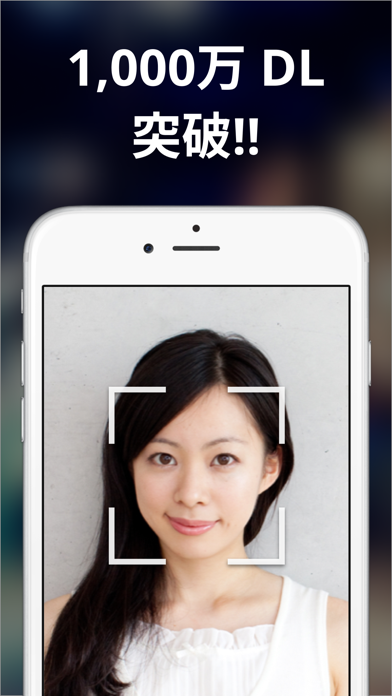
iPad screenshots
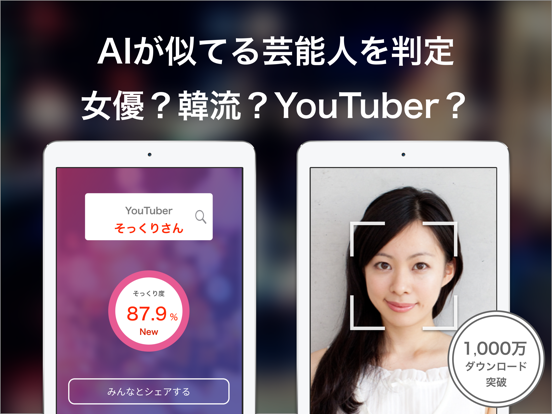
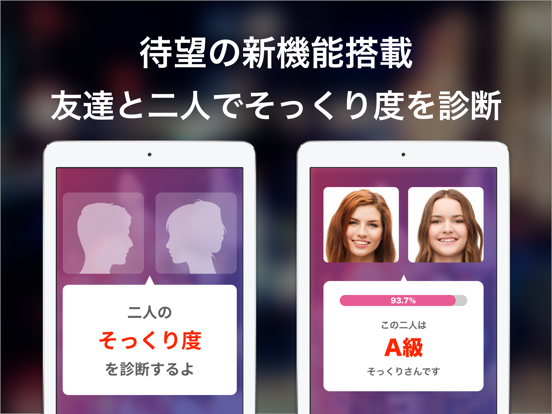
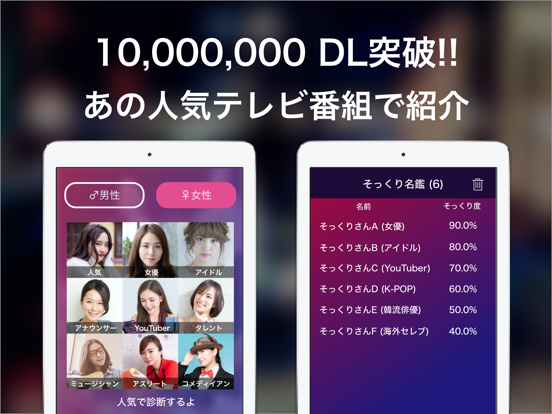
Icon palette
About this app
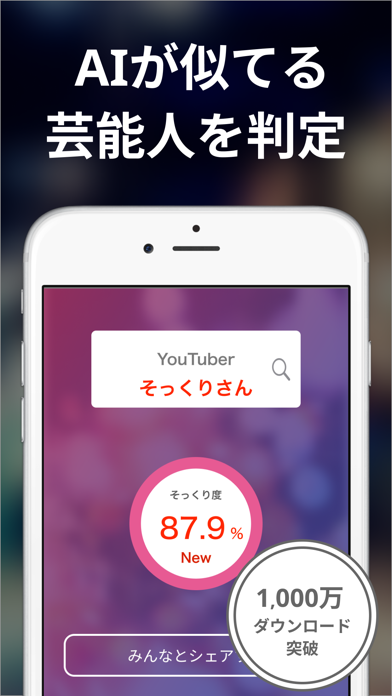
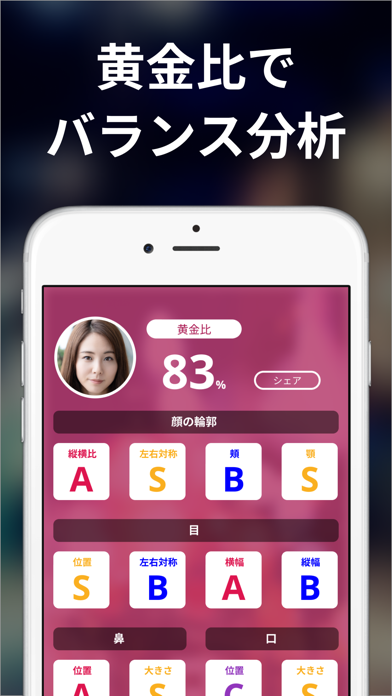
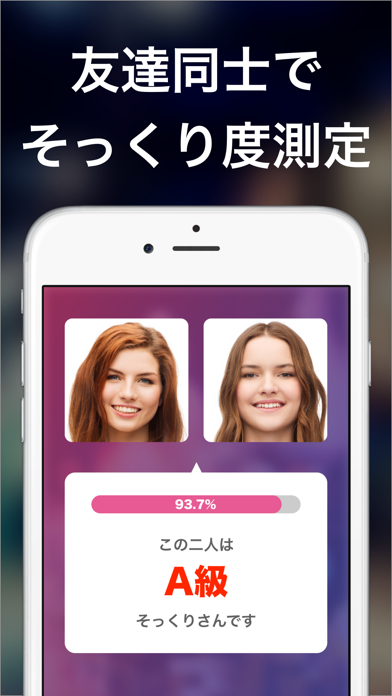
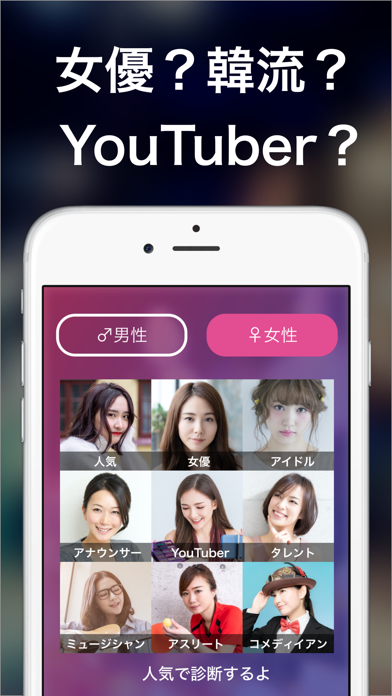
人気テレビ番組で紹介されました! ◆顔のバランスを分析する新機能 ◆1,000万ダウンロード突破 ◆無料アプリ総合ランキング1位獲得 「そっくりさん」は顔の似ている有名人をAI (人工知能)が診断して教えてくれるアプリです! これまでの顔診断アプリと全く異なり実際に高い精度で顔の診断が可能です! 本当かな?と思ったら有名人の鮮明な写真を診断して精度を試してみてください! 女優・アイドル・K-POP・声優・海外セレブ・韓国女優・アナウンサー・タレント・ミュージシャン・お笑い芸人・スポーツ選手・YouTuberなど多数のカテゴリから正確に診断します。 友達や家族と一緒に使えば盛り上がること間違いなし!学校・職場・飲み会などで話のきっかけとして使ってみよう! 横顔、変顔、キメ顔でまさかの結果に!? さらに友達同士や保存した写真の人物からどのくらい似ているか診断できる二人で診断機能を搭載。身近な人から一番似ている人を探してみて! 顔のバランスをAIが自動で判定する機能が登場。 あなたの顔がどのくらい黄金比に近いか試してみてください…
App details
What you can learn from AI顔診断 そっくりさん
Every shipping app on the App Store has gone through the same decisions you're working through right now: which screenshot goes first, what caption sits over it, which device frame to show, what color the background should be. The 8 screenshots above are AI顔診断 そっくりさん's answers to those questions — they're public, they're real, and they made it through Apple's review.
What the numbers say: AI顔診断 そっくりさん runs a mixed light-and-dark set where the background shifts from screenshot to screenshot (first shot #040414) — each image has to stand on its own, so the captions carry more of the story. The accent colour we picked up, #843464, is the one to reuse for badges, arrows and highlighted words if you borrow this look. Hit Use this style to open the editor with these exact colours and drop your own screenshot in.
Notice the first screenshot in particular. It's the one users see in search results and on the product page, and it's where most apps spend their best caption and tightest design. Look at the proportion of background to phone, where the text sits, what one thing the image is trying to communicate.
Want to see how other Entertainment apps approach the same problem? Browse more Entertainment apps in the showcase.
Take what works into your own screenshots
Open LaunchShots and design your App Store & Google Play screenshots — pick a device frame, drop captions, ship in minutes. Free, in your browser.
Open the screenshot editor →Apps with a similar look
Closest background + accent colours among the listings we've analysed — useful when you want to see the same palette handled by a different team.