Chart position — tracked daily by LaunchShots
Screenshot style breakdown
Sampled from 6 of iLib Reader 國資圖電子書's App Store screenshots — background, accent and theme, measured by LaunchShots (not something Apple publishes).
#FCFCFC bg
#DDDDDD
#EC7C2C accent
#111111 text
Screenshots
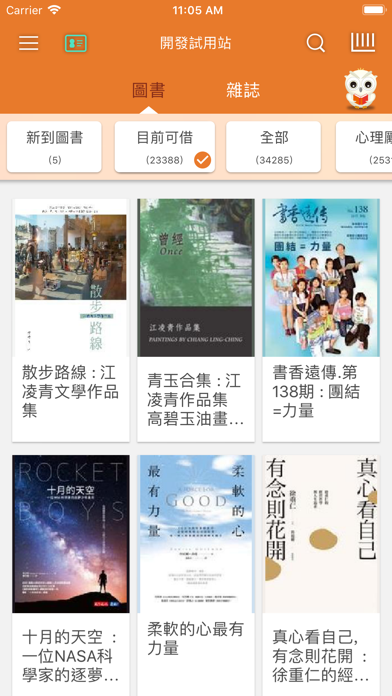
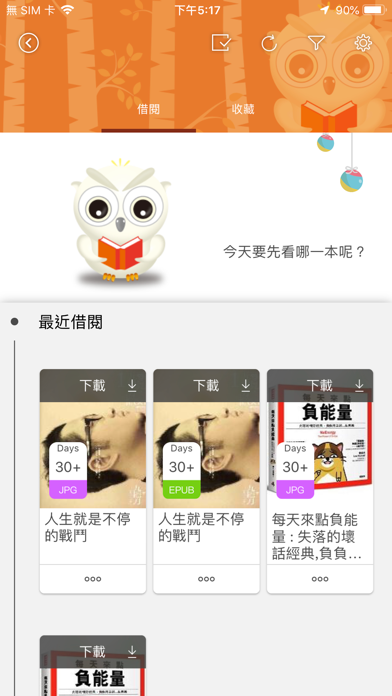
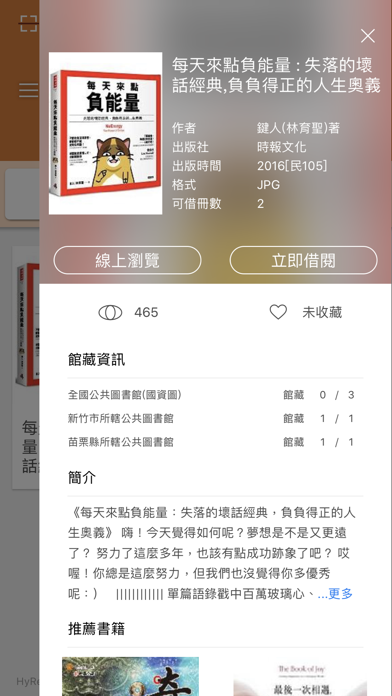
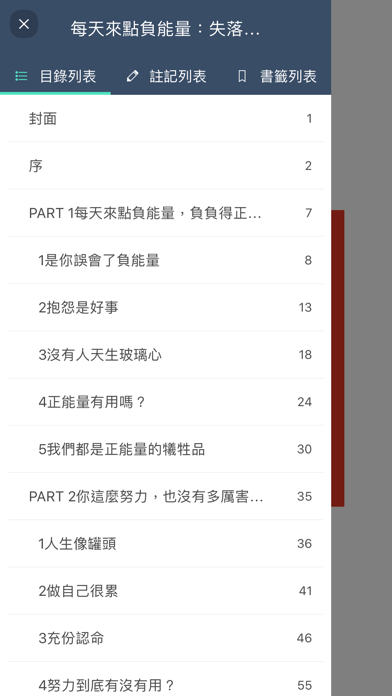
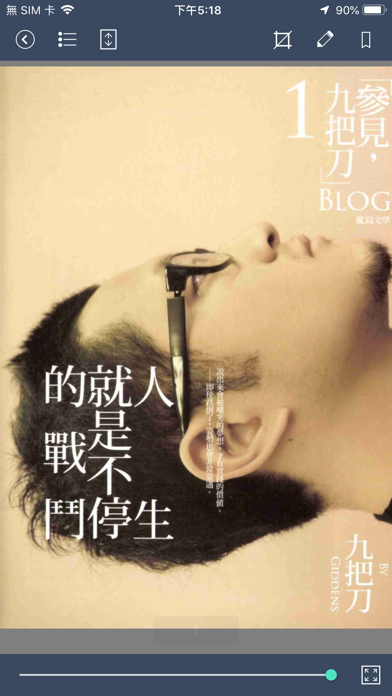
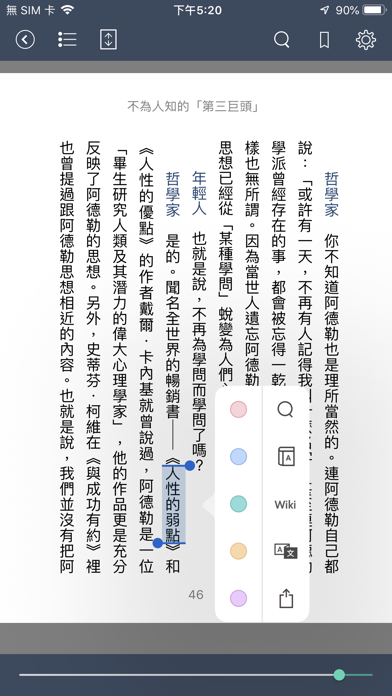
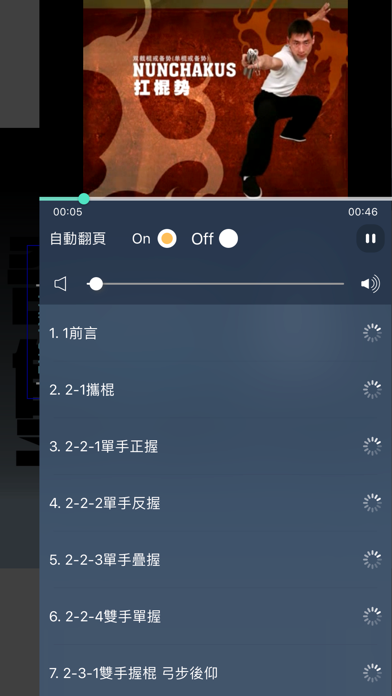
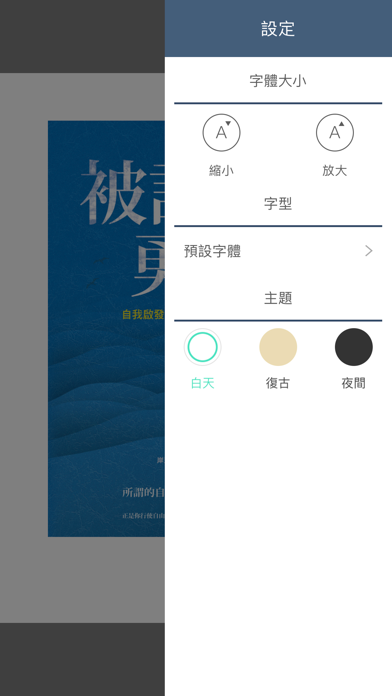
iPad screenshots





Icon palette
About this app
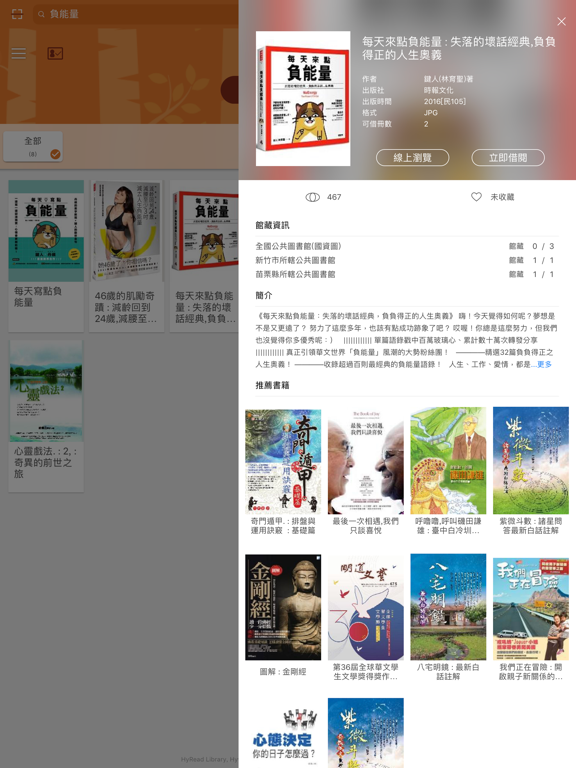
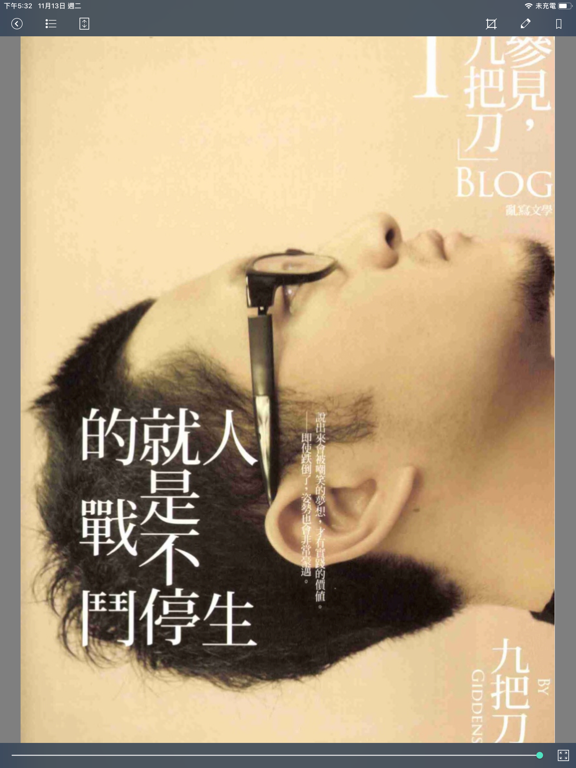
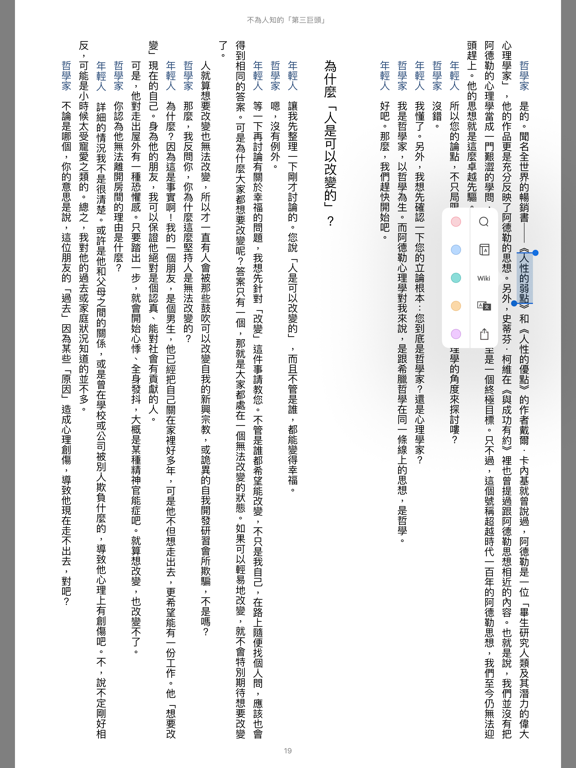
iLib Reader 是「國立公共資訊圖書館」電子書服務平台提供給讀者專用的電子書閱讀軟體,是全國第一個可免費借閱並下載圖書館電子書的行動閱讀軟體。 只要您擁有全國各縣市公共圖書館的借閱證,即可申請開通成為國資圖電子書服務平台的讀者,之後您可以不用親自到館 ,只要是有網路連線的地方,就可以下載國立公共資訊圖書館提供借閱的電子書。 國資圖電子書服務平台的借閱服務,提供跨載具的閱讀,當您在借閱電子書時,您可以選擇使用手機或平板來進行閱讀。 更方便的是您在下載完借閱的電子書後,不管是連線還是離線,不受網路的限制,只要 iLib Reader 在手,即可隨時享受行動閱讀的樂趣與便利性。 您甚至可以不用擔心逾期歸還的問題,當電子書的借閱期限到期後,iLib Reader 會自動歸還電子書;當然您也可以在期限到期前,主動歸還電子書,讓其他讀者可以提前借到您歸還的電子書。 iLib Reader 支援多種電子書格式的閱讀,包含多媒體電子書、PDF 與 EPUB 等格式,並提供多種分類、目錄選單、多媒體清單、縮圖預覽、直式單頁/橫式雙頁/流式閱讀、高解析度頁面…
App details
What you can learn from iLib Reader 國資圖電子書
Every shipping app on the App Store has gone through the same decisions you're working through right now: which screenshot goes first, what caption sits over it, which device frame to show, what color the background should be. The 16 screenshots above are iLib Reader 國資圖電子書's answers to those questions — they're public, they're real, and they made it through Apple's review.
What the numbers say: iLib Reader 國資圖電子書 runs a mixed light-and-dark set where the background shifts from screenshot to screenshot (first shot #FCFCFC) — each image has to stand on its own, so the captions carry more of the story. The accent colour we picked up, #EC7C2C, is the one to reuse for badges, arrows and highlighted words if you borrow this look. Hit Use this style to open the editor with these exact colours and drop your own screenshot in.
Notice the first screenshot in particular. It's the one users see in search results and on the product page, and it's where most apps spend their best caption and tightest design. Look at the proportion of background to phone, where the text sits, what one thing the image is trying to communicate.
Want to see how other Book apps approach the same problem? Browse more Book apps in the showcase.
Take what works into your own screenshots
Open LaunchShots and design your App Store & Google Play screenshots — pick a device frame, drop captions, ship in minutes. Free, in your browser.
Open the screenshot editor →Apps with a similar look
Closest background + accent colours among the listings we've analysed — useful when you want to see the same palette handled by a different team.