Chart position — tracked daily by LaunchShots
Screenshot style breakdown
Sampled from 6 of ナスカレPlus+'s App Store screenshots — background, accent and theme, measured by LaunchShots (not something Apple publishes).
#F4F4F4 bg
#D6D6D6
#FC7C74 accent
#111111 text
Screenshots
iPad screenshots
Icon palette
About this app
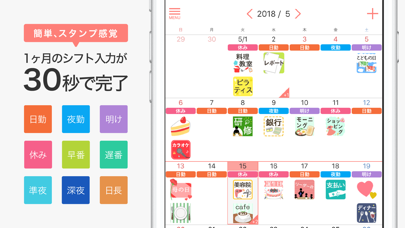
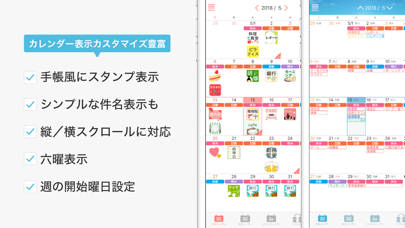
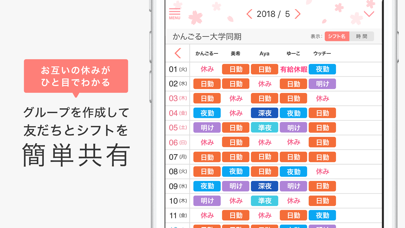
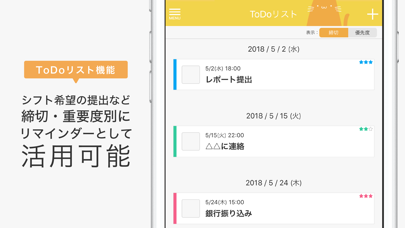
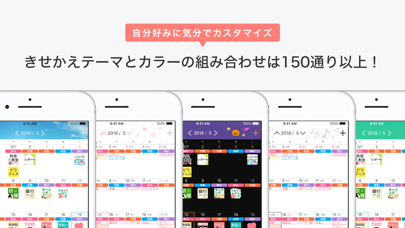
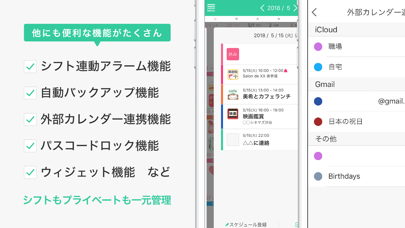
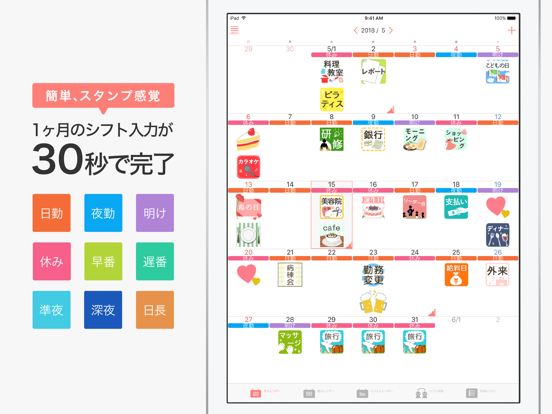
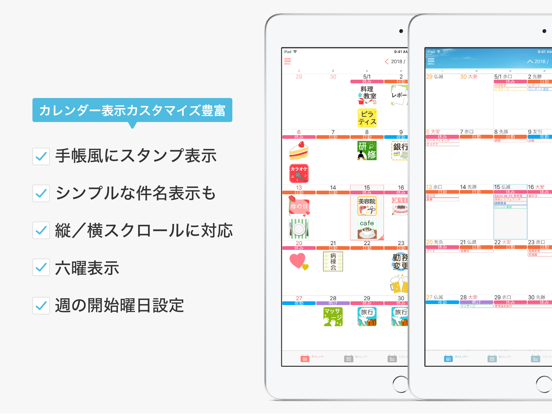
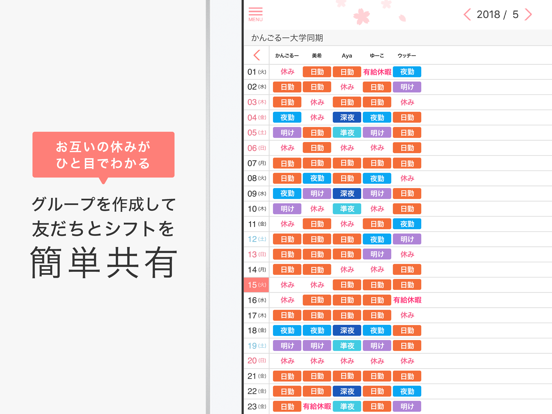
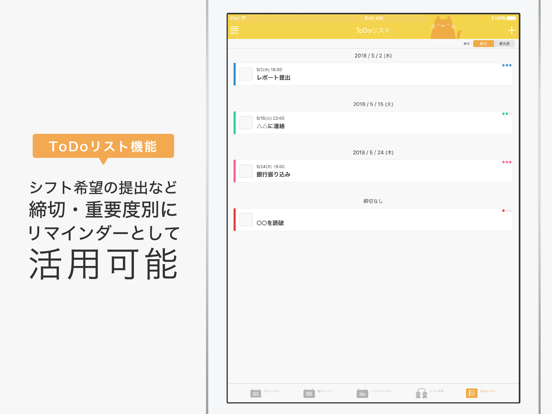
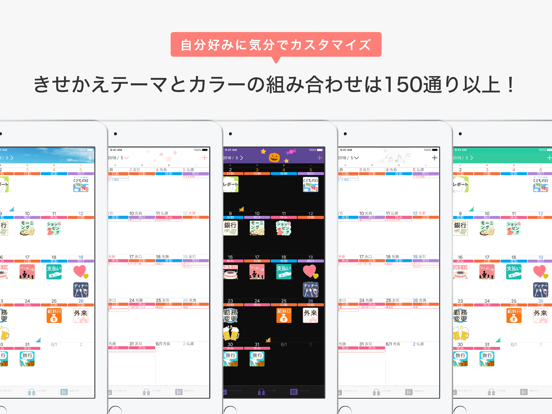
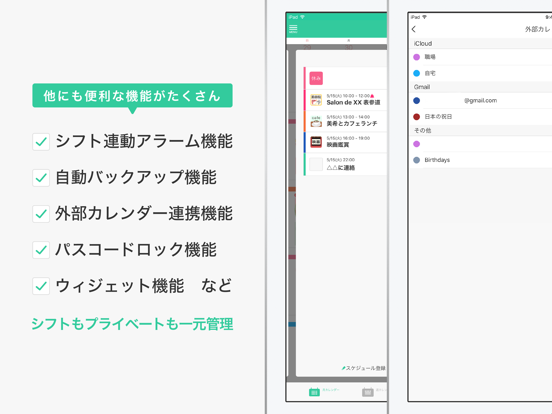
ナスカレPlus+は、シフト勤務の方のためのスケジュール管理アプリ! \ 120万人以上の看護師が利用する、あの『ナスカレ』がパワーアップ!! / ■ナスカレPlus+の特長■ 【シフト入力】 ・シフトをスタンプ感覚でぽんぽん入力。1ヶ月のシフト入力が30秒で完了! 【シフト共有】 ・グループを作成して友だちとシフトを簡単共有! (「ナスカレPlus+」と「ナスカレ」間でも共有可能) 【シフト連動アラーム】 ・シフトパターンごとにアラーム設定が可能。毎日の設定変更が必要なく、アラームの設定忘れもなし! 【外部カレンダー連携】 ・iOSカレンダーやGoogleカレンダーなど外部カレンダーとの連携も可能! ・ナスカレPlus+でシフトもプライベートもスケジュールを一元管理。 【ToDoリスト機能】 ・シフト希望の提出締切など、優先度と締切でタスクを管理! 【細かなカレンダーカスタマイズ】 ・月カレンダーの縦スクロール/横スクロールに対応。 ・スケジュールのスタンプ表示か、シンプルな件名表示か切替可能。 ・「大安」「仏滅」などの六曜表示にも対…
App details
What you can learn from ナスカレPlus+
Every shipping app on the App Store has gone through the same decisions you're working through right now: which screenshot goes first, what caption sits over it, which device frame to show, what color the background should be. The 12 screenshots above are ナスカレPlus+'s answers to those questions — they're public, they're real, and they made it through Apple's review.
What the numbers say: ナスカレPlus+ runs a light set with one background colour (#F4F4F4) carried across every screenshot — the listing reads as a single poster when the shots sit side by side in search results. The accent colour we picked up, #FC7C74, is the one to reuse for badges, arrows and highlighted words if you borrow this look. Hit Use this style to open the editor with these exact colours and drop your own screenshot in.
Notice the first screenshot in particular. It's the one users see in search results and on the product page, and it's where most apps spend their best caption and tightest design. Look at the proportion of background to phone, where the text sits, what one thing the image is trying to communicate.
Want to see how other Medical apps approach the same problem? Browse more Medical apps in the showcase.
Take what works into your own screenshots
Open LaunchShots and design your App Store & Google Play screenshots — pick a device frame, drop captions, ship in minutes. Free, in your browser.
Open the screenshot editor →Apps with a similar look
Closest background + accent colours among the listings we've analysed — useful when you want to see the same palette handled by a different team.