Screenshot style breakdown
Sampled from 5 of 黑猫投诉-新浪旗下消费者服务平台's App Store screenshots — background, accent and theme, measured by LaunchShots (not something Apple publishes).
#FCD48C bg
#DDBA7B
#FCD42C accent
#111111 text
Screenshots

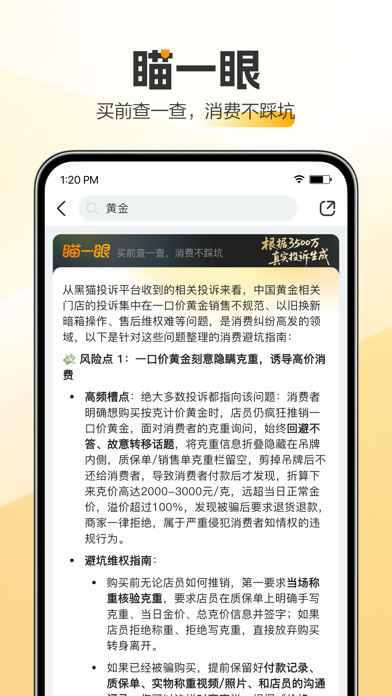


iPad screenshots


Icon palette
About this app
黑猫投诉是新浪旗下消费者服务平台,消费维权用黑猫! *极速处理:黑猫官方合作企业,24小时响应投诉; *红黑榜单:实时排行,商家信誉全透明化; *消费报道:讲解消费陷阱,为用户的消费生活保驾护航。 开启消息推送,你的投诉单最新动态,最新的消费资讯,再也不会错过啦! 【联系我们】北京市海淀区西北旺东路10号院西区8号楼新浪总部大厦; 【官方网站】https://tousu.sina.com.cn; 【官方微博】https://weibo.com/heimaotousu; 【客服邮箱】heimaotousu@vip.sina.com;
App details
What you can learn from 黑猫投诉-新浪旗下消费者服务平台
Every shipping app on the App Store has gone through the same decisions you're working through right now: which screenshot goes first, what caption sits over it, which device frame to show, what color the background should be. The 9 screenshots above are 黑猫投诉-新浪旗下消费者服务平台's answers to those questions — they're public, they're real, and they made it through Apple's review.
What the numbers say: 黑猫投诉-新浪旗下消费者服务平台 runs a light set where the background shifts from screenshot to screenshot (first shot #FCD48C) — each image has to stand on its own, so the captions carry more of the story. The accent colour we picked up, #FCD42C, is the one to reuse for badges, arrows and highlighted words if you borrow this look. Hit Use this style to open the editor with these exact colours and drop your own screenshot in.
Notice the first screenshot in particular. It's the one users see in search results and on the product page, and it's where most apps spend their best caption and tightest design. Look at the proportion of background to phone, where the text sits, what one thing the image is trying to communicate.
Want to see how other Lifestyle apps approach the same problem? Browse more Lifestyle apps in the showcase.
Take what works into your own screenshots
Open LaunchShots and design your App Store & Google Play screenshots — pick a device frame, drop captions, ship in minutes. Free, in your browser.
Open the screenshot editor →Apps with a similar look
Closest background + accent colours among the listings we've analysed — useful when you want to see the same palette handled by a different team.