Chart position — tracked daily by LaunchShots
Screenshot changes — detected by LaunchShots
Screenshot style breakdown
Sampled from 6 of SpaceWeatherLive's App Store screenshots — background, accent and theme, measured by LaunchShots (not something Apple publishes).
#F4F4F4 bg
#D6D6D6
#7CFC04 accent
#111111 text
Screenshots
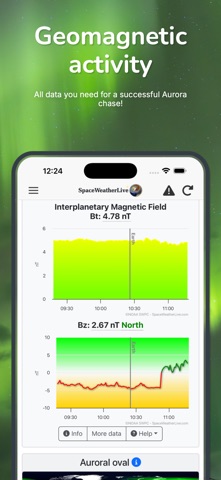


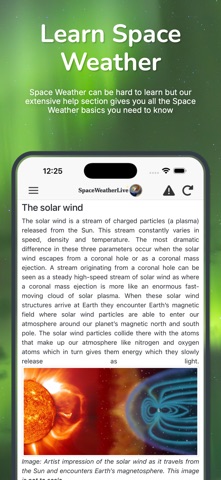


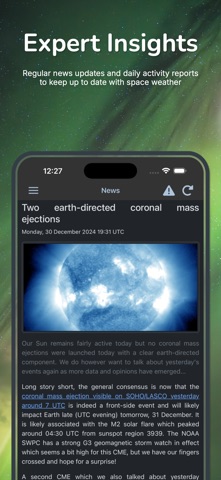

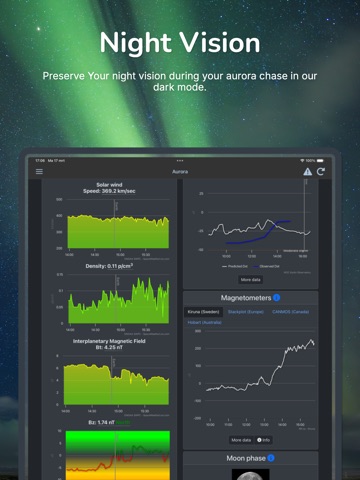
iPad screenshots




Icon palette
About this app
SpaceWeatherLive é o aplicativo definitivo para aqueles que estão interessados em ver as luzes do norte ou querem saber tudo sobre a atividade em nosso sol. Com ele, você poderá ver e entender o quão ativa a aurora está agora e se há uma boa chance de detectar as luzes do norte ou do sul nos próximos dias. Você nunca mais perderá uma exibição de aurora com este aplicativo no seu bolso, não importa aonde você vá! Amigável para iniciantes - Embora o SpaceWeatherLive seja preenchido com todas as informações do clima espacial que você possa imaginar, tanto para os iniciantes quanto para os entusiastas do clima espacial avançado, cada item tem um pop-up com informações adicionais para ajudá-lo se algo não estiver claro. Aprenda mais à medida que avança! Tudo em um só aplicativo - Alterne entre os modos de atividade auroral e solar com apenas um clique! Modo escuro - Preserve sua visão not…
App details
What you can learn from SpaceWeatherLive
Every shipping app on the App Store has gone through the same decisions you're working through right now: which screenshot goes first, what caption sits over it, which device frame to show, what color the background should be. The 16 screenshots above are SpaceWeatherLive's answers to those questions — they're public, they're real, and they made it through Apple's review.
What the numbers say: SpaceWeatherLive runs a mixed light-and-dark set where the background shifts from screenshot to screenshot (first shot #F4F4F4) — each image has to stand on its own, so the captions carry more of the story. The accent colour we picked up, #7CFC04, is the one to reuse for badges, arrows and highlighted words if you borrow this look. Hit Use this style to open the editor with these exact colours and drop your own screenshot in.
Notice the first screenshot in particular. It's the one users see in search results and on the product page, and it's where most apps spend their best caption and tightest design. Look at the proportion of background to phone, where the text sits, what one thing the image is trying to communicate.
Want to see how other Weather apps approach the same problem? Browse more Weather apps in the showcase.
Take what works into your own screenshots
Open LaunchShots and design your App Store & Google Play screenshots — pick a device frame, drop captions, ship in minutes. Free, in your browser.
Open the screenshot editor →Apps with a similar look
Closest background + accent colours among the listings we've analysed — useful when you want to see the same palette handled by a different team.