Chart position — tracked daily by LaunchShots
Screenshot style breakdown
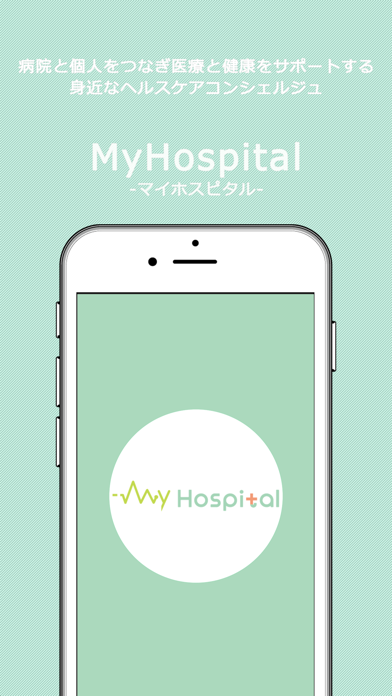
Sampled from 6 of MyHospital -マイホスピタル 医療と健康をサポート's App Store screenshots — background, accent and theme, measured by LaunchShots (not something Apple publishes).
#BCE4D4 bg
#A5C8BA
#2484DC accent
#111111 text
Screenshots

Icon palette
About this app
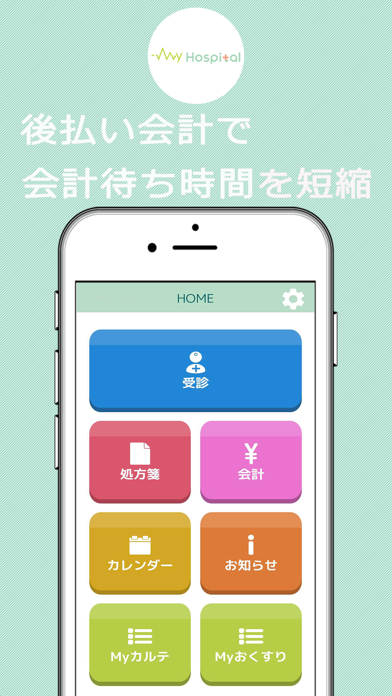
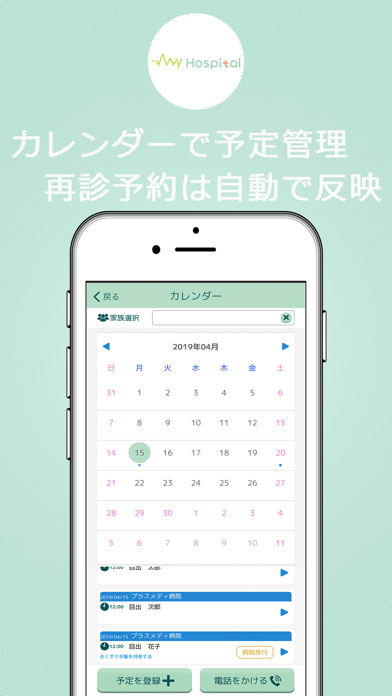
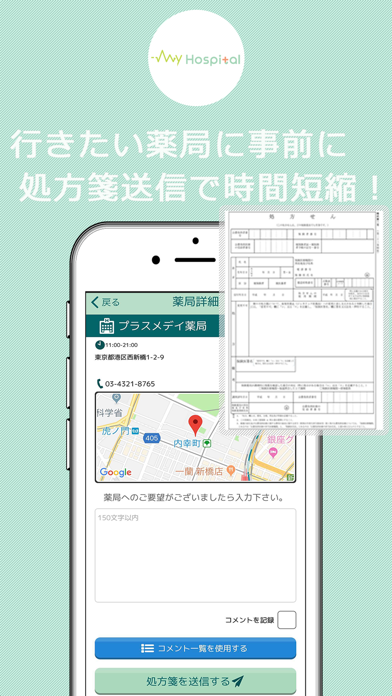
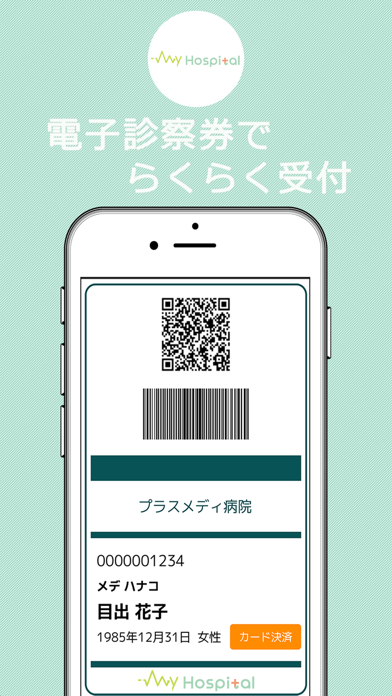
「MyHospital -マイホスピタル 医療と健康をサポートするヘルスケアサービス-」 提携病院にて、このアプリを利用すると、診察後の会計待ち時間の軽減や薬の受け取りがスムーズに。 自分や家族の医療カルテ情報を閲覧でき、病院で医師と共有することにより医師と患者間のコミュニケーションが図れ、 症状への理解や認識を深めるのに役立ちます。 また後払い会計機能を活用することで、病院での滞在時間が大幅に軽減でき、診察後すぐに帰宅したり、また診察後に処方箋を薬局へ送る手続きを行うことで、薬局で待つことなく薬を受け取ることも可能となります。 ■主な機能 下記、基本的には、MyHospital(マイホスピタル)提携医療機関で、ご提供させて頂くサービスです。 「電子処方箋送信」 MyHospital提携医療機関より発行された電子処方箋またはスマホカメラで撮影した処方箋の写真を自分の行きたい薬局(全国にある約6万件の薬局から検索して選択することができます)に予め送信しておくことにより、薬局でのお薬の受け取りがスムーズになります。 ※実際に薬局…
App details
What you can learn from MyHospital -マイホスピタル 医療と健康をサポート
Every shipping app on the App Store has gone through the same decisions you're working through right now: which screenshot goes first, what caption sits over it, which device frame to show, what color the background should be. The 6 screenshots above are MyHospital -マイホスピタル 医療と健康をサポート's answers to those questions — they're public, they're real, and they made it through Apple's review.
What the numbers say: MyHospital -マイホスピタル 医療と健康をサポート runs a light set with one background colour (#BCE4D4) carried across every screenshot — the listing reads as a single poster when the shots sit side by side in search results. The accent colour we picked up, #2484DC, is the one to reuse for badges, arrows and highlighted words if you borrow this look. Hit Use this style to open the editor with these exact colours and drop your own screenshot in.
Notice the first screenshot in particular. It's the one users see in search results and on the product page, and it's where most apps spend their best caption and tightest design. Look at the proportion of background to phone, where the text sits, what one thing the image is trying to communicate.
Want to see how other Medical apps approach the same problem? Browse more Medical apps in the showcase.
Take what works into your own screenshots
Open LaunchShots and design your App Store & Google Play screenshots — pick a device frame, drop captions, ship in minutes. Free, in your browser.
Open the screenshot editor →Apps with a similar look
Closest background + accent colours among the listings we've analysed — useful when you want to see the same palette handled by a different team.