Chart position — tracked daily by LaunchShots
Screenshot changes — detected by LaunchShots
Screenshot style breakdown
Sampled from 4 of AlpenGroup-スポーツショップ『アルペングループ』's App Store screenshots — background, accent and theme, measured by LaunchShots (not something Apple publishes).
#141C2C bg
#343B49
#245494 accent
#FFFFFF text
Screenshots



Icon palette
About this app
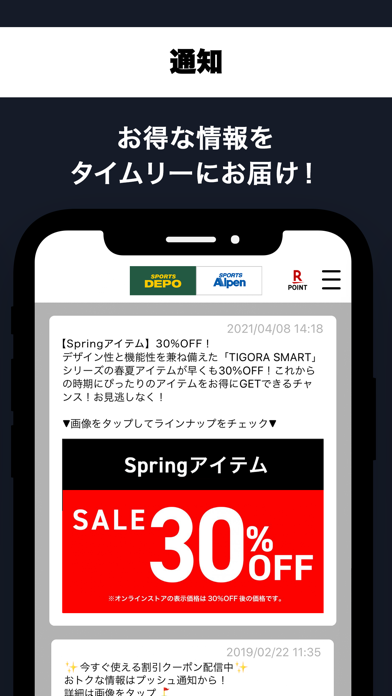
全国の「スポーツデポ」「アルペン」「アルペンマウンテンズ」「アルペンアウトドアーズ」「ゴルフ5」店舗やオンラインストアでのお買い物がもっと便利になる、アルペングループ公式アプリです。 【会員証機能】 アルペングループメンバーズの会員登録が簡単にでき、全国のアルペングループの店舗やオンラインストアでのお買い物でポイントを貯めることができます。 現在のポイントやその失効日も一目で照会可能です。 【クーポン・お知らせ機能】 お気に入り店舗や好きなスポーツを登録すれば、お客様ごとに限定クーポン、お得なイベント、おすすめ情報をお届けします。 【店舗検索機能】 全国のアルペングループ店舗の一覧を掲載しています。「お気に入り店舗」を登録すれば、店舗のセール情報やチラシ、ブログを簡単に見ることができます。 【プッシュ通知について】 お得な情報をプッシュ通知でお知らせします。アプリの初回起動時にプッシュ通知を「ON」に設定するようお願いします。なお、オン・オフの設定は後から変更もできます。 【位置情報の取得に…
App details
What you can learn from AlpenGroup-スポーツショップ『アルペングループ』
Every shipping app on the App Store has gone through the same decisions you're working through right now: which screenshot goes first, what caption sits over it, which device frame to show, what color the background should be. The 4 screenshots above are AlpenGroup-スポーツショップ『アルペングループ』's answers to those questions — they're public, they're real, and they made it through Apple's review.
What the numbers say: AlpenGroup-スポーツショップ『アルペングループ』 runs a mixed light-and-dark set where the background shifts from screenshot to screenshot (first shot #141C2C) — each image has to stand on its own, so the captions carry more of the story. The accent colour we picked up, #245494, is the one to reuse for badges, arrows and highlighted words if you borrow this look. Hit Use this style to open the editor with these exact colours and drop your own screenshot in.
Notice the first screenshot in particular. It's the one users see in search results and on the product page, and it's where most apps spend their best caption and tightest design. Look at the proportion of background to phone, where the text sits, what one thing the image is trying to communicate.
Want to see how other Sports apps approach the same problem? Browse more Sports apps in the showcase.
Take what works into your own screenshots
Open LaunchShots and design your App Store & Google Play screenshots — pick a device frame, drop captions, ship in minutes. Free, in your browser.
Open the screenshot editor →Apps with a similar look
Closest background + accent colours among the listings we've analysed — useful when you want to see the same palette handled by a different team.