Chart position — tracked daily by LaunchShots
Screenshot changes — detected by LaunchShots
Screenshot style breakdown
Sampled from 4 of إنقاذ اﻹمارات's App Store screenshots — background, accent and theme, measured by LaunchShots (not something Apple publishes).
#7C9CD4 bg
#6D89BA
#0C44A4 accent
#111111 text
Screenshots
iPad screenshots



Icon palette
About this app
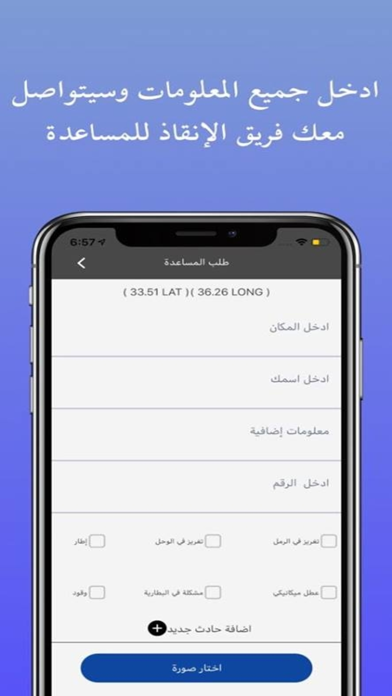
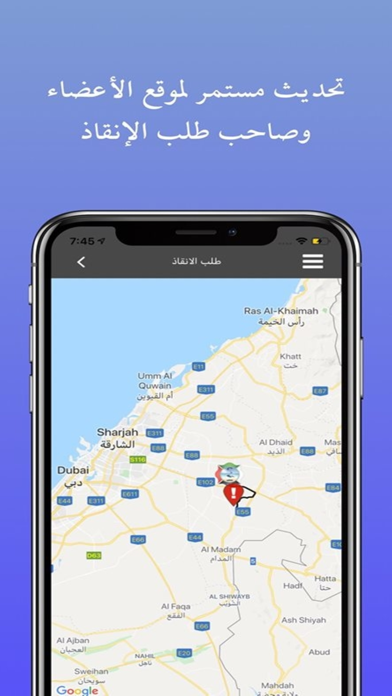
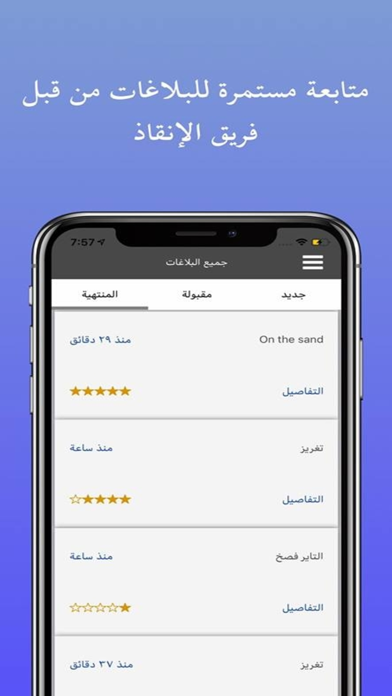
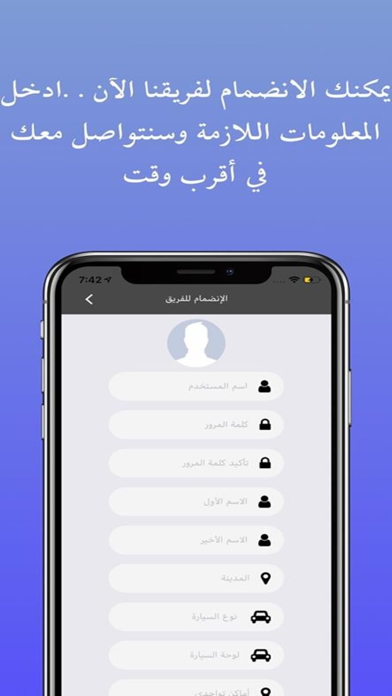
التطبيق الذكي لفريق إنقاذ اﻹمارات التطوعي إن كنت بحاجة لمساعدة على الطريق، سواءً تعطلت بك المركبة، أو نفذ منك الوقود. أو كنت بحاجة لمساعدة خارج الطريق من مثل اﻹنتشال من الطرق الوعرة، أو كنت تائهًا بالصحراء، نحن نقدم لك المساعدة المجانية! هو التطبيق اﻷول من نوعه على مستوى العالم؛ حيث تستطيع من خلاله طلب المساعدة في أي مكان في دولة اﻹمارات اﻹمارات العربية المتحدة، وسيصل طلبك إلى متطوعين في مختلف المجالات، من مثل: اﻹنقاذ البري، اﻹنقاذ البحري، الغوص، البحث واﻹنتشال، الطيران الشراعي، اﻹنقاذ من الجبال. ادخل نوع المساعدة المطلوبة، والتطبيق سيحدد موقعك تلقائيًا بواسطة GPS سيتم التواصل معك بواسطة أقرب متطوع إليك. مع العلم إن الخدمة مجانية تمامًا ولن يطلب منك أي أحد أي مبالغ. الفريق من تأسيس وقيادة: علي الشمري التطبيق مبادرة مقدمة من: عبد الرحمن حسون، شركة PRO71 للتحول الرقمي وخدمات العلامات التجارية. إخلاء مسؤولية: فريق إنقاذ الإمارات هو فريق تطوعي مستقل، كمبادرة شخصية لخدمة المجت…
App details
What you can learn from إنقاذ اﻹمارات
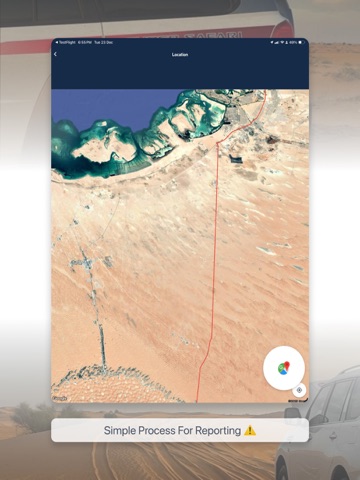
Every shipping app on the App Store has gone through the same decisions you're working through right now: which screenshot goes first, what caption sits over it, which device frame to show, what color the background should be. The 12 screenshots above are إنقاذ اﻹمارات's answers to those questions — they're public, they're real, and they made it through Apple's review.
What the numbers say: إنقاذ اﻹمارات runs a light set where the background shifts from screenshot to screenshot (first shot #7C9CD4) — each image has to stand on its own, so the captions carry more of the story. The accent colour we picked up, #0C44A4, is the one to reuse for badges, arrows and highlighted words if you borrow this look. Hit Use this style to open the editor with these exact colours and drop your own screenshot in.
Notice the first screenshot in particular. It's the one users see in search results and on the product page, and it's where most apps spend their best caption and tightest design. Look at the proportion of background to phone, where the text sits, what one thing the image is trying to communicate.
Want to see how other Navigation apps approach the same problem? Browse more Navigation apps in the showcase.
Take what works into your own screenshots
Open LaunchShots and design your App Store & Google Play screenshots — pick a device frame, drop captions, ship in minutes. Free, in your browser.
Open the screenshot editor →Apps with a similar look
Closest background + accent colours among the listings we've analysed — useful when you want to see the same palette handled by a different team.