Chart position — tracked daily by LaunchShots
Screenshot style breakdown
Sampled from 5 of Phomemo's App Store screenshots — background, accent and theme, measured by LaunchShots (not something Apple publishes).
#FCFCFC bg
#DDDDDD
#94ECE4 accent
#111111 text
Screenshots


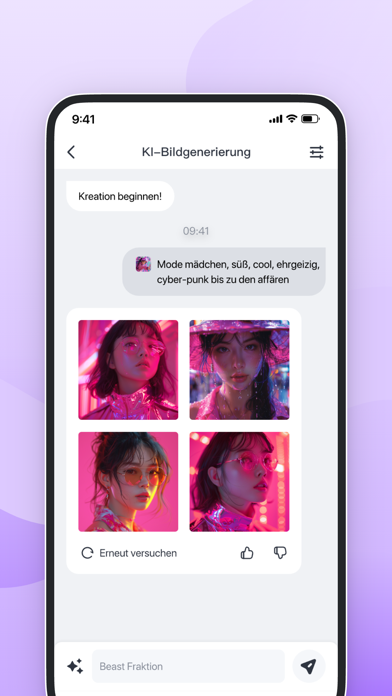


iPad screenshots


Icon palette
About this app
Dies ist eine praktische und benutzerfreundliche App. Sie können Ihre Arbeit, Ihr Leben, Ihr Studium und verschiedene Interessen oder Hobbys aufzeichnen, indem Sie sich mit dem Mini-Phomemo (ohne Tinte und Unterstützung zahlreicher Arten von Etiketten) verbinden und diese drucken. Phomemo, Ihr intimer Assistent, ist immer und überall für Sie da. 【Bearbeiten】 Sie können frei bearbeiten und überarbeiten, wie Sie möchten. Fügen Sie alle Texte, Bilder, Emoticons, Tabellen und QR-Codes ein. Unterstützt sowohl horizontale als auch vertikale Drucke. 【Arbeit】 Was ist mit Haftnotizen und Aufgabenlisten? Keine Bange! Sie können sie bequem in zahlreichen Vorlagen drucken, anstatt sie zu schreiben. 【Lernen】 Mit verschiedenen Tools in der App fühlen Sie sich beim Lernen entspannt. Sie können ein Foto für korrigierte Antworten aufnehmen und ausdrucken. Mit Phomemo sparen Sie mehr Zeit zum Lerne…
App details
What you can learn from Phomemo
Every shipping app on the App Store has gone through the same decisions you're working through right now: which screenshot goes first, what caption sits over it, which device frame to show, what color the background should be. The 10 screenshots above are Phomemo's answers to those questions — they're public, they're real, and they made it through Apple's review.
What the numbers say: Phomemo runs a light set with one background colour (#FCFCFC) carried across every screenshot — the listing reads as a single poster when the shots sit side by side in search results. The accent colour we picked up, #94ECE4, is the one to reuse for badges, arrows and highlighted words if you borrow this look. Hit Use this style to open the editor with these exact colours and drop your own screenshot in.
Notice the first screenshot in particular. It's the one users see in search results and on the product page, and it's where most apps spend their best caption and tightest design. Look at the proportion of background to phone, where the text sits, what one thing the image is trying to communicate.
Want to see how other Education apps approach the same problem? Browse more Education apps in the showcase.
Take what works into your own screenshots
Open LaunchShots and design your App Store & Google Play screenshots — pick a device frame, drop captions, ship in minutes. Free, in your browser.
Open the screenshot editor →Apps with a similar look
Closest background + accent colours among the listings we've analysed — useful when you want to see the same palette handled by a different team.