Chart position — tracked daily by LaunchShots
Screenshot style breakdown
Sampled from 6 of Kwork's App Store screenshots — background, accent and theme, measured by LaunchShots (not something Apple publishes).
#446CF4 bg
#5E80F5
#8CA4FC accent
#FFFFFF text
Screenshots


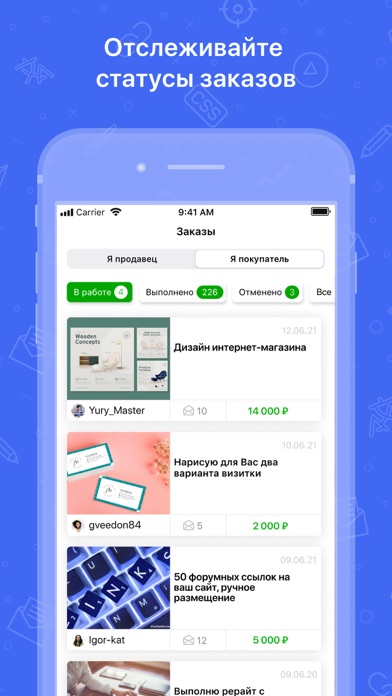
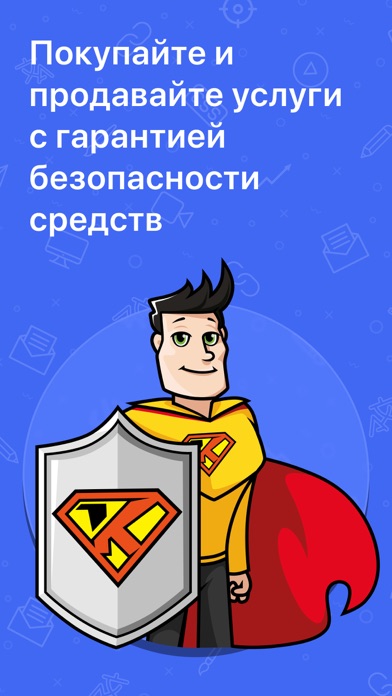
iPad screenshots


Icon palette
About this app
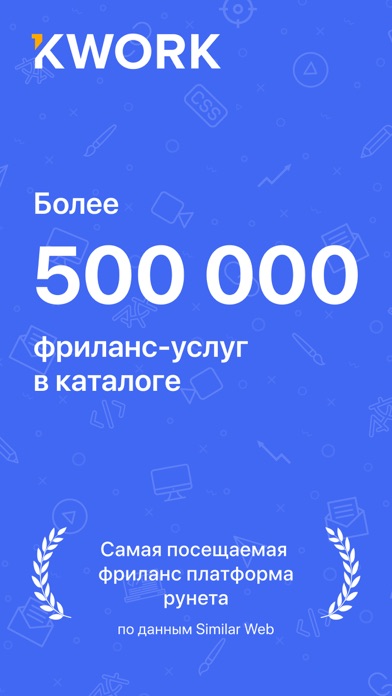
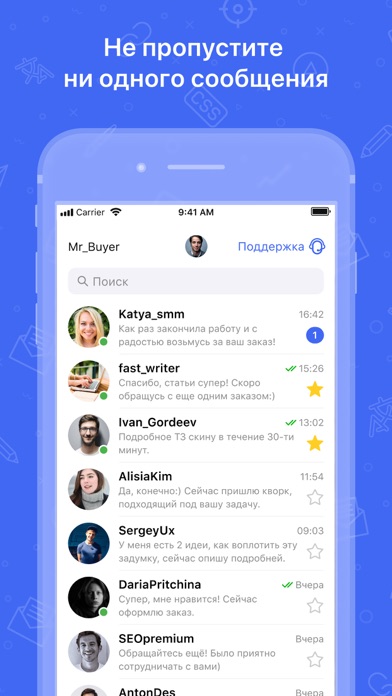
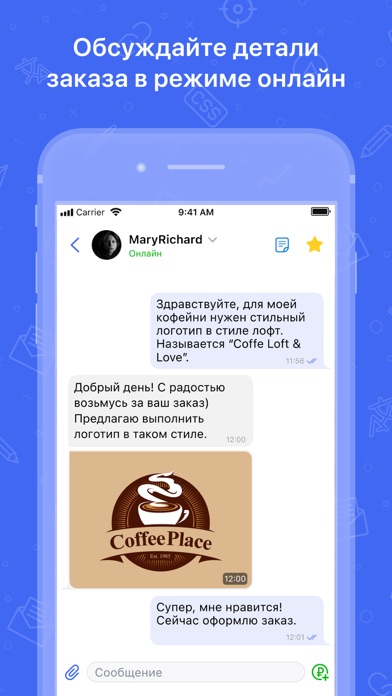
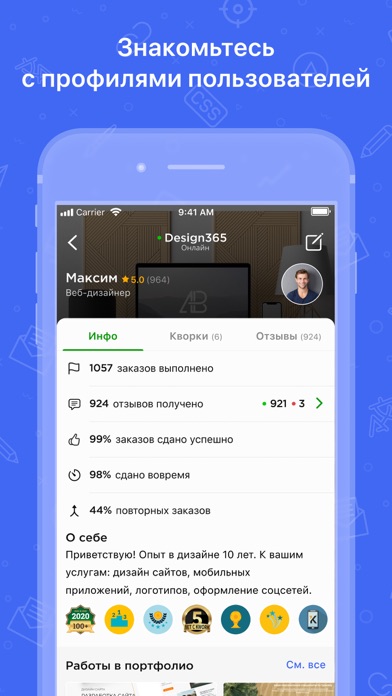
Kwork – это инструмент для решения любой задачи онлайн в вашем кармане! Каталог. В каталоге представлено более 500 000 тыс. услуг фрилансеров в рубриках Дизайн, Разработка и IT, Тексты и переводы, SEO и трафик, Соцсети и реклама, Аудио, видео, съемка, Бизнес и жизнь. Здесь в пару кликов можно найти решение для любой задачи. Просто выберите нужную рубрику и воспользуйтесь фильтрами. Поиск. Чтобы найти нужную услугу еще быстрее, просто введите ваш запрос в поисковую строку, например “создать сайт на wix” или “настроить контекстную рекламу”. И вы увидите все услуги по этой тематике. Чат. Общайтесь с фрилансерами и заказчиками в удобном мессенджере, обсуждайте детали будущего заказа, обменивайтесь файлами. Будьте всегда на связи. Push-уведомления. Получайте моментальные уведомления о любых событиях в аккаунте. Не пропустите важное. Биржа. Если у вас уникальная задача, разместите …
App details
What you can learn from Kwork
Every shipping app on the App Store has gone through the same decisions you're working through right now: which screenshot goes first, what caption sits over it, which device frame to show, what color the background should be. The 16 screenshots above are Kwork's answers to those questions — they're public, they're real, and they made it through Apple's review.
What the numbers say: Kwork runs a dark set with one background colour (#446CF4) carried across every screenshot — the listing reads as a single poster when the shots sit side by side in search results. The accent colour we picked up, #8CA4FC, is the one to reuse for badges, arrows and highlighted words if you borrow this look. Hit Use this style to open the editor with these exact colours and drop your own screenshot in.
Notice the first screenshot in particular. It's the one users see in search results and on the product page, and it's where most apps spend their best caption and tightest design. Look at the proportion of background to phone, where the text sits, what one thing the image is trying to communicate.
Want to see how other Business apps approach the same problem? Browse more Business apps in the showcase.
Take what works into your own screenshots
Open LaunchShots and design your App Store & Google Play screenshots — pick a device frame, drop captions, ship in minutes. Free, in your browser.
Open the screenshot editor →Apps with a similar look
Closest background + accent colours among the listings we've analysed — useful when you want to see the same palette handled by a different team.