Chart position — tracked daily by LaunchShots
Screenshot changes — detected by LaunchShots
Screenshot style breakdown
Sampled from 6 of Studocu: Appunti e Quiz's App Store screenshots — background, accent and theme, measured by LaunchShots (not something Apple publishes).
#FCFCF4 bg
#DDDDD6
#F46C1C accent
#111111 text
Screenshots



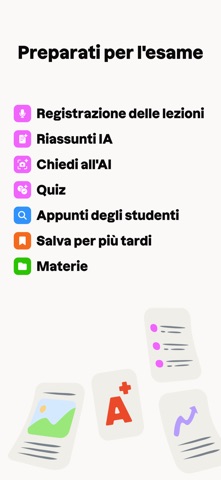
iPad screenshots


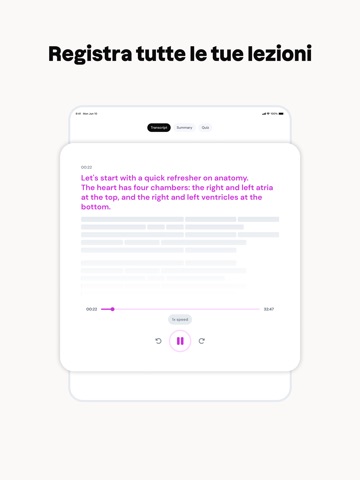


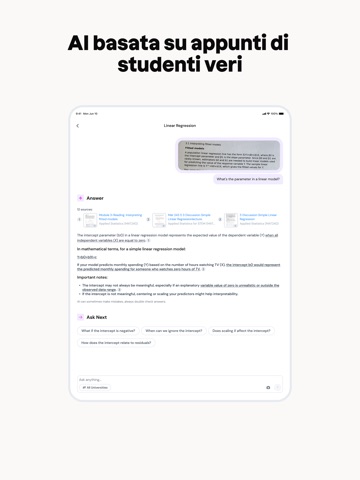
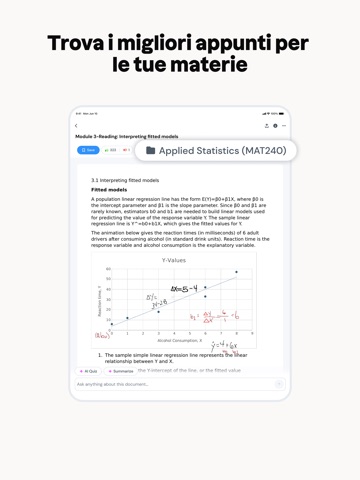

Icon palette
About this app
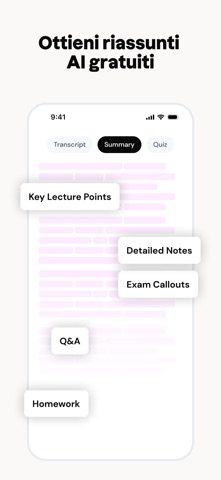
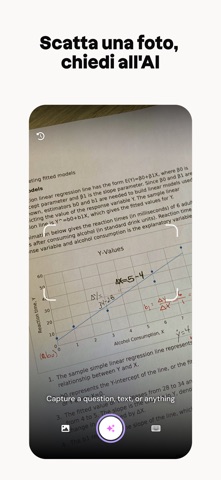
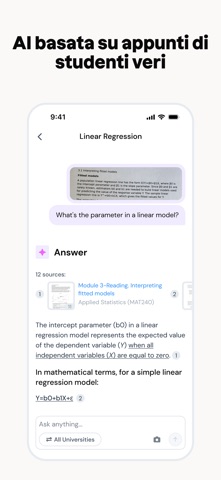
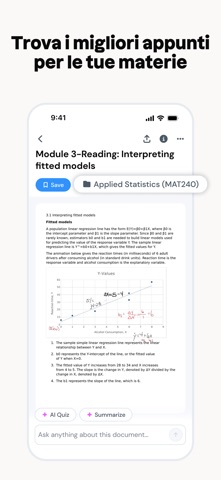
Supera i tuoi esami con Studocu, l'app di studio basata sull'IA scelta da milioni di studenti in tutto il mondo. Registra le lezioni, genera quiz con l'IA, usa il tutor Ace e accedi a oltre 50 milioni di appunti reali degli studenti: tutto ciò che ti serve per avere successo. Funzionalità principali: Registratore di lezioni: non perderti mai nulla - Registra lezioni, corsi, seminari e gruppi di studio direttamente nell'app. - Genera trascrizioni complete per prendere appunti con precisione e organizzale per corso. - Ottieni riepiloghi istantanei delle registrazioni con i concetti chiave, appunti dettagliati sugli argomenti, indicazioni utili per l'esame e attività da svolgere. - Trasforma le registrazioni in quiz con un solo tocco per verificare le tue conoscenze o ripassare prima di un esame. - Imposta promemoria per non dimenticare mai di registrare una lezione importante. Quiz IA:…
App details
What you can learn from Studocu: Appunti e Quiz
Every shipping app on the App Store has gone through the same decisions you're working through right now: which screenshot goes first, what caption sits over it, which device frame to show, what color the background should be. The 16 screenshots above are Studocu: Appunti e Quiz's answers to those questions — they're public, they're real, and they made it through Apple's review.
What the numbers say: Studocu: Appunti e Quiz runs a light set with one background colour (#FCFCF4) carried across every screenshot — the listing reads as a single poster when the shots sit side by side in search results. The accent colour we picked up, #F46C1C, is the one to reuse for badges, arrows and highlighted words if you borrow this look. Hit Use this style to open the editor with these exact colours and drop your own screenshot in.
Notice the first screenshot in particular. It's the one users see in search results and on the product page, and it's where most apps spend their best caption and tightest design. Look at the proportion of background to phone, where the text sits, what one thing the image is trying to communicate.
Want to see how other Education apps approach the same problem? Browse more Education apps in the showcase.
Take what works into your own screenshots
Open LaunchShots and design your App Store & Google Play screenshots — pick a device frame, drop captions, ship in minutes. Free, in your browser.
Open the screenshot editor →Apps with a similar look
Closest background + accent colours among the listings we've analysed — useful when you want to see the same palette handled by a different team.