Chart position — tracked daily by LaunchShots
Screenshot style breakdown
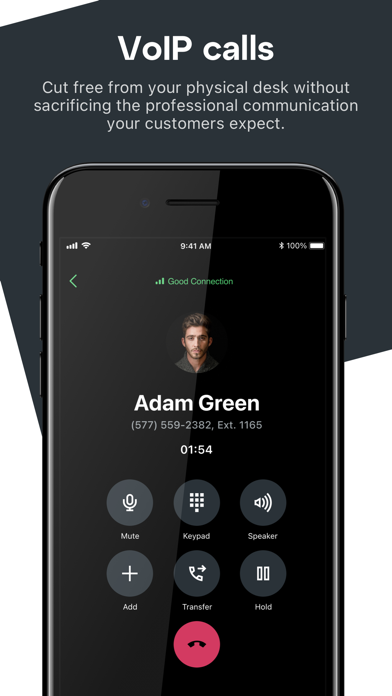
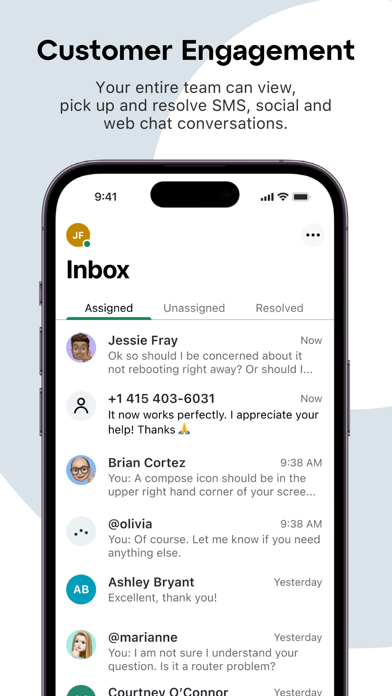
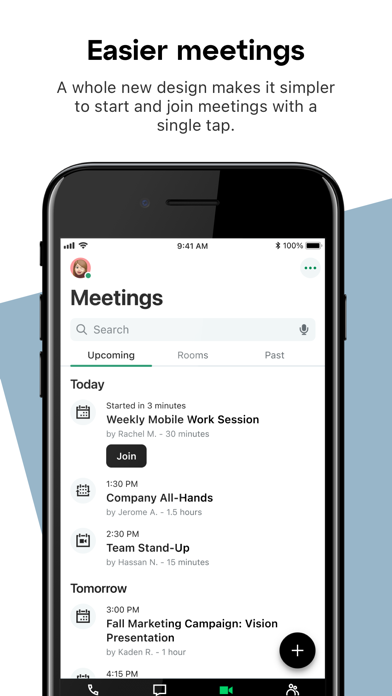
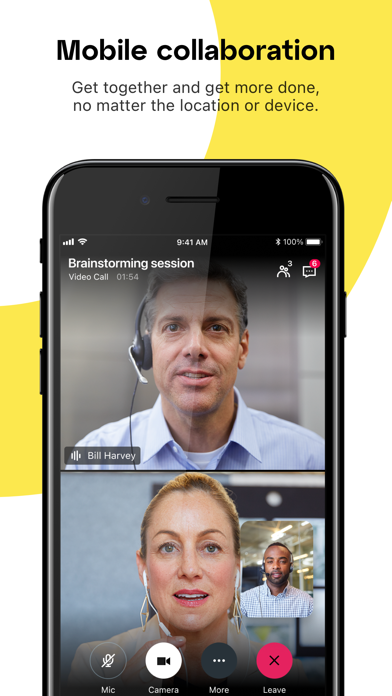
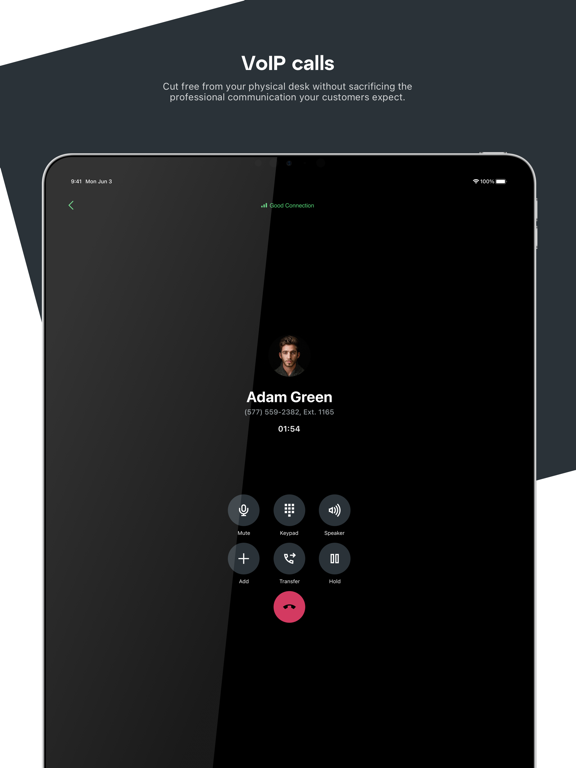
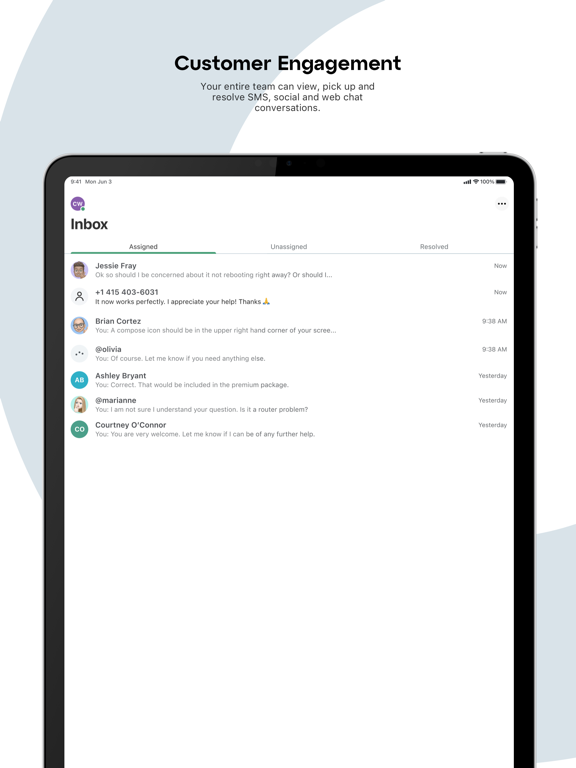
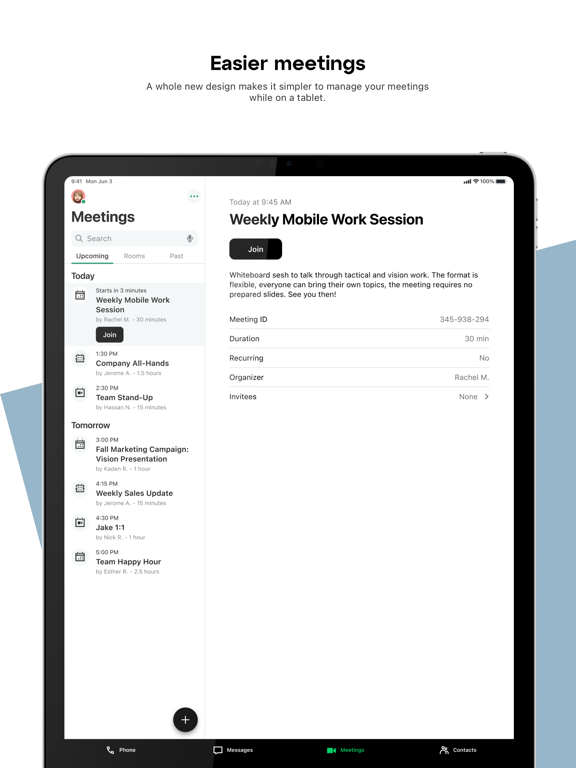
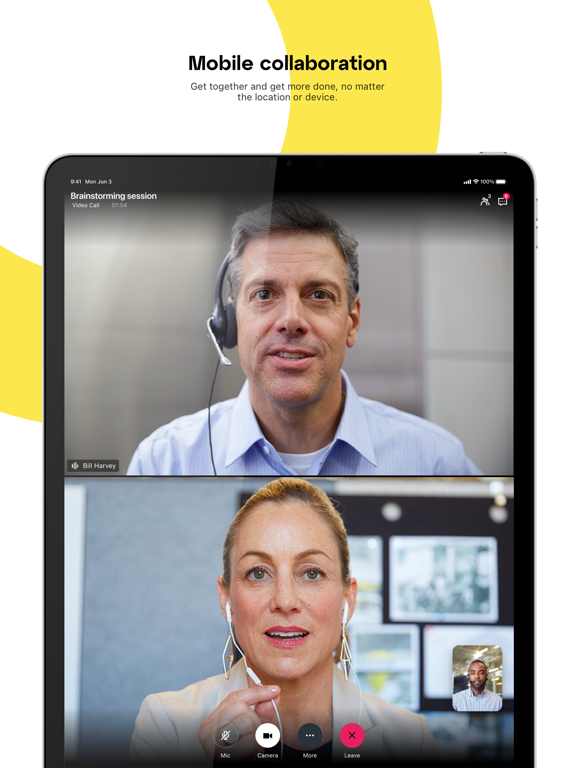
Sampled from 6 of GoTo's App Store screenshots — background, accent and theme, measured by LaunchShots (not something Apple publishes).
#2C343C bg
#495057
#D43C64 accent
#FFFFFF text
Screenshots
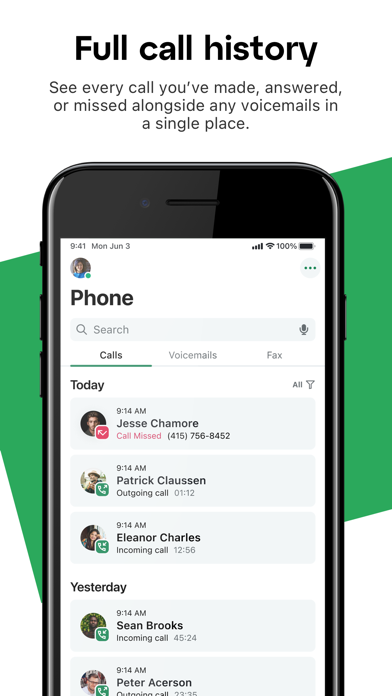
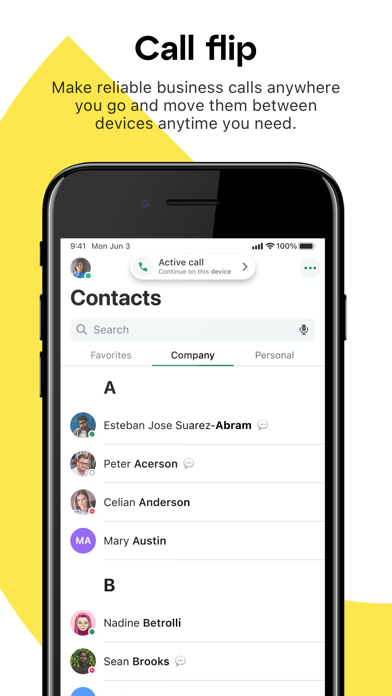
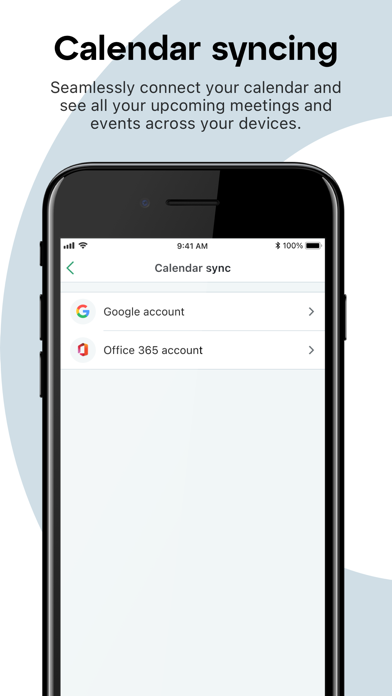
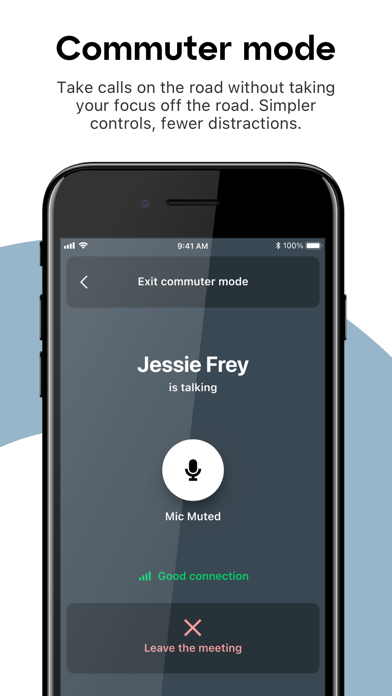
iPad screenshots
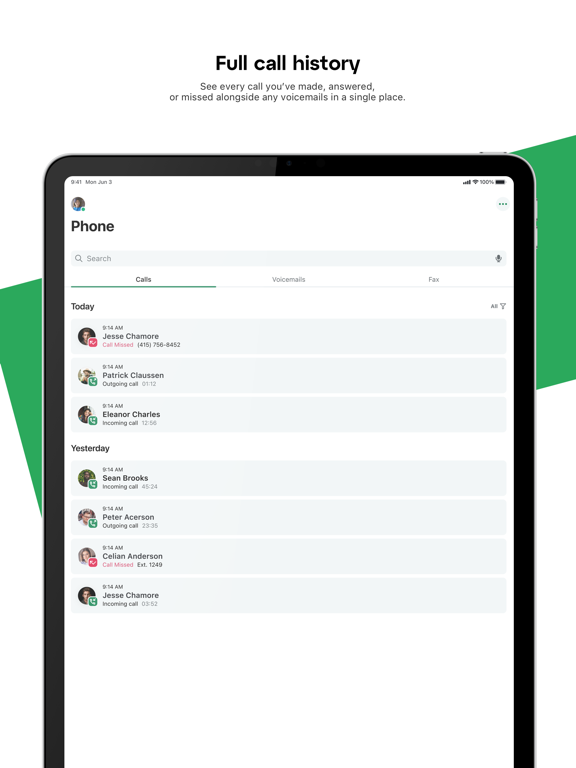
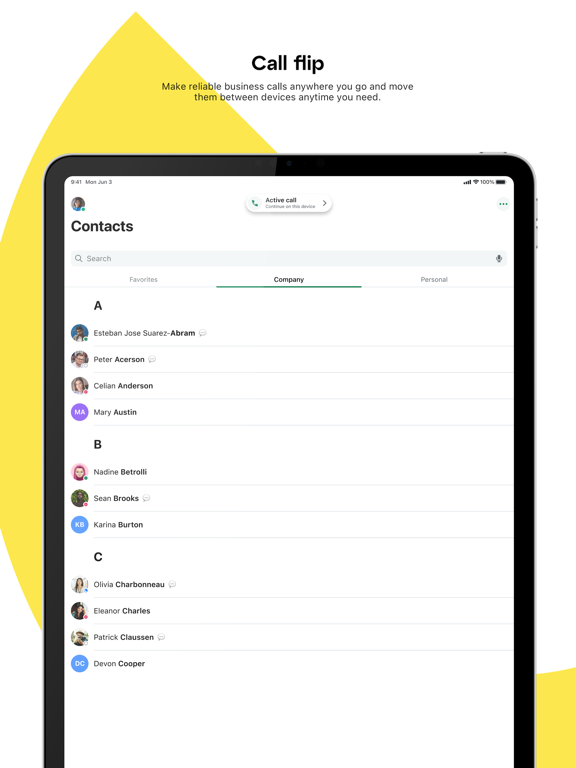
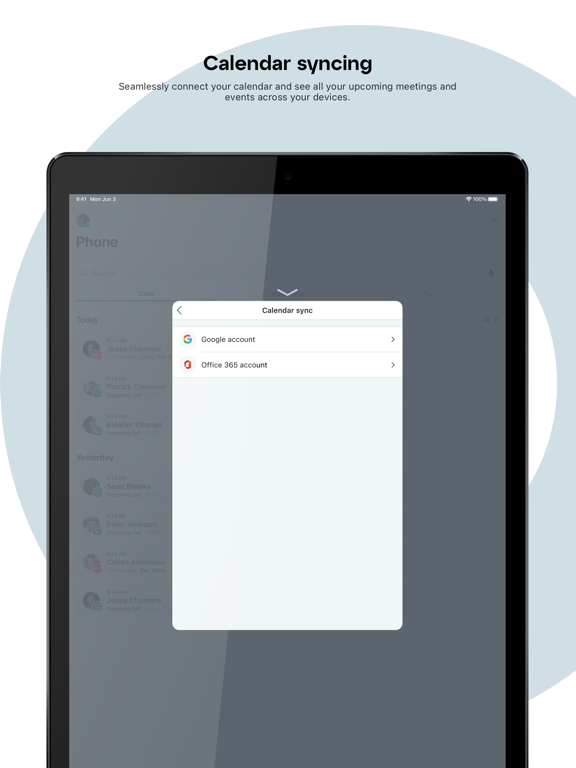
Icon palette
About this app
GoTo ist der führende Anbieter von Software für die flexible Arbeitswelt, damit Sie mit Kollegen und Kunden in Dialog treten und zusammenarbeiten können. Von der Sprachtelefonie über den Nachrichtenaustausch bis hin zu virtuellen Meetings, Schulungen und Webinaren – GoTo ist Ihre All-in-one-App für die mobile Kommunikation rund um den Globus. Führen Sie kurze Unterhaltungen und geschäftskritische Meetings. Treten Sie in Sekundenschnelle einer Online-Veranstaltung bei und nehmen Sie an Umfragen und anderen Aktivitäten teil. Arbeiten Sie mit Ihrem Team zusammen und beantworten Sie Kundenanfragen auf allen Kanälen in einem einzigen Posteingang. Wo auch immer Sie sind und wie auch immer Sie kommunizieren müssen, bei GoTo sind Sie richtig. Vereinfachen Sie Ihre Kommunikation: - Sie bleiben von überall aus mit Kunden und Kollegen in Verbindung. - Sie können Ihr eigenes Smartphone nutzen, ohn…
App details
What you can learn from GoTo
Every shipping app on the App Store has gone through the same decisions you're working through right now: which screenshot goes first, what caption sits over it, which device frame to show, what color the background should be. The 15 screenshots above are GoTo's answers to those questions — they're public, they're real, and they made it through Apple's review.
What the numbers say: GoTo runs a mixed light-and-dark set where the background shifts from screenshot to screenshot (first shot #2C343C) — each image has to stand on its own, so the captions carry more of the story. The accent colour we picked up, #D43C64, is the one to reuse for badges, arrows and highlighted words if you borrow this look. Hit Use this style to open the editor with these exact colours and drop your own screenshot in.
Notice the first screenshot in particular. It's the one users see in search results and on the product page, and it's where most apps spend their best caption and tightest design. Look at the proportion of background to phone, where the text sits, what one thing the image is trying to communicate.
Want to see how other Business apps approach the same problem? Browse more Business apps in the showcase.
Take what works into your own screenshots
Open LaunchShots and design your App Store & Google Play screenshots — pick a device frame, drop captions, ship in minutes. Free, in your browser.
Open the screenshot editor →Apps with a similar look
Closest background + accent colours among the listings we've analysed — useful when you want to see the same palette handled by a different team.