Screenshots
iPad screenshots
Icon palette
About this app
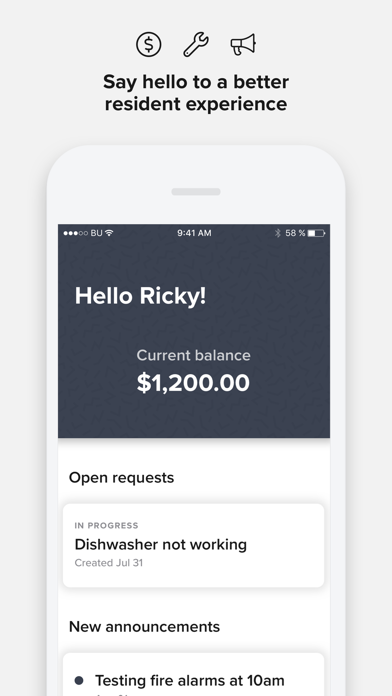
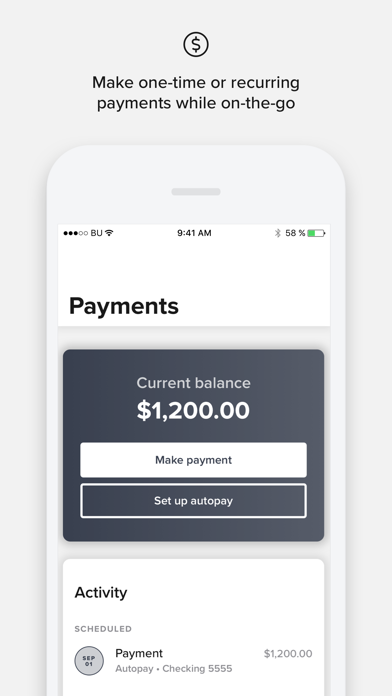
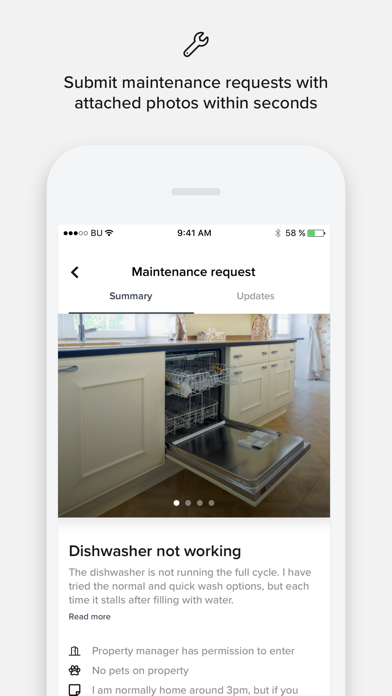
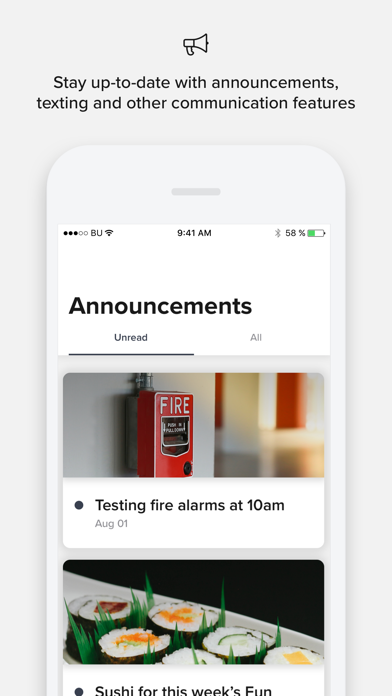
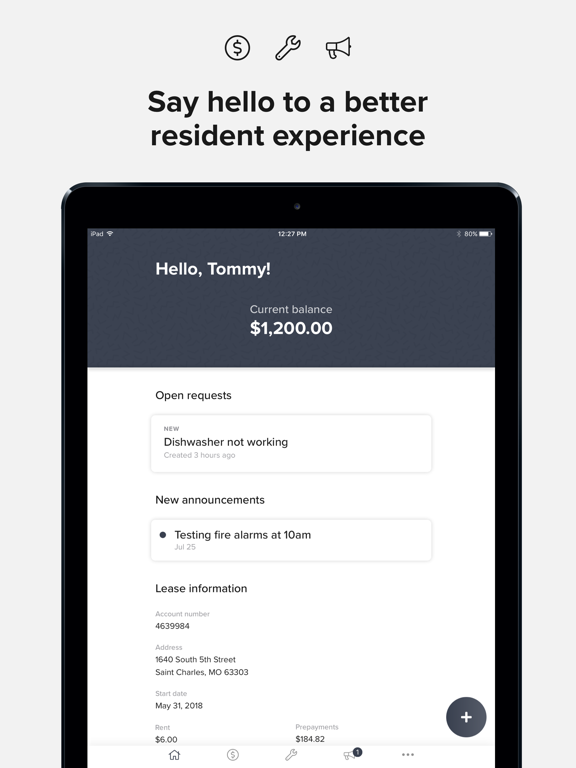
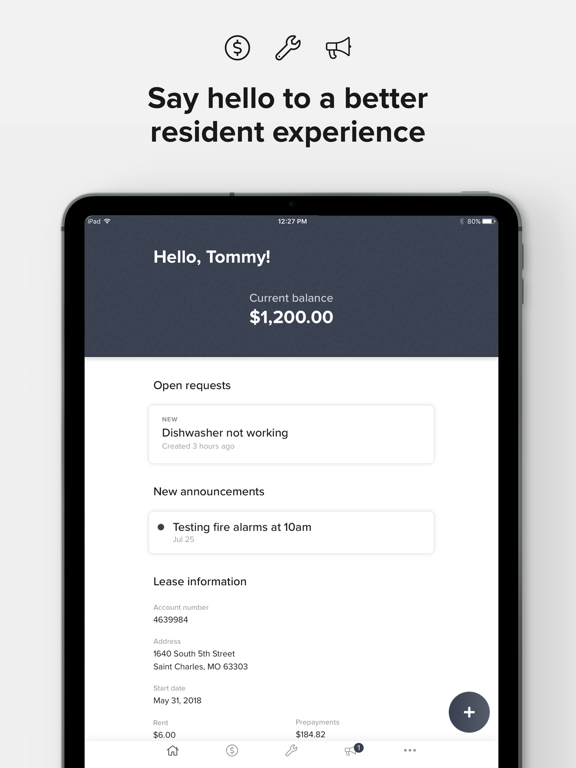
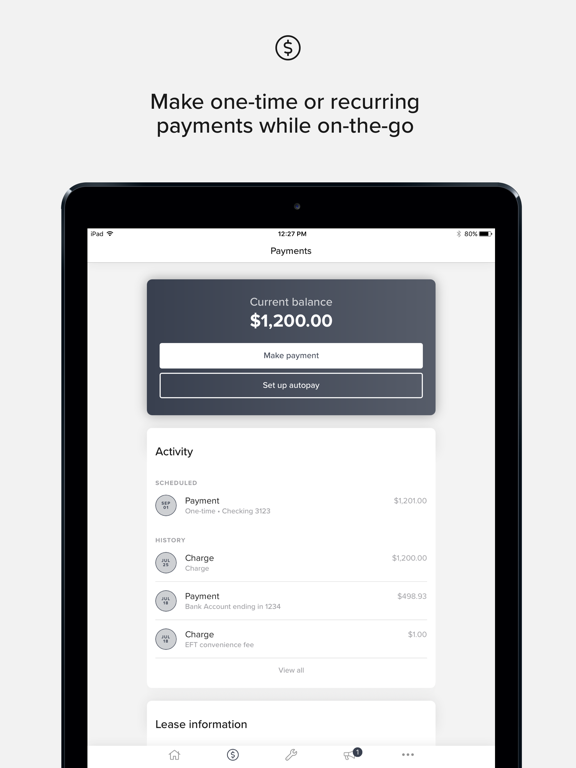
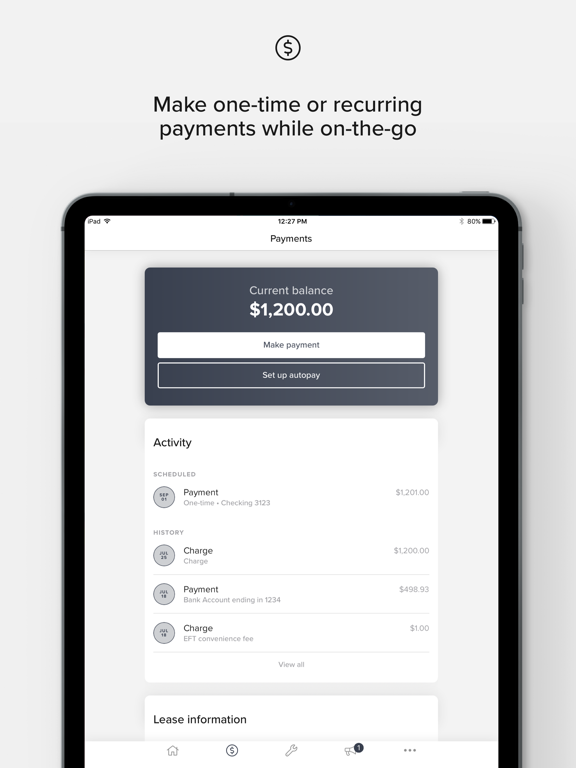
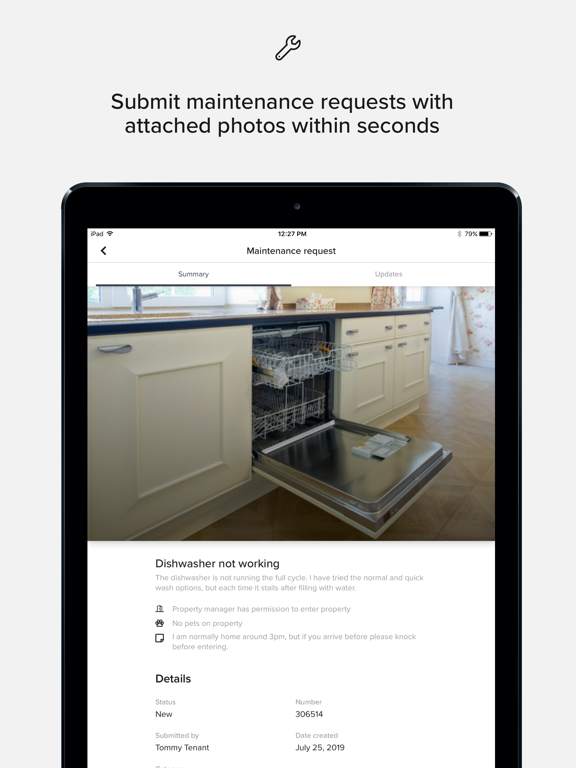
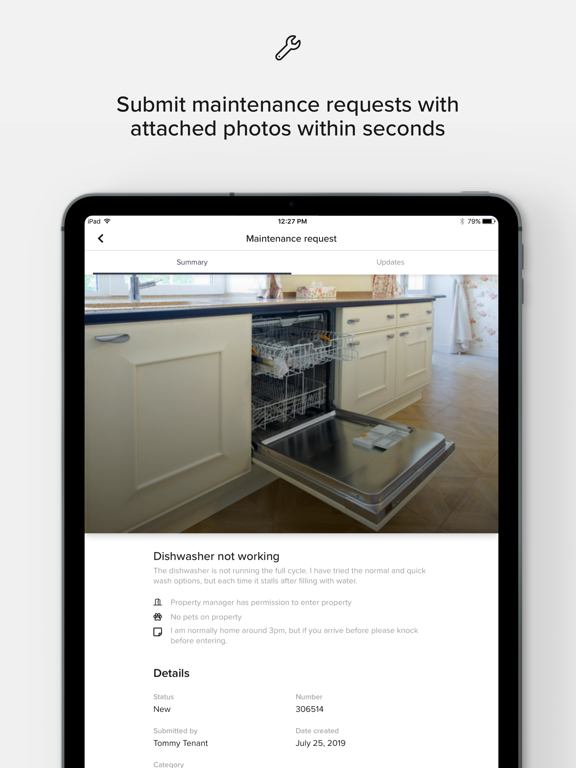
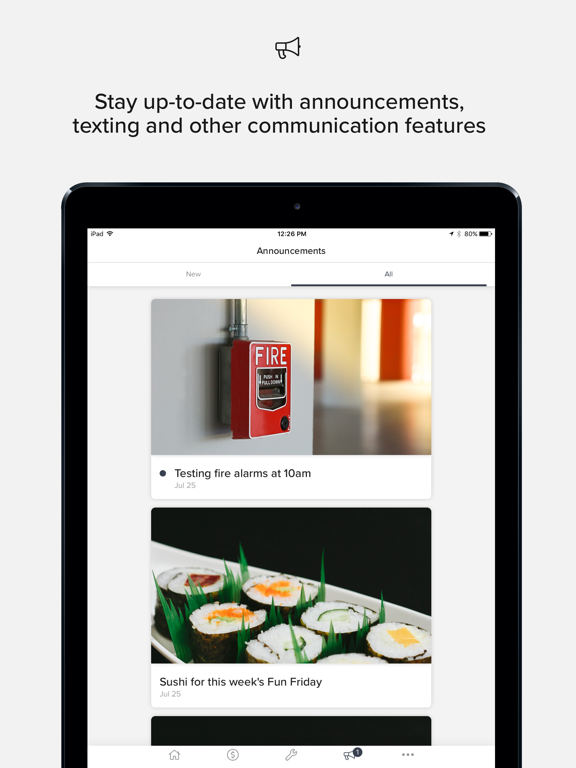
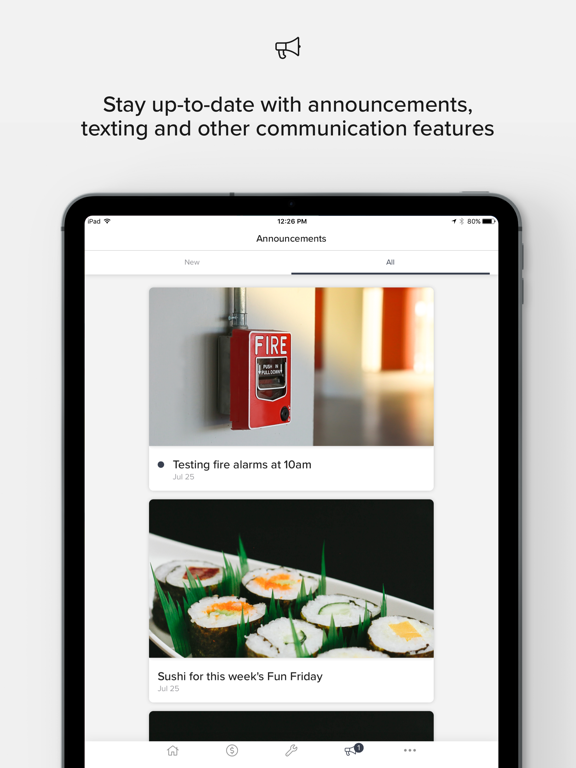
Resident Center, powered by Buildium, is designed with simplicity in mind. You can make payments, submit maintenance requests, contact your property manager, learn about your community, and more––with just a few taps. Features may vary depending on your property management company. Key features: - Never miss payment deadline again! With autopay you can set up recurring payments through your bank account or credit card. - Don't stress if you have an issue that needs to be fixed! Easily submit a request right from the app and include a photo so your property manager can get it resolved as soon as possible. - Stay informed about your building and unit. Your property manager can post announcements through the app to give you a heads up about things like parking bans, office hours, or even fun events in your neighborhood.
App details
What you can learn from Resident Center
Every shipping app on the App Store has gone through the same decisions you're working through right now: which screenshot goes first, what caption sits over it, which device frame to show, what color the background should be. The 12 screenshots above are Resident Center's answers to those questions — they're public, they're real, and they made it through Apple's review.
Notice the first screenshot in particular. It's the one users see in search results and on the product page, and it's where most apps spend their best caption and tightest design. Look at the proportion of background to phone, where the text sits, what one thing the image is trying to communicate.
Want to see how other Business apps approach the same problem? Browse more Business apps in the showcase.
Take what works into your own screenshots
Open LaunchShots and design your App Store & Google Play screenshots — pick a device frame, drop captions, ship in minutes. Free, in your browser.
Open the screenshot editor →