Chart position — tracked daily by LaunchShots
Screenshot changes — detected by LaunchShots
Screenshot style breakdown
Sampled from 3 of mobi(モビ)Community Mobility's App Store screenshots — background, accent and theme, measured by LaunchShots (not something Apple publishes).
#FCD4A4 bg
#DDBA90
#FC443C accent
#111111 text
Screenshots


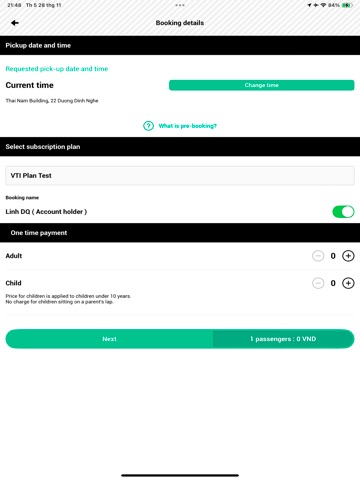
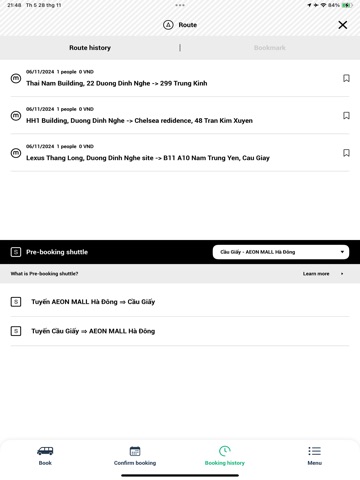
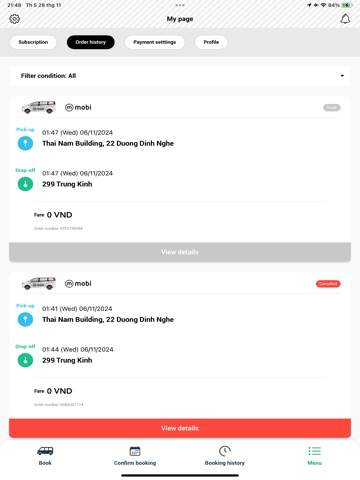
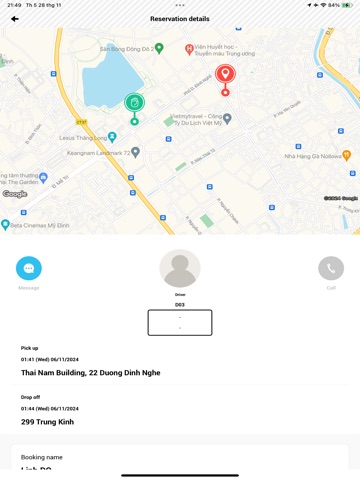
iPad screenshots


Icon palette
About this app
お客様がリクエストした瞬間に、エリアの道路状況や移動リクエストを考慮しAIが最適なルートを算出。あなたの都合に合わせてお迎えに駆けつけ、目的地までお届けします。お出かけ・通院・子どものお迎えから、お仕事の移動まで、地域のチョイ乗り移動にぴったり。エリア専属のプロドライバーが運行するので、お子様やご高齢の方にも安心してご乗車いただけます。 mobiアプリの特徴 ----------------------------------- ○アプリで呼ぶだけで! 自分の街をmobiが循環。お客様がリクエストした瞬間に、AIが最適ルートを算出して、あなたの都合に合わせて駆けつけます。 ○AIが最適なルートをご案内 mobiは賢い移動サービスです。道路状況やエリアの移動リクエストを考慮して最適ルートで目的地までお届けします。 ○アプリで手軽に 専用アプリでサクッとmobiを呼んで移動できます。 ○30日定額乗り放題プランもご用意 30日定額乗り放題プランに加入すると、一回一回の料金を気にせずにmobiを利用できます。 お得な家族会員プランもご用意しています。 (エリアによりご…
App details
What you can learn from mobi(モビ)Community Mobility
Every shipping app on the App Store has gone through the same decisions you're working through right now: which screenshot goes first, what caption sits over it, which device frame to show, what color the background should be. The 9 screenshots above are mobi(モビ)Community Mobility's answers to those questions — they're public, they're real, and they made it through Apple's review.
What the numbers say: mobi(モビ)Community Mobility runs a light set where the background shifts from screenshot to screenshot (first shot #FCD4A4) — each image has to stand on its own, so the captions carry more of the story. The accent colour we picked up, #FC443C, is the one to reuse for badges, arrows and highlighted words if you borrow this look. Hit Use this style to open the editor with these exact colours and drop your own screenshot in.
Notice the first screenshot in particular. It's the one users see in search results and on the product page, and it's where most apps spend their best caption and tightest design. Look at the proportion of background to phone, where the text sits, what one thing the image is trying to communicate.
Want to see how other Navigation apps approach the same problem? Browse more Navigation apps in the showcase.
Take what works into your own screenshots
Open LaunchShots and design your App Store & Google Play screenshots — pick a device frame, drop captions, ship in minutes. Free, in your browser.
Open the screenshot editor →Apps with a similar look
Closest background + accent colours among the listings we've analysed — useful when you want to see the same palette handled by a different team.