Chart position — tracked daily by LaunchShots
Screenshot style breakdown
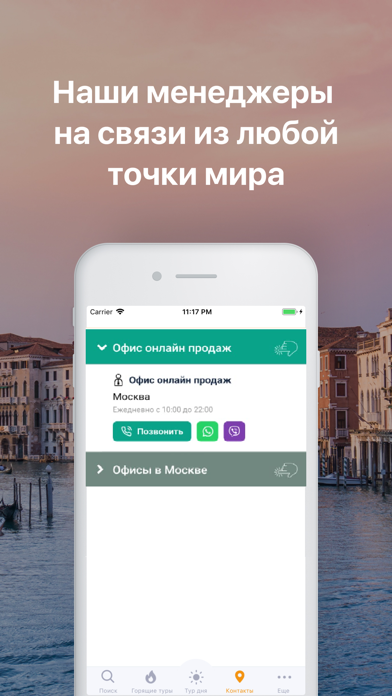
Sampled from 5 of Пегас туристик - горящие туры's App Store screenshots — background, accent and theme, measured by LaunchShots (not something Apple publishes).
#4C9CB4 bg
#42899E
#04445C accent
#111111 text
Screenshots
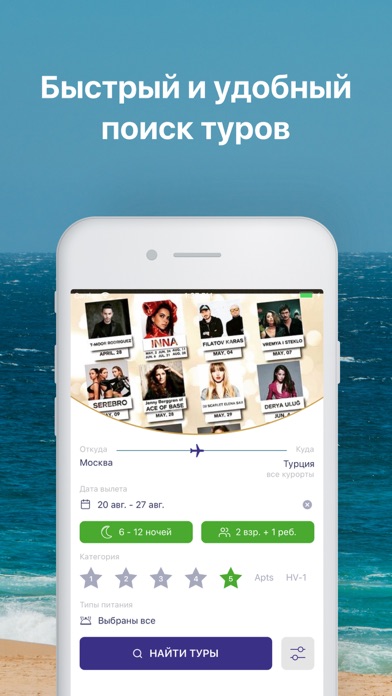
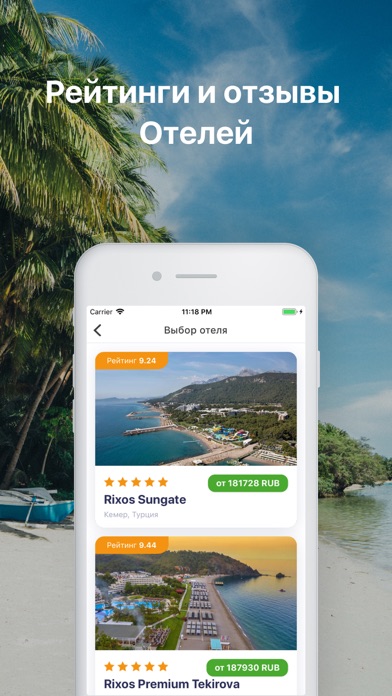
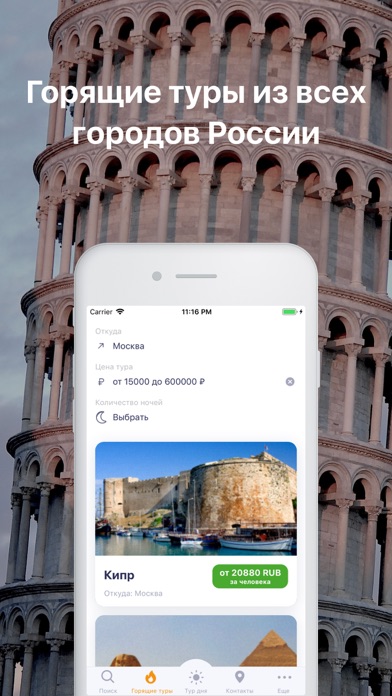
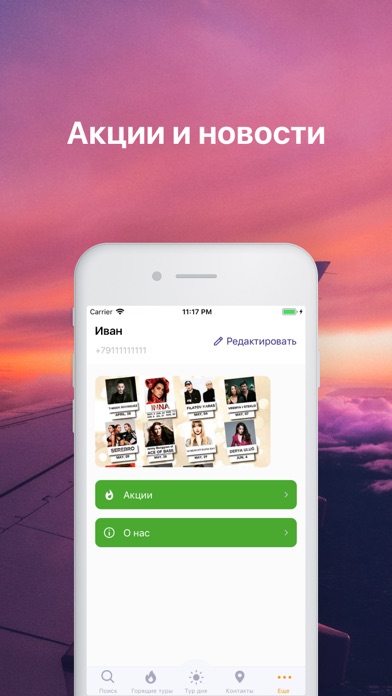
Icon palette
About this app
Горящие туры от Pegas Tourisitk Горящие туры в теплые страны – мечта многих из нас. Ведь так хочется получить на руки путевки, благодаря которым можно недорого отдохнуть на море, где много тепла, солнца и вкусных экзотических фруктов. Кто-то изначально ведет поиск туров с большим количеством экскурсий, так как хочет увидеть за время отпуска как можно больше интересного. Если вы ищете горящие туры по доступной цене, заказать путевки лучше всего у туроператора Пегас Туристик. Pegas Touristik хорошо зарекомендовал себя среди российских туристов, предлагая поиск горящих туров по многим направлениям. ООО «А-ТУР» является уполномоченным турагентством данного оператора, предлагая горящие путевки по низким ценам. Почему искать туры от Пегас Туристик следует в нашем приложении? Данное приложение отличается удобством в использовании, горящие туры с его помощью искать очень легко и просто. • Д…
App details
What you can learn from Пегас туристик - горящие туры
Every shipping app on the App Store has gone through the same decisions you're working through right now: which screenshot goes first, what caption sits over it, which device frame to show, what color the background should be. The 5 screenshots above are Пегас туристик - горящие туры's answers to those questions — they're public, they're real, and they made it through Apple's review.
What the numbers say: Пегас туристик - горящие туры runs a light set where the background shifts from screenshot to screenshot (first shot #4C9CB4) — each image has to stand on its own, so the captions carry more of the story. The accent colour we picked up, #04445C, is the one to reuse for badges, arrows and highlighted words if you borrow this look. Hit Use this style to open the editor with these exact colours and drop your own screenshot in.
Notice the first screenshot in particular. It's the one users see in search results and on the product page, and it's where most apps spend their best caption and tightest design. Look at the proportion of background to phone, where the text sits, what one thing the image is trying to communicate.
Want to see how other Travel apps approach the same problem? Browse more Travel apps in the showcase.
Take what works into your own screenshots
Open LaunchShots and design your App Store & Google Play screenshots — pick a device frame, drop captions, ship in minutes. Free, in your browser.
Open the screenshot editor →Apps with a similar look
Closest background + accent colours among the listings we've analysed — useful when you want to see the same palette handled by a different team.