Screenshots
Icon palette
About this app
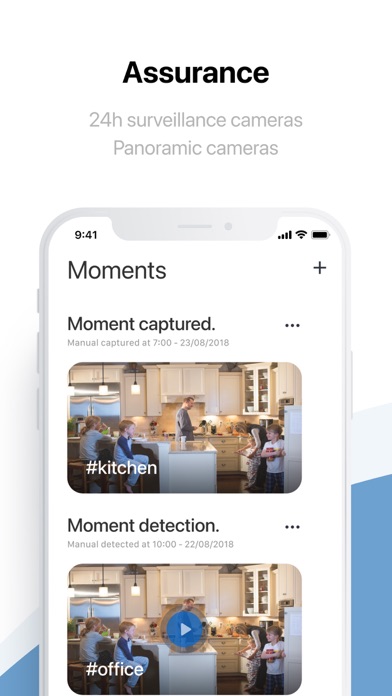
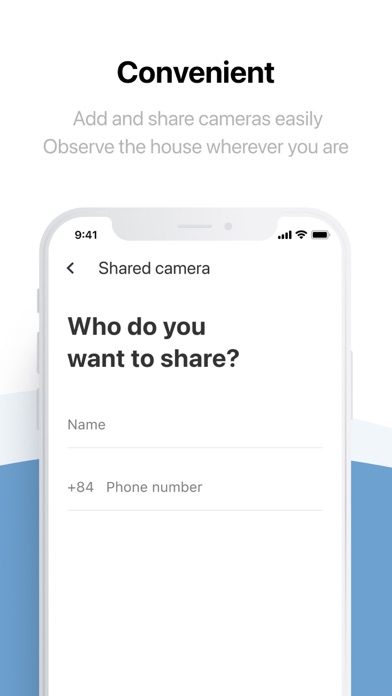
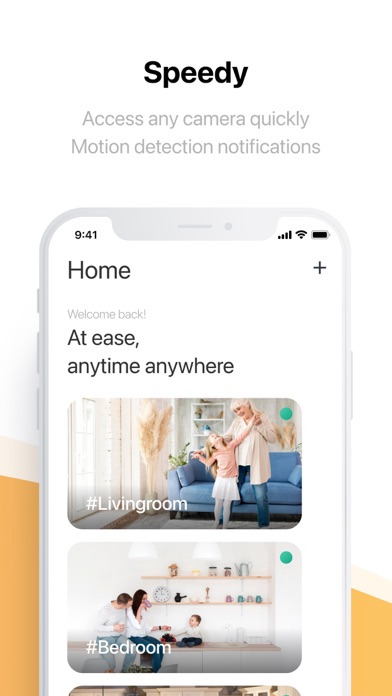
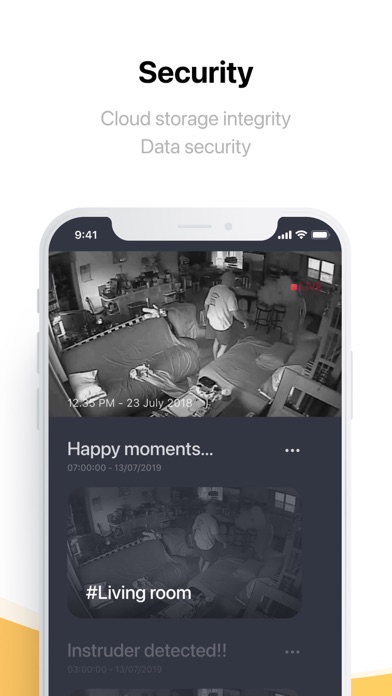
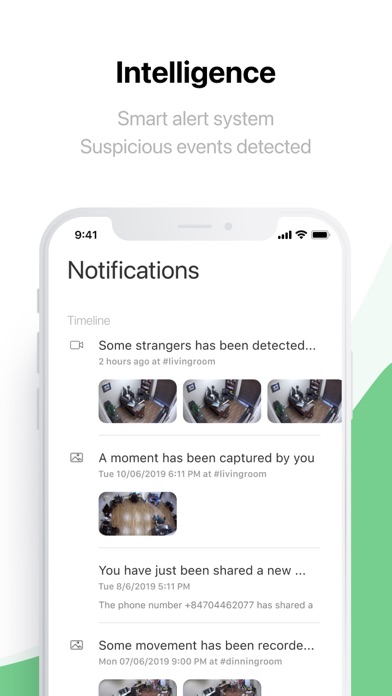
Launched in 2019, FPT camera application with modern and technological features will help users manage and monitor your house in the smart, convenient and safest way. The app provides users with an indoor camera management interface that is intuitive, simple and easy to manipulate to bring the best experience to customers. The camera data storage service on the cloud system ensures users can quickly access videos and review the moments that took place a few days in the past or older. Please be assured that the data system of our users is stored at FPT's "Data Center" and of course, fully placed in Vietnam, providing the best safety and reliability. Understanding the needs of users in house observation when away from home or need remote management, our development team has built a notification feature directly through the user's application when the camera system receives there are movem…
App details
What you can learn from FPT Camera
Every shipping app on the App Store has gone through the same decisions you're working through right now: which screenshot goes first, what caption sits over it, which device frame to show, what color the background should be. The 5 screenshots above are FPT Camera's answers to those questions — they're public, they're real, and they made it through Apple's review.
Notice the first screenshot in particular. It's the one users see in search results and on the product page, and it's where most apps spend their best caption and tightest design. Look at the proportion of background to phone, where the text sits, what one thing the image is trying to communicate.
Want to see how other Productivity apps approach the same problem? Browse more Productivity apps in the showcase.
Take what works into your own screenshots
Open LaunchShots and design your App Store & Google Play screenshots — pick a device frame, drop captions, ship in minutes. Free, in your browser.
Open the screenshot editor →