Screenshots
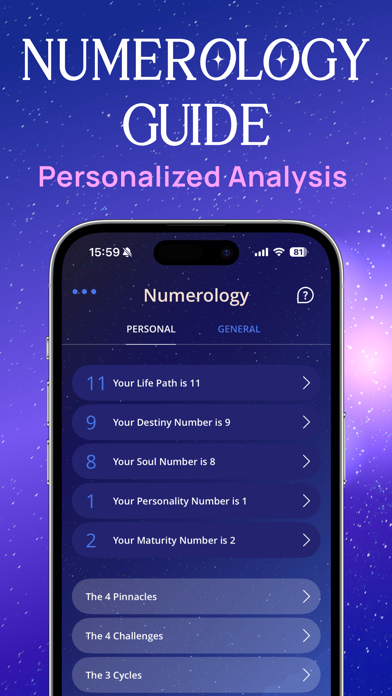
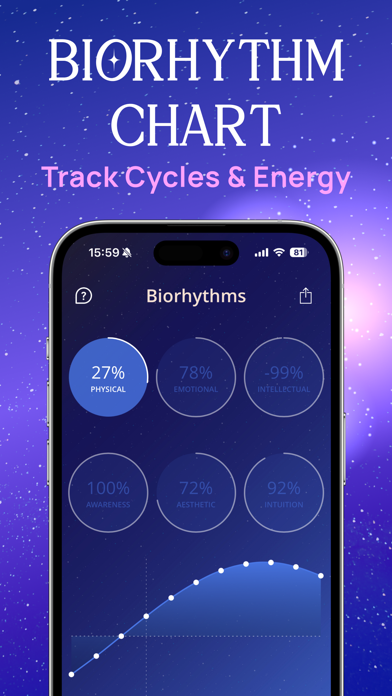
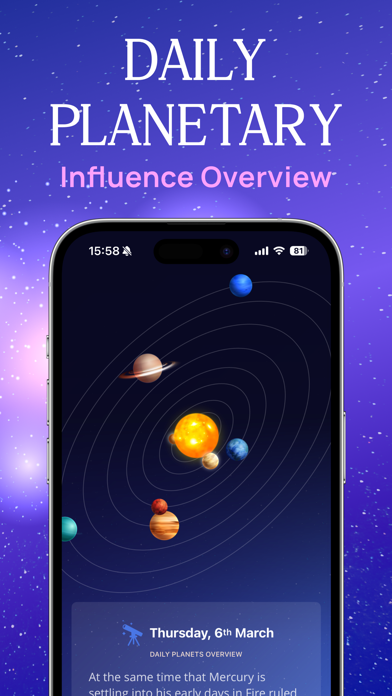
Icon palette
About this app
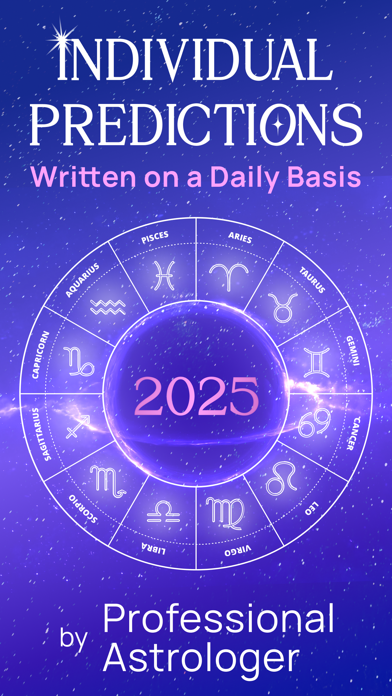
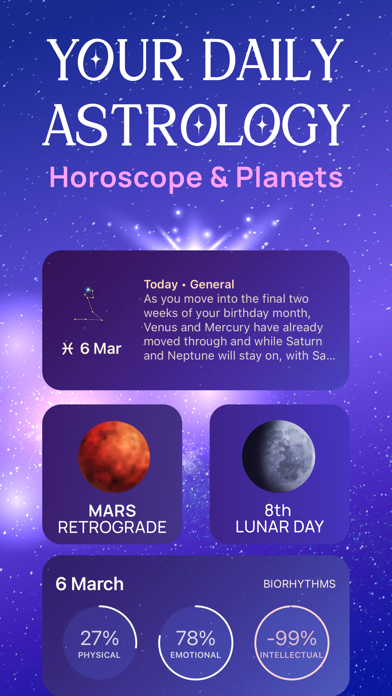
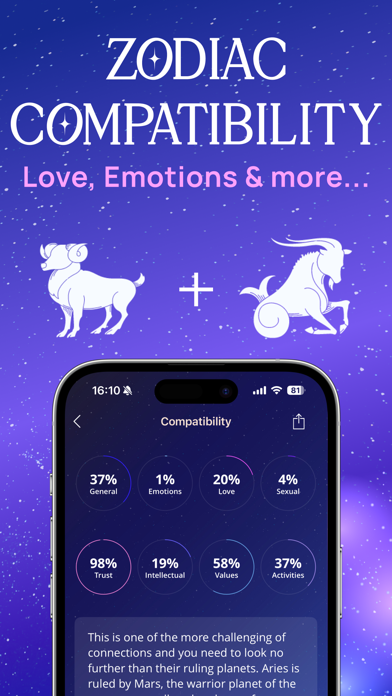
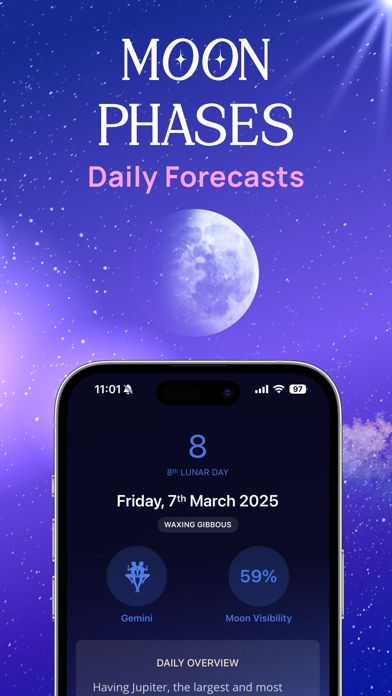
Daily Horoscope & Astrology – Hyper-Personalised Insights Based on Your Full Birth Chart Stop reading generic horoscopes. Get accurate, personal guidance built on your complete Natal Chart – Sun, Moon, Rising, and the positions of all planets. Understand your patterns, timing, emotional world, and relationships with clarity you can actually use. Curious what the stars say about your day, love life, and future? Daily Horoscope & Astrology helps you make better decisions, attract aligned relationships, and live with confidence. Every insight is rooted in real astrological data. Your Premium Astrology Toolkit • Personalised Horoscopes: Daily, weekly, and monthly insights calculated from your full birth chart. • Full Chart Analysis: Explore your Sun, Moon, Rising, and all 10 planetary influences. • Deep Compatibility (Synastry): Understand emotional chemistry, communication patterns, an…
App details
What you can learn from Daily Horoscope & Astrology!
Every shipping app on the App Store has gone through the same decisions you're working through right now: which screenshot goes first, what caption sits over it, which device frame to show, what color the background should be. The 7 screenshots above are Daily Horoscope & Astrology!'s answers to those questions — they're public, they're real, and they made it through Apple's review.
Notice the first screenshot in particular. It's the one users see in search results and on the product page, and it's where most apps spend their best caption and tightest design. Look at the proportion of background to phone, where the text sits, what one thing the image is trying to communicate.
Want to see how other Reference apps approach the same problem? Browse more Reference apps in the showcase.
Take what works into your own screenshots
Open LaunchShots and design your App Store & Google Play screenshots — pick a device frame, drop captions, ship in minutes. Free, in your browser.
Open the screenshot editor →