Chart position — tracked daily by LaunchShots
Screenshot style breakdown
Sampled from 6 of ЮЛА's App Store screenshots — background, accent and theme, measured by LaunchShots (not something Apple publishes).
#040404 bg
#272727
#144C4C accent
#FFFFFF text
Screenshots



Icon palette
About this app
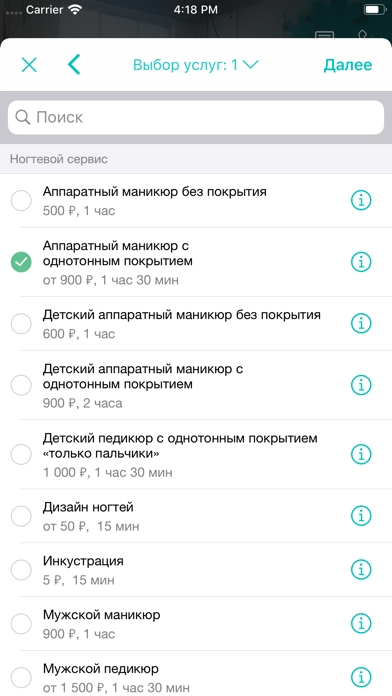
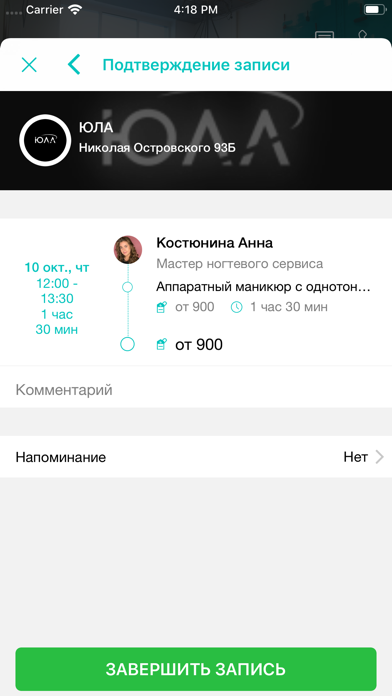
Юла - место, где ты можешь быть собой! - Beauty услуги - Relax зона - Fitness зал - Foto зоны - Закрытые вечеринки для девочек. __________ Арт-пространство ЮЛА - это первое и единственное в Перми пространство красоты подобного формата: ведь здесь собраны не только популярные фитнес-направления и полный спектр бьюти-услуг (будь то макияж или косметология, укладка или массаж, маникюр или наращивание ресниц), но и эзотерические практики. Пространство создавалось как место силы, где каждый найдёт себе занятие по душе. Здесь часто проходят мастер-классы и творческие встречи, а приятным бонусом для гостей студии служат необычные фотозоны и узнаваемые на фото арт-объекты пространства. Выбери свой круг общения. ЮЛА, с любовью
App details
What you can learn from ЮЛА
Every shipping app on the App Store has gone through the same decisions you're working through right now: which screenshot goes first, what caption sits over it, which device frame to show, what color the background should be. The 7 screenshots above are ЮЛА's answers to those questions — they're public, they're real, and they made it through Apple's review.
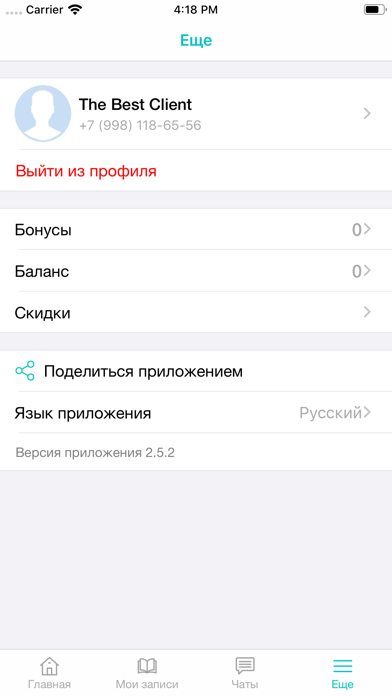
What the numbers say: ЮЛА runs a mixed light-and-dark set where the background shifts from screenshot to screenshot (first shot #040404) — each image has to stand on its own, so the captions carry more of the story. The accent colour we picked up, #144C4C, is the one to reuse for badges, arrows and highlighted words if you borrow this look. Hit Use this style to open the editor with these exact colours and drop your own screenshot in.
Notice the first screenshot in particular. It's the one users see in search results and on the product page, and it's where most apps spend their best caption and tightest design. Look at the proportion of background to phone, where the text sits, what one thing the image is trying to communicate.
Want to see how other Health & Fitness apps approach the same problem? Browse more Health & Fitness apps in the showcase.
Take what works into your own screenshots
Open LaunchShots and design your App Store & Google Play screenshots — pick a device frame, drop captions, ship in minutes. Free, in your browser.
Open the screenshot editor →Apps with a similar look
Closest background + accent colours among the listings we've analysed — useful when you want to see the same palette handled by a different team.