Chart position — tracked daily by LaunchShots
Screenshot style breakdown
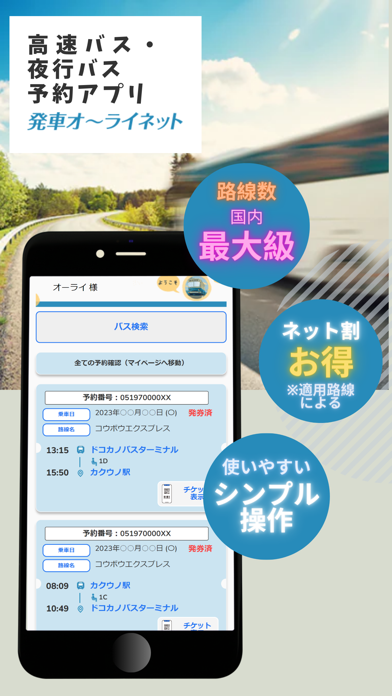
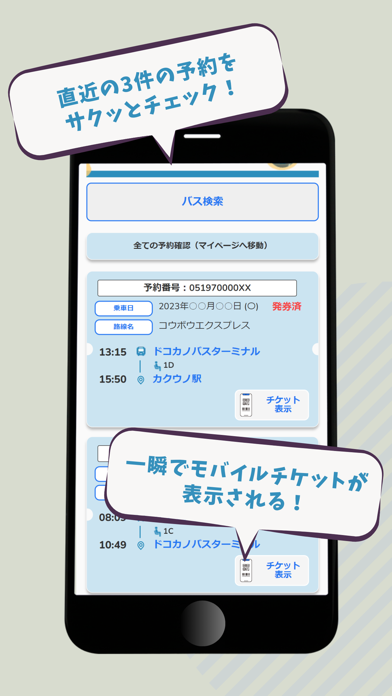
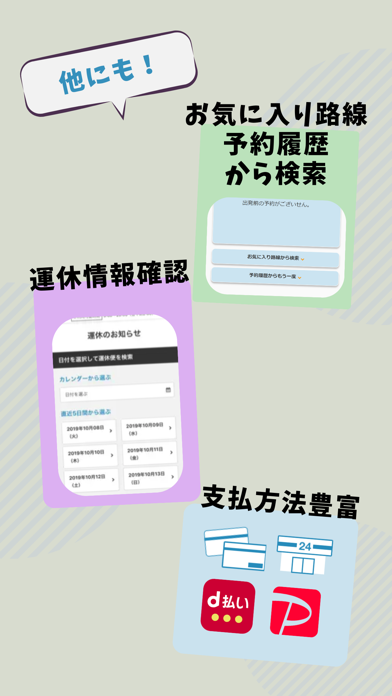
Sampled from 3 of 発車オーライネット's App Store screenshots — background, accent and theme, measured by LaunchShots (not something Apple publishes).
#DCDCCC bg
#C1C1B3
#248CBC accent
#111111 text
Screenshots
Icon palette
About this app
東京、大阪、名古屋発着をはじめ、全国400路線以上から選べる高速バス・夜行バスの予約サイト 【発車オ~ライネットの公式アプリ!】 ディズニーやUSJ、空港バス、観光コース等プランも充実!コンビニ発券・クレジット決済、モバイルチケットでバス予約がとても簡単です! ■本アプリの特徴 路線別のバス停、時刻表、お得な運賃料金を一覧でわかりやすく掲載しています。ご希望する路線の「片道・往復予約」から空席状況を確認し、そのまま予約へ進めます。 - お気に入りから路線を選ぶ よくご利用になる路線をあらかじめ登録することで、お気に入りの路線をすばやく検索可能です。 登録は「便一覧ページ」の星マークを押すと登録できます。 最大10路線まで登録する事ができます。 - 予約履歴から路線を選ぶ 最近ご利用いただいた路線と同じ路線をすばやく検索可能です。 ■安心・安全への取り組み 当サイトに掲載している路線バスは全て国から厳しい審査を受けた一般乗合バス事業者の「路線バス」です。非常に高いレベルの安全運行管理を実施しております。ご安心…
App details
What you can learn from 発車オーライネット
Every shipping app on the App Store has gone through the same decisions you're working through right now: which screenshot goes first, what caption sits over it, which device frame to show, what color the background should be. The 3 screenshots above are 発車オーライネット's answers to those questions — they're public, they're real, and they made it through Apple's review.
What the numbers say: 発車オーライネット runs a light set with one background colour (#DCDCCC) carried across every screenshot — the listing reads as a single poster when the shots sit side by side in search results. The accent colour we picked up, #248CBC, is the one to reuse for badges, arrows and highlighted words if you borrow this look. Hit Use this style to open the editor with these exact colours and drop your own screenshot in.
Notice the first screenshot in particular. It's the one users see in search results and on the product page, and it's where most apps spend their best caption and tightest design. Look at the proportion of background to phone, where the text sits, what one thing the image is trying to communicate.
Want to see how other Travel apps approach the same problem? Browse more Travel apps in the showcase.
Take what works into your own screenshots
Open LaunchShots and design your App Store & Google Play screenshots — pick a device frame, drop captions, ship in minutes. Free, in your browser.
Open the screenshot editor →Apps with a similar look
Closest background + accent colours among the listings we've analysed — useful when you want to see the same palette handled by a different team.