Chart position — tracked daily by LaunchShots
Screenshot changes — detected by LaunchShots
Screenshot style breakdown
Sampled from 6 of 小宇宙·一起听播客's App Store screenshots — background, accent and theme, measured by LaunchShots (not something Apple publishes).
#FCFCFC bg
#DDDDDD
#040C9C accent
#111111 text
Reading the caption text from the screenshots in your browser…
Screenshots




iPad screenshots


Icon palette
About this app
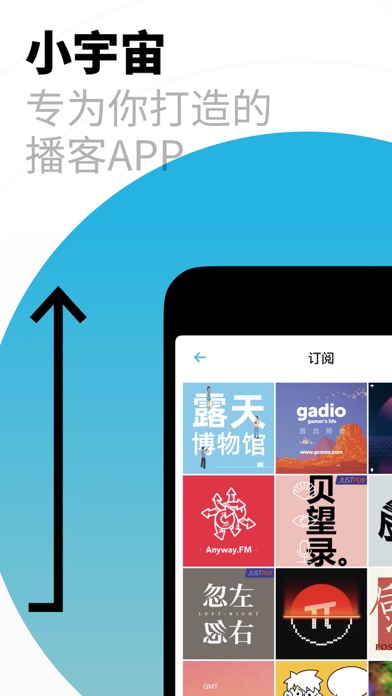
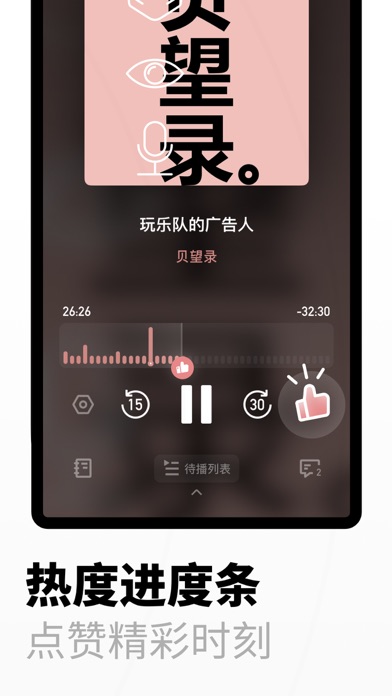
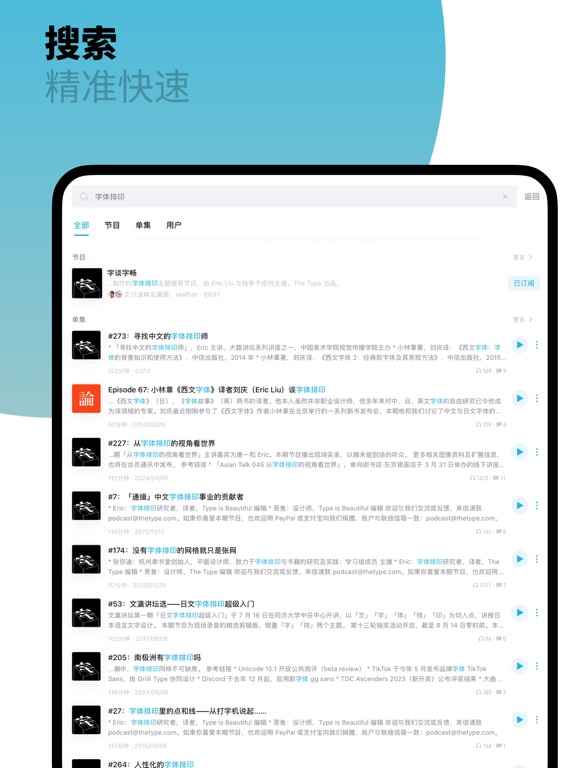
小容量手机福音,可以很细致的设置存储空间大小。 —— JoJo 界面特别清新,比其它APP界面简洁,可以根据听到哪一段进行评论,评论区有很多令人感同身受的观点。 —— 南城以南温暖如初 统计收听时长这个功能最满意。 —— 苏灰 是专门做播客的app,和其他音乐软件或者音频软件不一样,内容更符合我的需求,并且有推送播客节目和评论区时间戳这样的小功能,提升了用户体验。 —— 靓靓 点赞时间戳真的很棒的创意,好好优化一定是小宇宙的特色功能,亮点都被用户标记出来了,对节目的预判就更高。 —— 方木仔頭家 以上都是我们收到的真实用户反馈。 ------------------------- 小宇宙 App 是为播客而生的产品。播客听众值得一个更好的选择,我们总觉得能做点什么。 - 快速选择,每日发现页上新,让你发现好播客; - 高能点赞,同步不同用户的高能时刻,帮你找到高光片段; - 友好交流,高质量播客内容讨论,和懂播客的人谈天说地; - 细致记录 ,精确记录收听播客的每一分钟; - 搜索精准,全网搜索想听的播客; - 一键导入,快速迁移自己的订阅列表。 有任何意见和反…
App details
What you can learn from 小宇宙·一起听播客
Every shipping app on the App Store has gone through the same decisions you're working through right now: which screenshot goes first, what caption sits over it, which device frame to show, what color the background should be. The 12 screenshots above are 小宇宙·一起听播客's answers to those questions — they're public, they're real, and they made it through Apple's review.
What the numbers say: 小宇宙·一起听播客 runs a light set with one background colour (#FCFCFC) carried across every screenshot — the listing reads as a single poster when the shots sit side by side in search results. The accent colour we picked up, #040C9C, is the one to reuse for badges, arrows and highlighted words if you borrow this look. Hit Use this style to open the editor with these exact colours and drop your own screenshot in.
Notice the first screenshot in particular. It's the one users see in search results and on the product page, and it's where most apps spend their best caption and tightest design. Look at the proportion of background to phone, where the text sits, what one thing the image is trying to communicate.
Want to see how other Music apps approach the same problem? Browse more Music apps in the showcase.
Take what works into your own screenshots
Open LaunchShots and design your App Store & Google Play screenshots — pick a device frame, drop captions, ship in minutes. Free, in your browser.
Open the screenshot editor →Apps with a similar look
Closest background + accent colours among the listings we've analysed — useful when you want to see the same palette handled by a different team.