Chart position — tracked daily by LaunchShots
Screenshot style breakdown
Sampled from 6 of PASMO(パスモ)'s App Store screenshots — background, accent and theme, measured by LaunchShots (not something Apple publishes).
#EC6CA4 bg
#EE80B0
#8C4C6C accent
#FFFFFF text
Screenshots
Icon palette
About this app
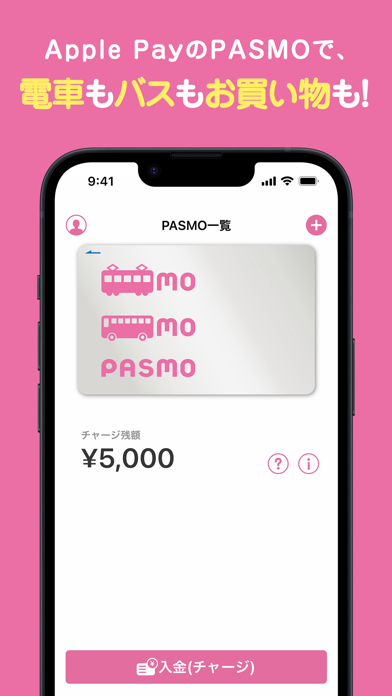
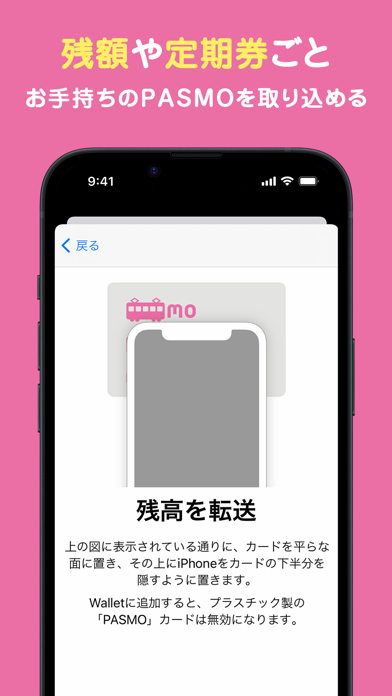
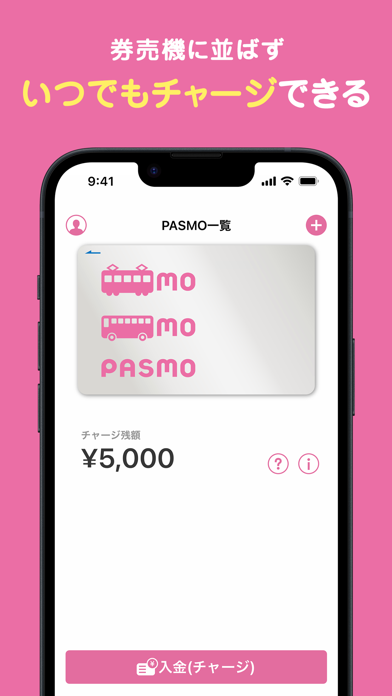
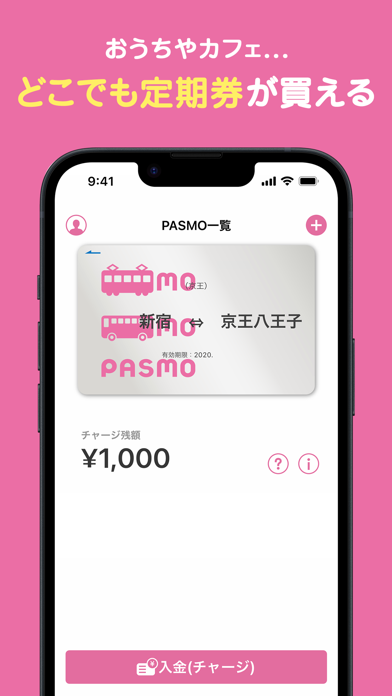
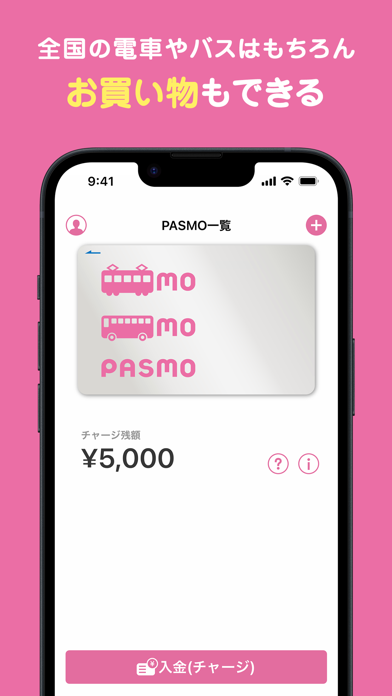
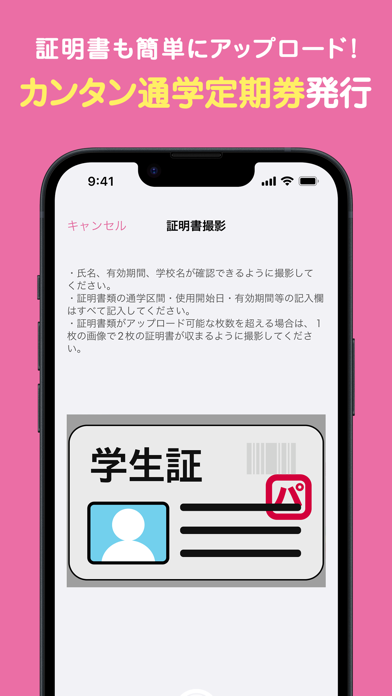
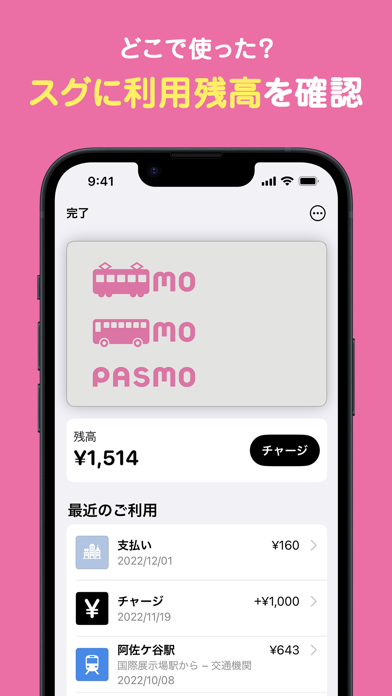
トップ画面を中心にアプリのデザインを刷新!より使いやすくなりました! PASMOをApple Payで利用するためのアプリです。電車やバスに乗れてお買い物にも使えます。 【こんなことができる!】 ●どこでもチャージ!自宅や店先はもちろん、乗車中でも、必要な時にチャージができるようになります。 ●アプリからならチャージなし(残額0円)で発行できる!チャージはApple Pay(ウォレットアプリ)も使えます。 ●並ばずに、どこでも定期券購入!駅やバス窓口で並ばなくても、自宅のソファやオフィスでの空き時間にいつでも購入できます。 ●通学証明書等が必要な通学定期券もアプリから申請・購入手続きができる! ●残額や履歴を端末の画面で確認できる! ●オートチャージサービスも使える!改札機にタッチするだけで自動的にチャージできます。 ●端末の紛失や故障の場合も簡単な手続きで再発行ができる!手数料はかかりません。(会員登録が必要です。) ●駅やコンビニなどで現金チャージもできる! ●日本全国で使える!相互利用を行う鉄道・バス路線で使えるから、旅行…
App details
What you can learn from PASMO(パスモ)
Every shipping app on the App Store has gone through the same decisions you're working through right now: which screenshot goes first, what caption sits over it, which device frame to show, what color the background should be. The 7 screenshots above are PASMO(パスモ)'s answers to those questions — they're public, they're real, and they made it through Apple's review.
What the numbers say: PASMO(パスモ) runs a dark set with one background colour (#EC6CA4) carried across every screenshot — the listing reads as a single poster when the shots sit side by side in search results. The accent colour we picked up, #8C4C6C, is the one to reuse for badges, arrows and highlighted words if you borrow this look. Hit Use this style to open the editor with these exact colours and drop your own screenshot in.
Notice the first screenshot in particular. It's the one users see in search results and on the product page, and it's where most apps spend their best caption and tightest design. Look at the proportion of background to phone, where the text sits, what one thing the image is trying to communicate.
Want to see how other Finance apps approach the same problem? Browse more Finance apps in the showcase.
Take what works into your own screenshots
Open LaunchShots and design your App Store & Google Play screenshots — pick a device frame, drop captions, ship in minutes. Free, in your browser.
Open the screenshot editor →Apps with a similar look
Closest background + accent colours among the listings we've analysed — useful when you want to see the same palette handled by a different team.