Screenshots
Icon palette
About this app
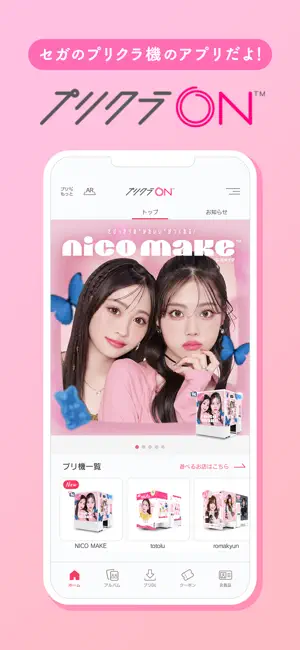
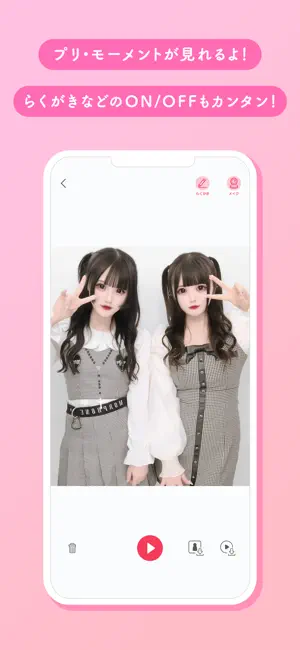
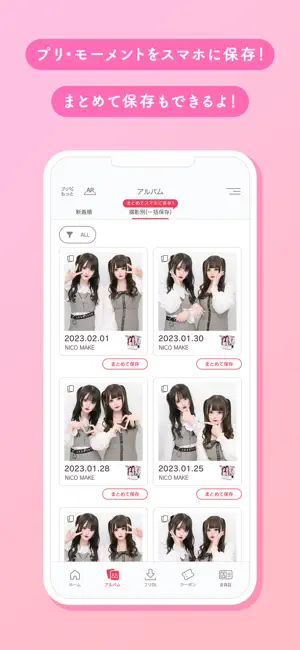
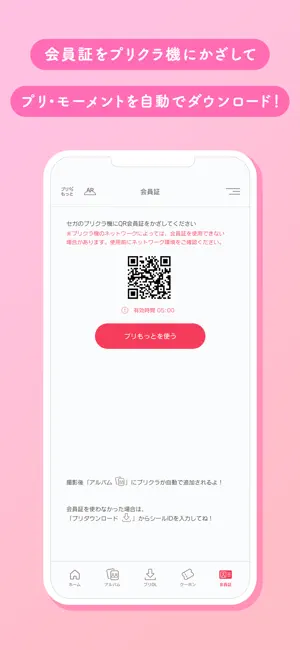
「プリクラON」はセガのプリクラ機で撮影したプリクラとモーメントをいつでも閲覧できるアプリです。 ▼セガのプリクラ機についてはこちら https://puri.sega.jp/ ▼プリクラONアプリの機能 【会員証】 セガのプリクラ機に会員証のコードを読み込ませる事で、撮影したプリクラとモーメント(動画)をアプリにダウンロードできます。 【プリダウンロード】 セガのプリクラ機で撮影したプリクラに印刷されているシールID、もしくはコードを読み込むことで、プリクラとモーメント(動画)をアルバムへダウンロードできます。 【アルバム】 ダウンロードしたプリクラとモーメント(動画)を閲覧できる機能です。 また、プリクラのらくがき・背景・メイクのON/OFFと一部メイクの編集もできます。 ※プリクラ機によってON/OFFできることや編集できることが異なります。 アルバムではプリクラとモーメント(動画)をお使いの端末へ保存できます。 【ARプリクラ】 ダウンロードしたプリクラのシールにARカメラをかざすと、シール上にモーメントが表示されます。 また、ARの…
App details
What you can learn from プリクラON
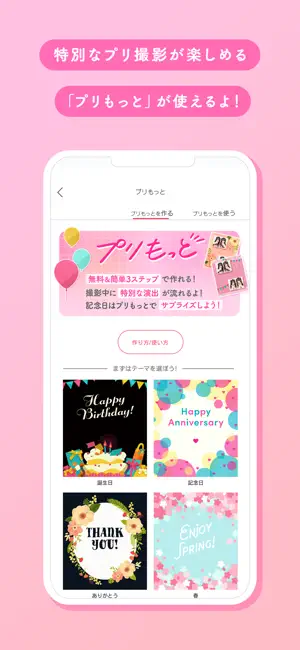
Every shipping app on the App Store has gone through the same decisions you're working through right now: which screenshot goes first, what caption sits over it, which device frame to show, what color the background should be. The 5 screenshots above are プリクラON's answers to those questions — they're public, they're real, and they made it through Apple's review.
Notice the first screenshot in particular. It's the one users see in search results and on the product page, and it's where most apps spend their best caption and tightest design. Look at the proportion of background to phone, where the text sits, what one thing the image is trying to communicate.
Want to see how other Photo & Video apps approach the same problem? Browse more Photo & Video apps in the showcase.
Take what works into your own screenshots
Open LaunchShots and design your App Store & Google Play screenshots — pick a device frame, drop captions, ship in minutes. Free, in your browser.
Open the screenshot editor →