Chart position — tracked daily by LaunchShots
Screenshot style breakdown
Sampled from 6 of モノタロウ-工具・部品・現場消耗品の事業者向け通販【公式】's App Store screenshots — background, accent and theme, measured by LaunchShots (not something Apple publishes).
#F4F4FC bg
#D6D6DD
#F40404 accent
#111111 text
Reading the caption text from the screenshots in your browser…
Screenshots
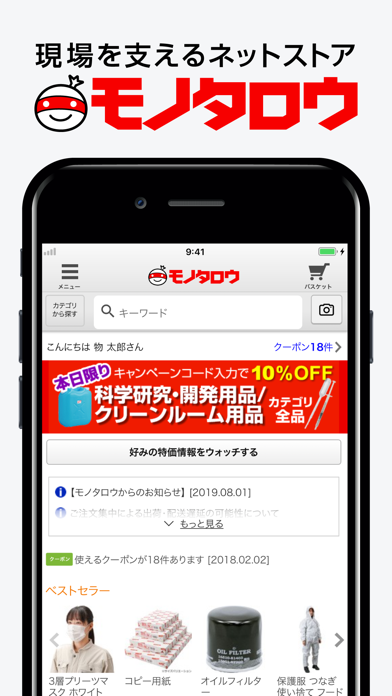
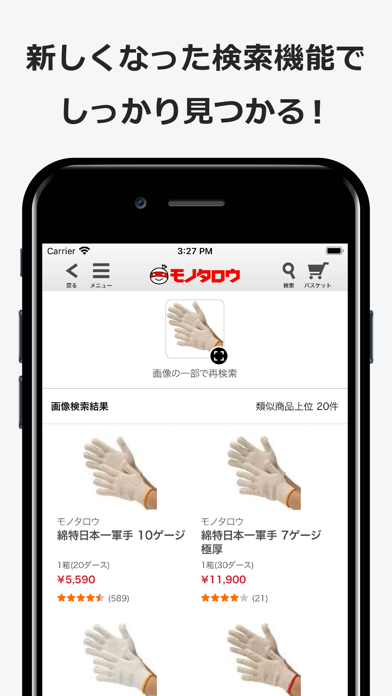
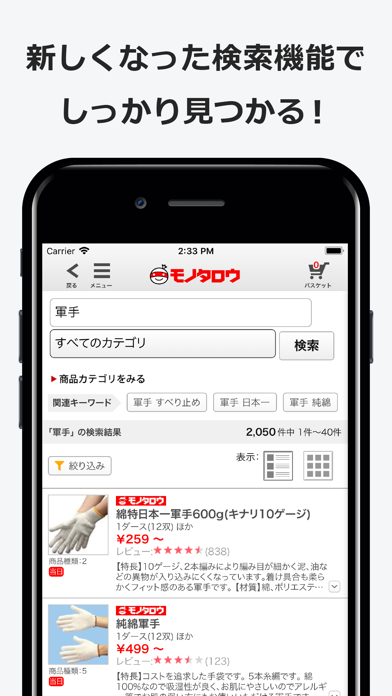
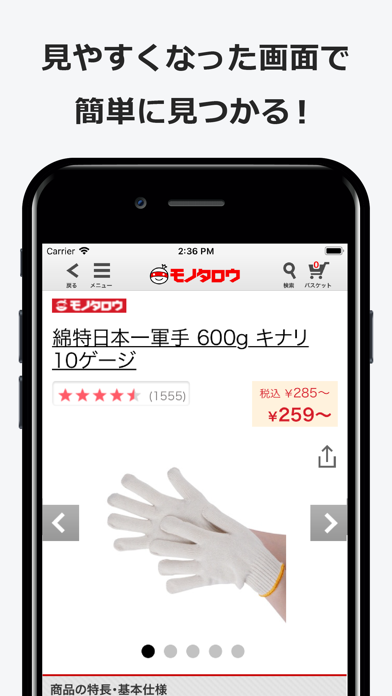
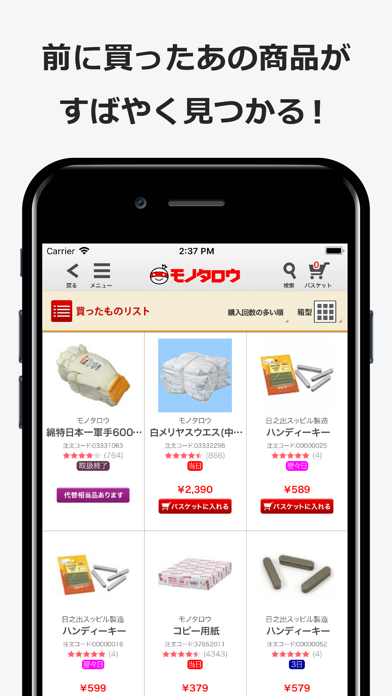
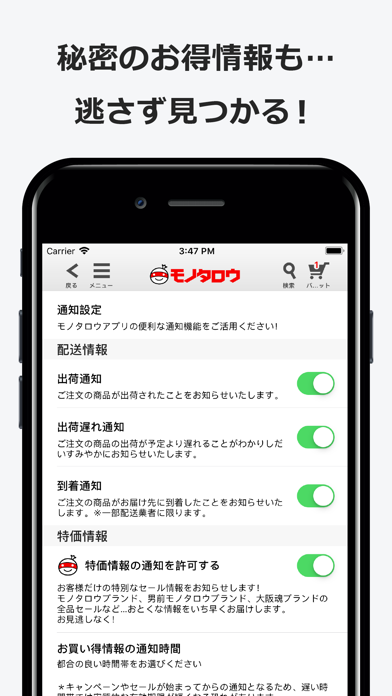
Icon palette
About this app
事業者向けサイト現場を支えるネットストア モノタロウ(MonotaRO)の公式ショッピングアプリです。 ---------------------------------------------- 「モノタロウ」アプリだけの機能 ---------------------------------------------- ●日替わり特価通知 モノタロウでは、日替わりで決まったカテゴリが10%OFFになります。でも毎日チェックするのは面倒ですよね。 新しくなった通知設定画面から気になるカテゴリをお選びください。選んだカテゴリが特価になったら、モノタロウアプリが忘れずにお伝えします。 モノタロウブランドが全品値引きになる、秘密の特別セールもこっそりお伝えしますので、ぜひご利用ください! ※ 「モノタロウ」アプリへのログインが必要です。 ●クーポン、キャンペーンかんたん適用 アプリなら表示されているクーポンやキャンペーンをタップするだけ。特価をかんたんに適用できます。もうコードをメモしたり、いちいち入力する必要はありません。 ※ 「モノタロウ」アプリでのご注文手続きに限ります。 ※ 「モノタロウ」アプリへのログイン…
App details
What you can learn from モノタロウ-工具・部品・現場消耗品の事業者向け通販【公式】
Every shipping app on the App Store has gone through the same decisions you're working through right now: which screenshot goes first, what caption sits over it, which device frame to show, what color the background should be. The 6 screenshots above are モノタロウ-工具・部品・現場消耗品の事業者向け通販【公式】's answers to those questions — they're public, they're real, and they made it through Apple's review.
What the numbers say: モノタロウ-工具・部品・現場消耗品の事業者向け通販【公式】 runs a light set with one background colour (#F4F4FC) carried across every screenshot — the listing reads as a single poster when the shots sit side by side in search results. The accent colour we picked up, #F40404, is the one to reuse for badges, arrows and highlighted words if you borrow this look. Hit Use this style to open the editor with these exact colours and drop your own screenshot in.
Notice the first screenshot in particular. It's the one users see in search results and on the product page, and it's where most apps spend their best caption and tightest design. Look at the proportion of background to phone, where the text sits, what one thing the image is trying to communicate.
Want to see how other Business apps approach the same problem? Browse more Business apps in the showcase.
Take what works into your own screenshots
Open LaunchShots and design your App Store & Google Play screenshots — pick a device frame, drop captions, ship in minutes. Free, in your browser.
Open the screenshot editor →Apps with a similar look
Closest background + accent colours among the listings we've analysed — useful when you want to see the same palette handled by a different team.