Chart position — tracked daily by LaunchShots
Screenshot style breakdown
Sampled from 6 of ステーションナビ(ステナビ)'s App Store screenshots — background, accent and theme, measured by LaunchShots (not something Apple publishes).
#8C8C8C bg
#9C9C9C
#EC5C34 accent
#FFFFFF text
Screenshots

Icon palette
About this app
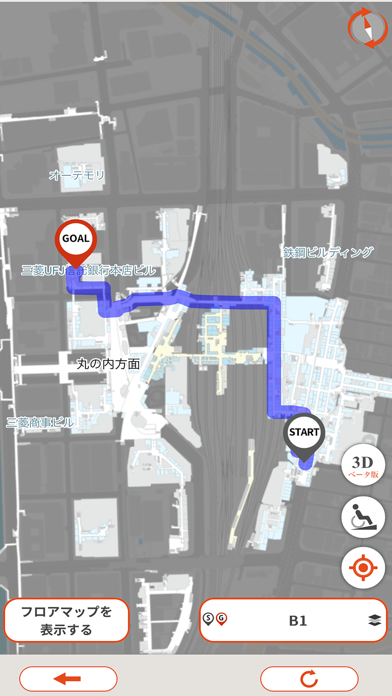
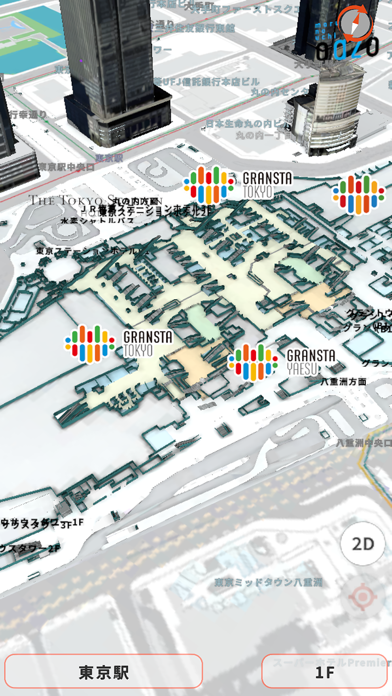
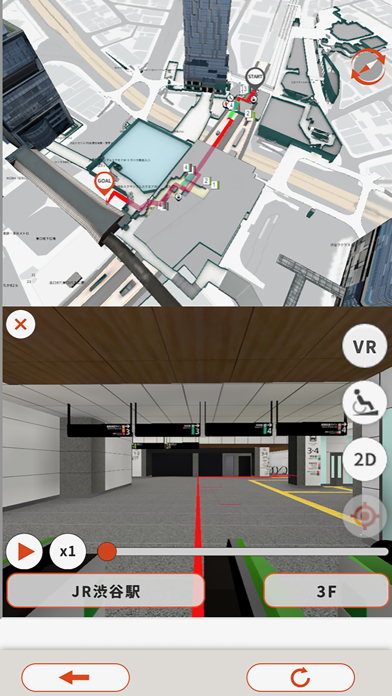
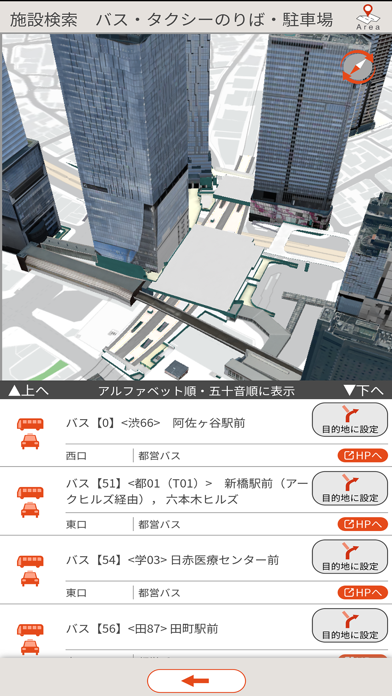
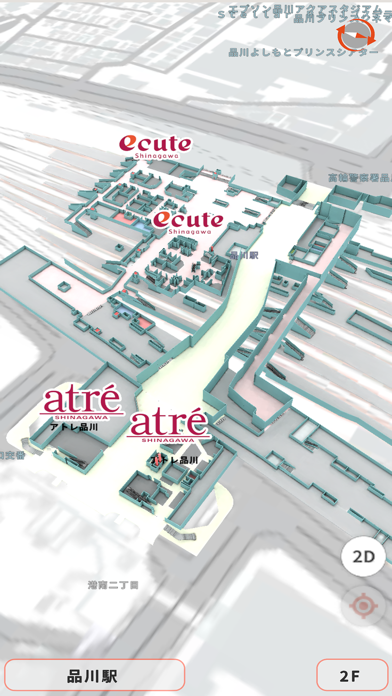
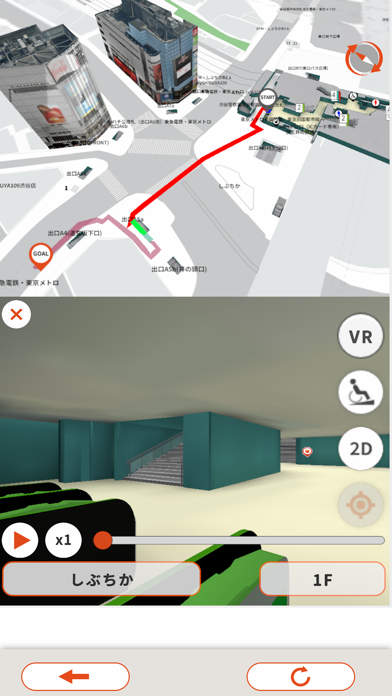
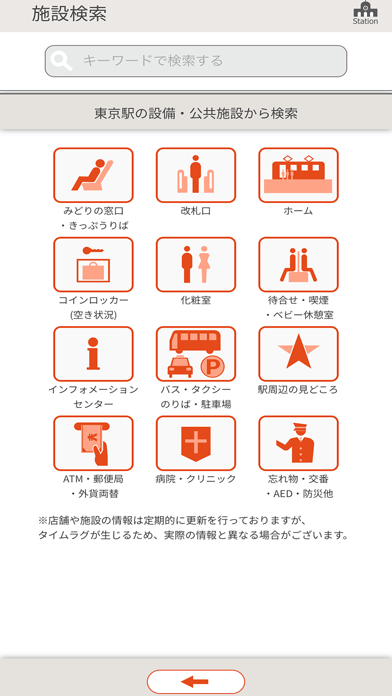
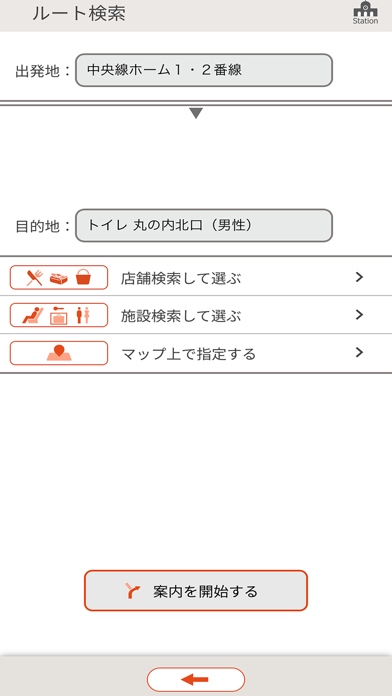
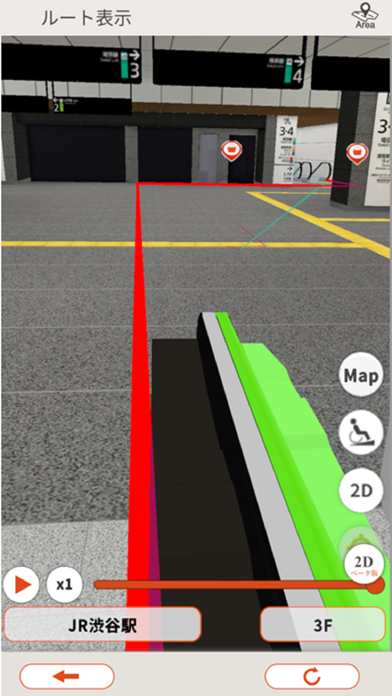
2020年8月に東京駅で始まった「東京ステーションナビ」は5周年を迎えました。皆様のご支援に心より感謝申し上げます。 今後も改良を重ね、全国の主要な駅・まちでのサービス開始を計画しております。これを機に、アプリ名をステーションナビ“ステナビ(Sta.Navi)”に改め、引き続き、皆様の快適な移動をサポートいたします。 【アプリの基本機能】 1.地図表示と検索機能: 駅やまちにあるお店や施設を、階層別の2次元地図(2.5D地図)と立体的な3次元地図(3D地図)に表示します。キーワード検索やカテゴリ検索で目的のお店や施設の場所を確認できます。 2.屋内測位: GPSが効かない屋内や地下でも自分の位置を把握できます。検索結果は自分の位置から近い順に表示され、最も近いお店や施設を確認できます。屋内測位が有効な施設では、自分の位置を把握できますが、利用環境により測位結果に誤差が生じることがあります。 3.事前ルート確認: 現地にいなくても、地図上で出発地や目的地を指定してエリア内の移動ルートを事前に確認できます。 4.…
App details
What you can learn from ステーションナビ(ステナビ)
Every shipping app on the App Store has gone through the same decisions you're working through right now: which screenshot goes first, what caption sits over it, which device frame to show, what color the background should be. The 10 screenshots above are ステーションナビ(ステナビ)'s answers to those questions — they're public, they're real, and they made it through Apple's review.
What the numbers say: ステーションナビ(ステナビ) runs a mixed light-and-dark set where the background shifts from screenshot to screenshot (first shot #8C8C8C) — each image has to stand on its own, so the captions carry more of the story. The accent colour we picked up, #EC5C34, is the one to reuse for badges, arrows and highlighted words if you borrow this look. Hit Use this style to open the editor with these exact colours and drop your own screenshot in.
Notice the first screenshot in particular. It's the one users see in search results and on the product page, and it's where most apps spend their best caption and tightest design. Look at the proportion of background to phone, where the text sits, what one thing the image is trying to communicate.
Want to see how other Navigation apps approach the same problem? Browse more Navigation apps in the showcase.
Take what works into your own screenshots
Open LaunchShots and design your App Store & Google Play screenshots — pick a device frame, drop captions, ship in minutes. Free, in your browser.
Open the screenshot editor →Apps with a similar look
Closest background + accent colours among the listings we've analysed — useful when you want to see the same palette handled by a different team.