Chart position — tracked daily by LaunchShots
Screenshot style breakdown
Sampled from 4 of Technics Audio Connect's App Store screenshots — background, accent and theme, measured by LaunchShots (not something Apple publishes).
#F4F4F4 bg
#D6D6D6
#FCEC34 accent
#111111 text
Reading the caption text from the screenshots in your browser…
Screenshots
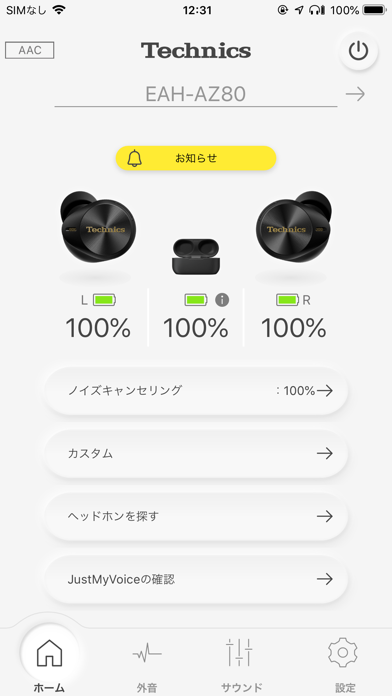

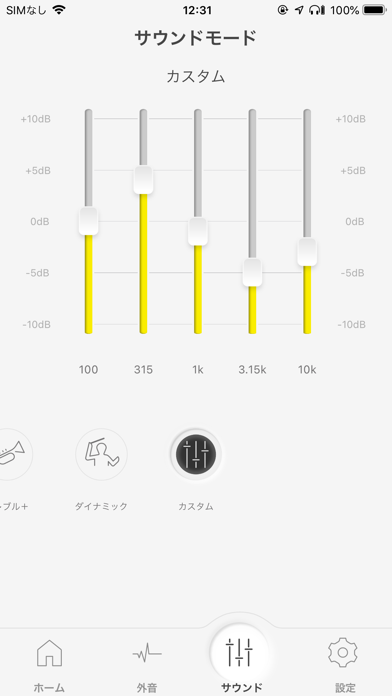
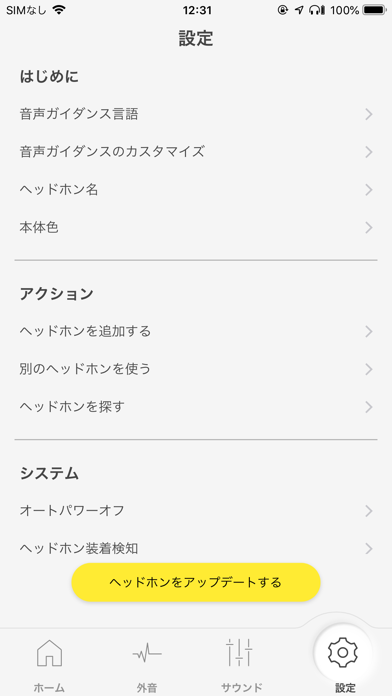
iPad screenshots


Icon palette
About this app
Technics ヘッドホン・イヤホンの魅力を最大限に引き出し、感動の音楽体験をあなたへ。 本アプリ対応のヘッドホン・イヤホンと連携する事で、いつもの音楽体験がさらに魅力的なものになります。 ●対応モデル(Technics) EAH-AZ100(New), EAH-AZ80, EAH-AZ60M2, EAH-AZ40M2, EAH-AZ60, EAH-AZ40, EAH-AZ70W ●スムーズなペアリング スマホ・タブレットとのペアリングをスムーズに行えるガイドを表示します ●音質を自分好みにカスタマイズ 複数のプリセットと自由にカスタマイズできるイコライザ機能で、より自分好みの音へ変更できます ●外音コントロールのカスタマイズ ノイズキャンセリングや外音取り込みの強さを100段階で調整する事ができます *1 ●ヘッドホンを探す 最後に通信した場所を地図と連動して表示する事ができます。また、通信可能な範囲にヘッドホンがある場合は音を鳴らして見つける事ができます *1 ●ファームウェアのアップデート お使いのヘッドホンを常に最新の状態に保ちます ●様々な機能の設定 一定時間操作が無い場合に自動で…
App details
What you can learn from Technics Audio Connect
Every shipping app on the App Store has gone through the same decisions you're working through right now: which screenshot goes first, what caption sits over it, which device frame to show, what color the background should be. The 8 screenshots above are Technics Audio Connect's answers to those questions — they're public, they're real, and they made it through Apple's review.
What the numbers say: Technics Audio Connect runs a light set with one background colour (#F4F4F4) carried across every screenshot — the listing reads as a single poster when the shots sit side by side in search results. The accent colour we picked up, #FCEC34, is the one to reuse for badges, arrows and highlighted words if you borrow this look. Hit Use this style to open the editor with these exact colours and drop your own screenshot in.
Notice the first screenshot in particular. It's the one users see in search results and on the product page, and it's where most apps spend their best caption and tightest design. Look at the proportion of background to phone, where the text sits, what one thing the image is trying to communicate.
Want to see how other Music apps approach the same problem? Browse more Music apps in the showcase.
Take what works into your own screenshots
Open LaunchShots and design your App Store & Google Play screenshots — pick a device frame, drop captions, ship in minutes. Free, in your browser.
Open the screenshot editor →Apps with a similar look
Closest background + accent colours among the listings we've analysed — useful when you want to see the same palette handled by a different team.