Chart position — tracked daily by LaunchShots
Screenshot style breakdown
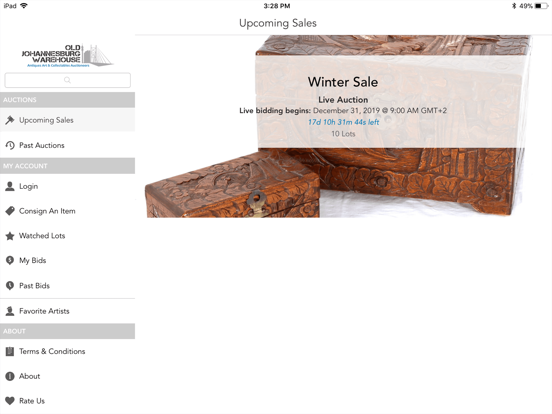
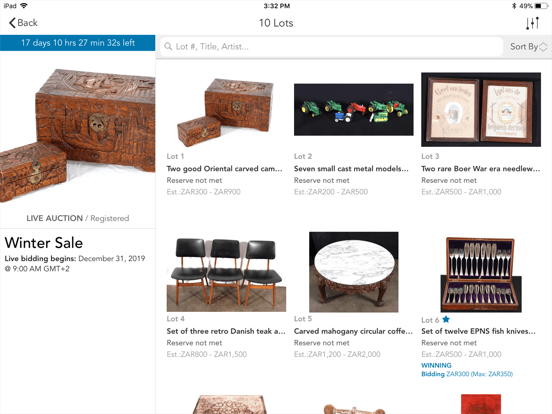
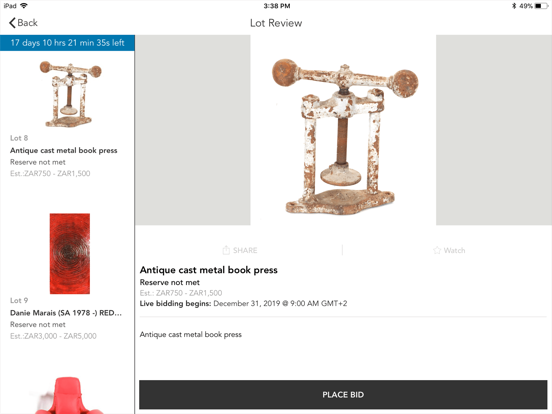
Sampled from 5 of OldJW Auctioneers's App Store screenshots — background, accent and theme, measured by LaunchShots (not something Apple publishes).
#FCFCFC bg
#DDDDDD
#A45C34 accent
#111111 text
Reading the caption text from the screenshots in your browser…
Screenshots
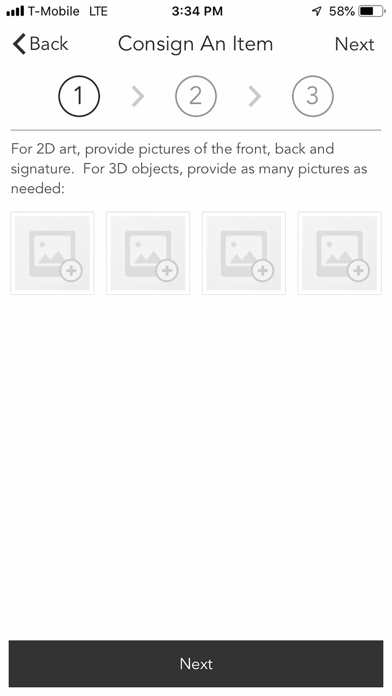

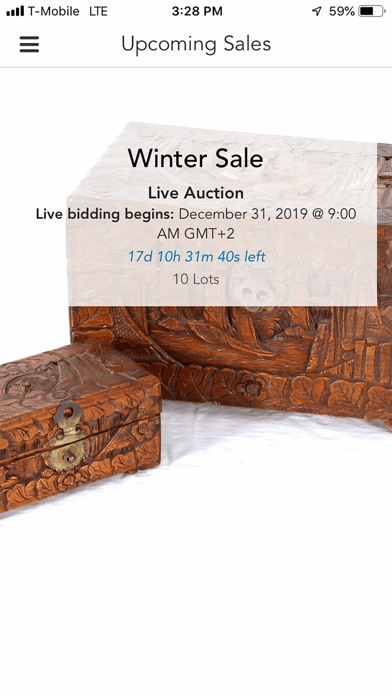
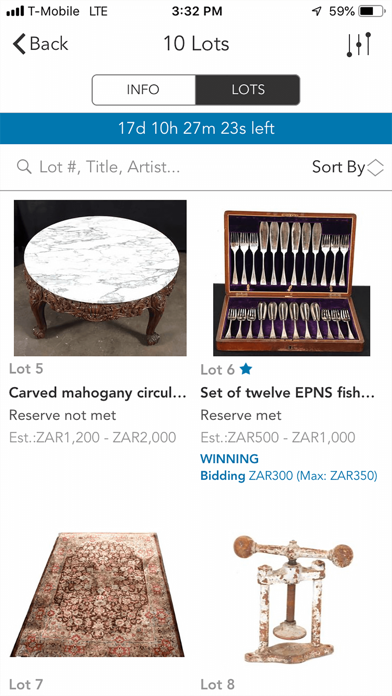
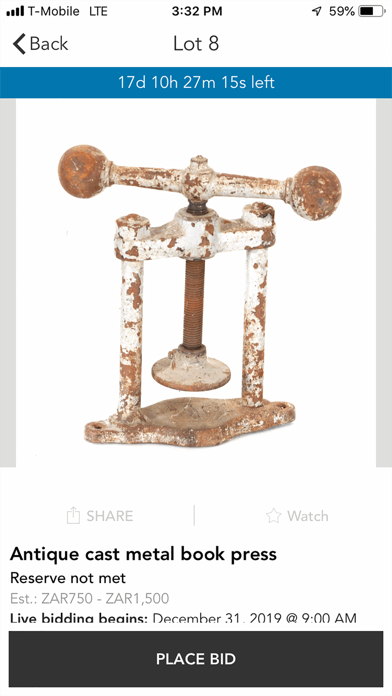
iPad screenshots

Icon palette
About this app
Bid live on our monthly auctions and browse the current & past catalogues. Old Johannesburg Warehouse Auctioneers is one of the leading Antiques, Art, Jewellery and Collectables auction houses in South Africa. Since 2014 we have been hosting monthly auctions in our vintage industrial warehouse in Selby, Johannesburg. We sell a wide variety of items including Antique, Period, Industrial & Designer Furniture, Fine South African and International Art, Collectables, Jewellery, Watches, Silver, Gold, Porcelain, Classic Cars, Motorcycles & Automobilia, Militaria, Vintage Toys and Comics, Coins, Vintage Wines, Carpets and Music Boxes. Being one of South Africa's largest auction houses we offer the following services on our OldJW Auctioneers App: •Quick online registration • Bid from anywhere in the world during our live auctions • Follow upcoming lots of interest • Push notifications to ensure…
App details
What you can learn from OldJW Auctioneers
Every shipping app on the App Store has gone through the same decisions you're working through right now: which screenshot goes first, what caption sits over it, which device frame to show, what color the background should be. The 9 screenshots above are OldJW Auctioneers's answers to those questions — they're public, they're real, and they made it through Apple's review.
What the numbers say: OldJW Auctioneers runs a light set with one background colour (#FCFCFC) carried across every screenshot — the listing reads as a single poster when the shots sit side by side in search results. The accent colour we picked up, #A45C34, is the one to reuse for badges, arrows and highlighted words if you borrow this look. Hit Use this style to open the editor with these exact colours and drop your own screenshot in.
Notice the first screenshot in particular. It's the one users see in search results and on the product page, and it's where most apps spend their best caption and tightest design. Look at the proportion of background to phone, where the text sits, what one thing the image is trying to communicate.
Want to see how other Shopping apps approach the same problem? Browse more Shopping apps in the showcase.
Take what works into your own screenshots
Open LaunchShots and design your App Store & Google Play screenshots — pick a device frame, drop captions, ship in minutes. Free, in your browser.
Open the screenshot editor →Apps with a similar look
Closest background + accent colours among the listings we've analysed — useful when you want to see the same palette handled by a different team.