Chart position — tracked daily by LaunchShots
Screenshot style breakdown
Sampled from 4 of Open Stage's App Store screenshots — background, accent and theme, measured by LaunchShots (not something Apple publishes).
#FCFCFC bg
#DDDDDD
#FC34CC accent
#111111 text
Reading the caption text from the screenshots in your browser…
Screenshots
Icon palette
About this app
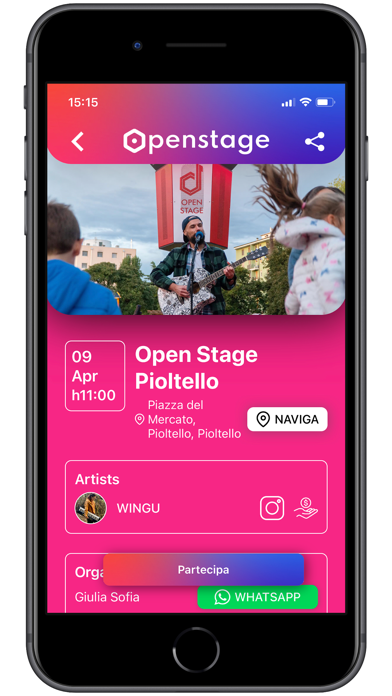
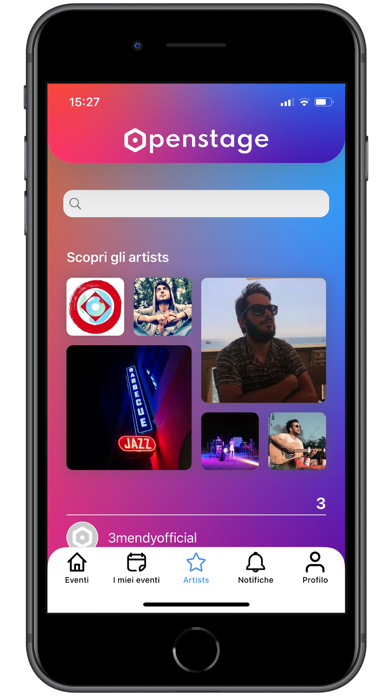
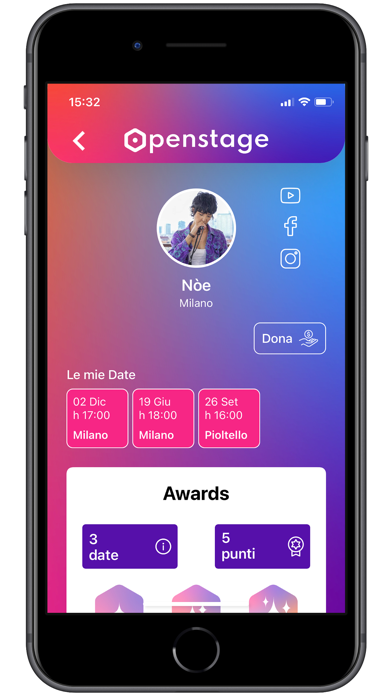
L’app di Open Stage permette di partecipare agli eventi organizzati su palchi unici e speciali, sia in veste di artisti (CREATORS) che di spettatori o volontari (USER). Partecipando agli eventi (musica, teatro, danza, talk, fitness, etc) potrai accumulare i punti per raggiungere diversi livelli di Awards, che ti permetteranno di ricevere premi e riconoscimenti. Se sei un artista potrai registrare il tuo profilo CREATOR: - Crea nuovi eventi sugli Open Stage o partecipa ad eventi organizzati da altri come artista o spettatore. Una volta creato il tuo evento scegliendo uno slot di data e orario tra quelli disponibili sul tuo Open Stage, riceverai una conferma da parte dell’amministratore di sistema. Quando arriverai sul posto, potrai sbloccare la postazione con il tuo smartphone e lo show potrà partire. Alcuni Open Stage non sono dotati di strumentazione tecnica (troverai tale segnalazio…
App details
What you can learn from Open Stage
Every shipping app on the App Store has gone through the same decisions you're working through right now: which screenshot goes first, what caption sits over it, which device frame to show, what color the background should be. The 4 screenshots above are Open Stage's answers to those questions — they're public, they're real, and they made it through Apple's review.
What the numbers say: Open Stage runs a light set with one background colour (#FCFCFC) carried across every screenshot — the listing reads as a single poster when the shots sit side by side in search results. The accent colour we picked up, #FC34CC, is the one to reuse for badges, arrows and highlighted words if you borrow this look. Hit Use this style to open the editor with these exact colours and drop your own screenshot in.
Notice the first screenshot in particular. It's the one users see in search results and on the product page, and it's where most apps spend their best caption and tightest design. Look at the proportion of background to phone, where the text sits, what one thing the image is trying to communicate.
Want to see how other News apps approach the same problem? Browse more News apps in the showcase.
Take what works into your own screenshots
Open LaunchShots and design your App Store & Google Play screenshots — pick a device frame, drop captions, ship in minutes. Free, in your browser.
Open the screenshot editor →Apps with a similar look
Closest background + accent colours among the listings we've analysed — useful when you want to see the same palette handled by a different team.