Screenshots
iPad screenshots
Icon palette
About this app
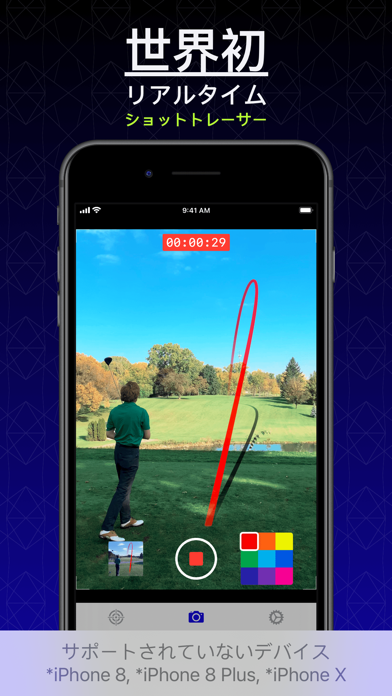
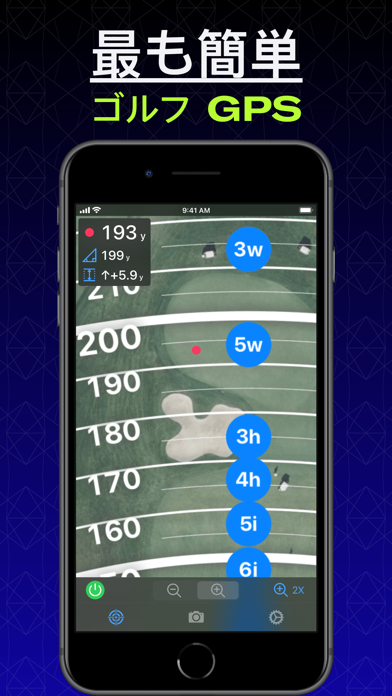
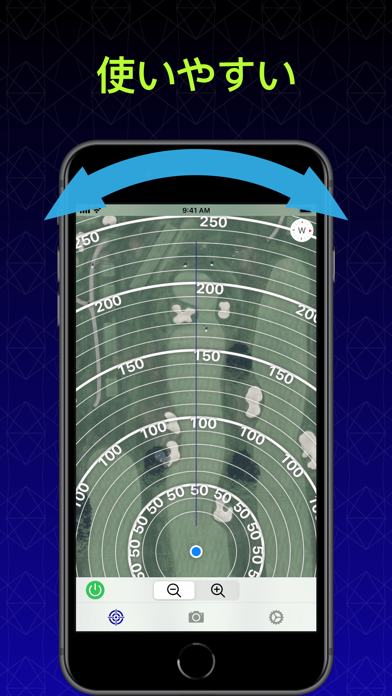
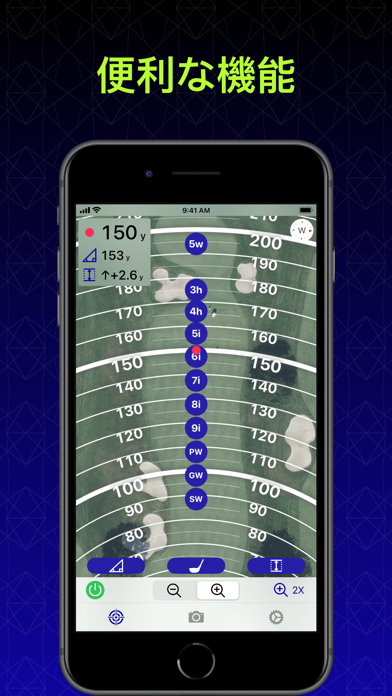
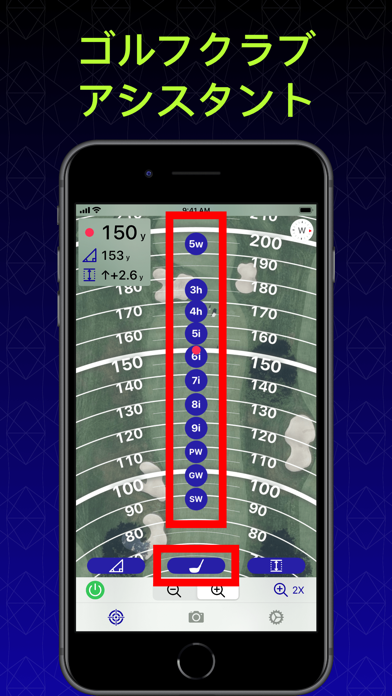
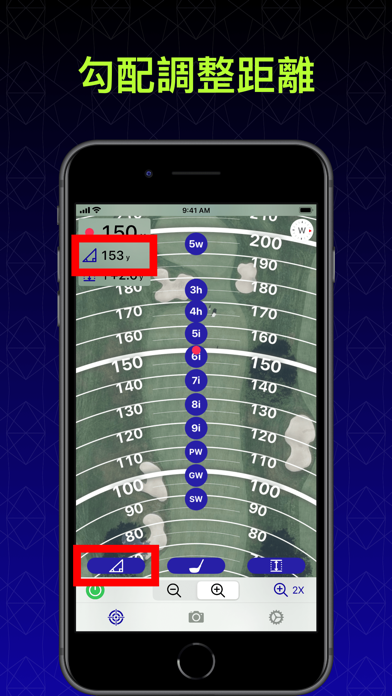
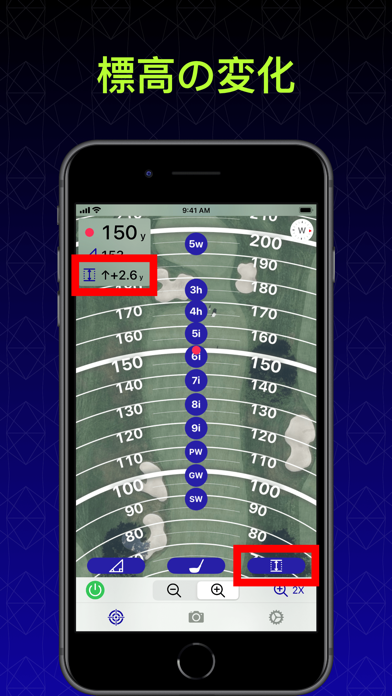
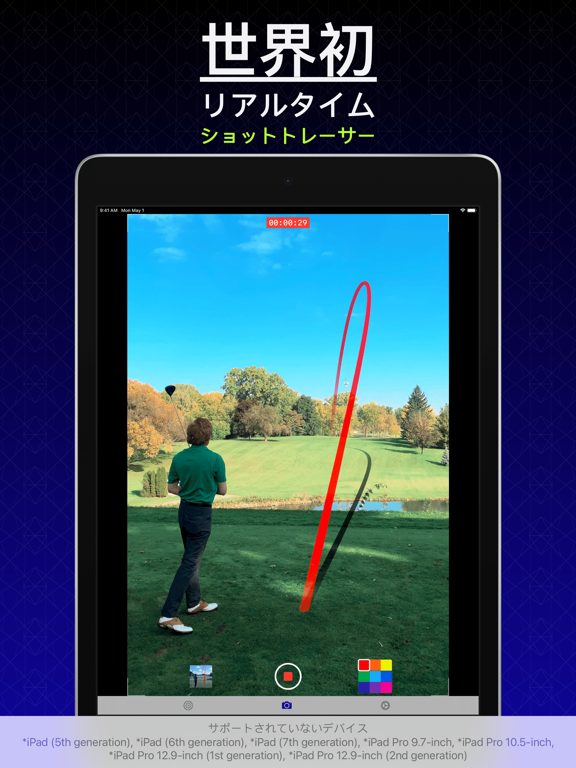
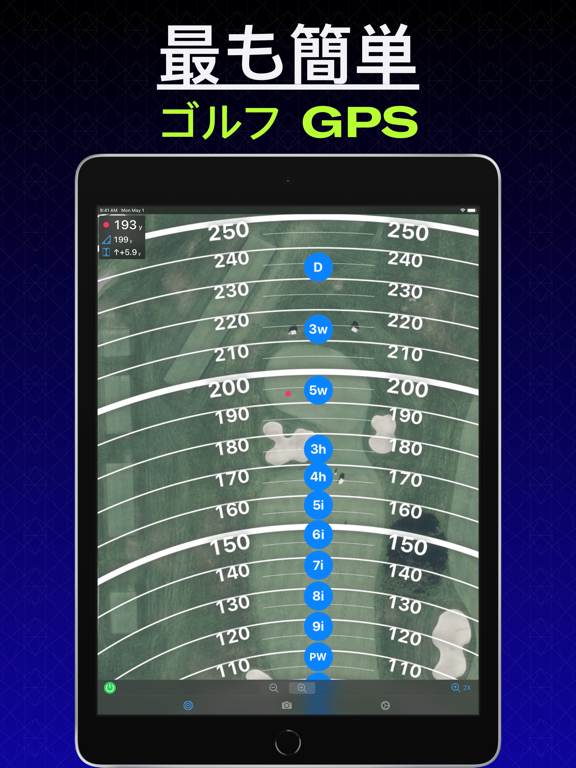
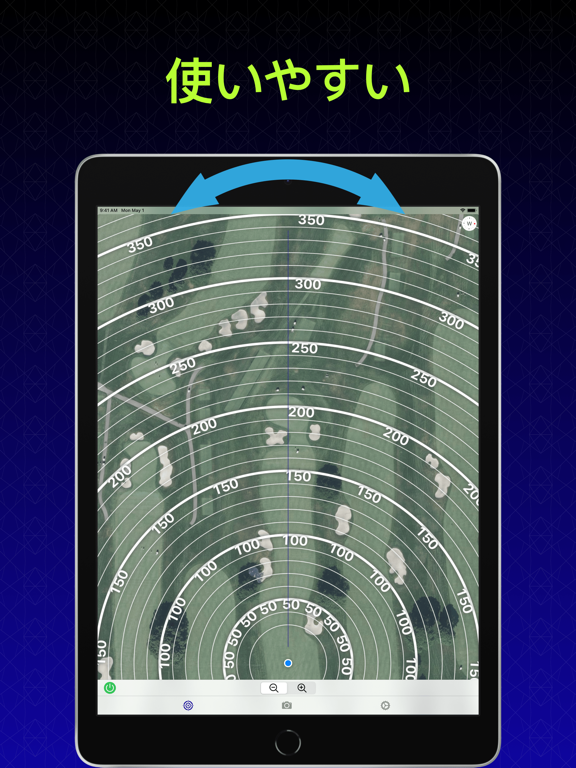
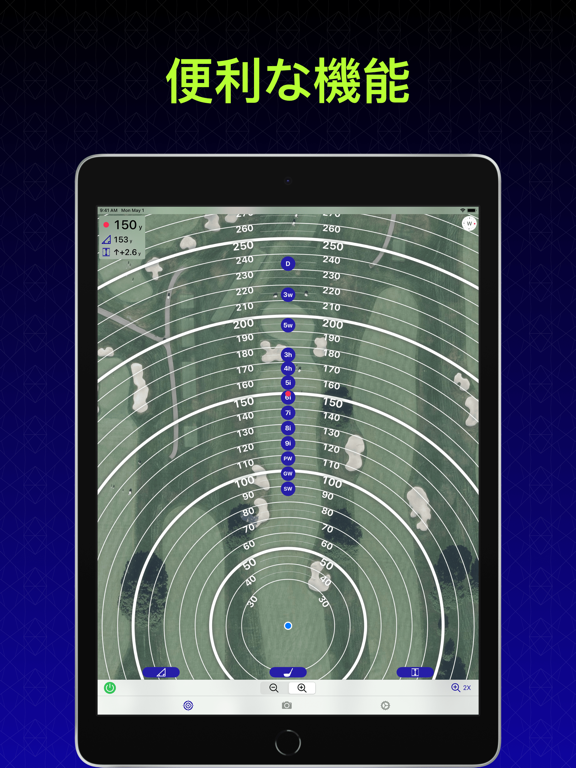
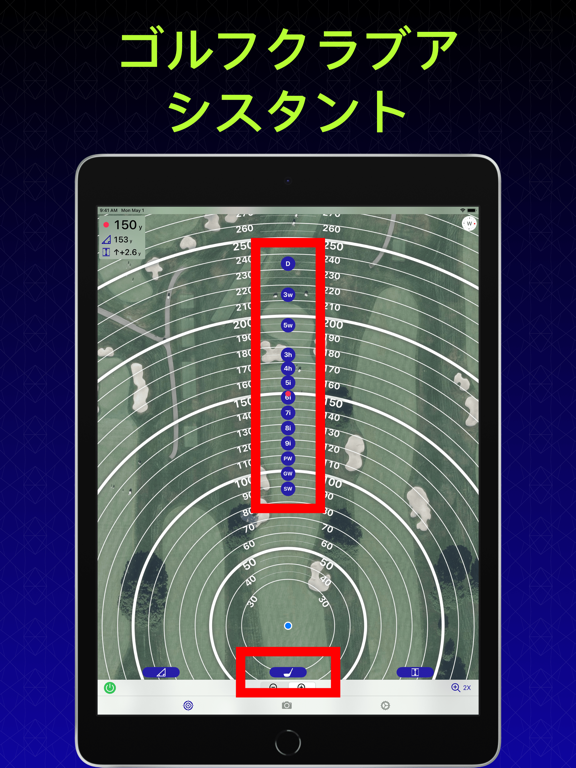
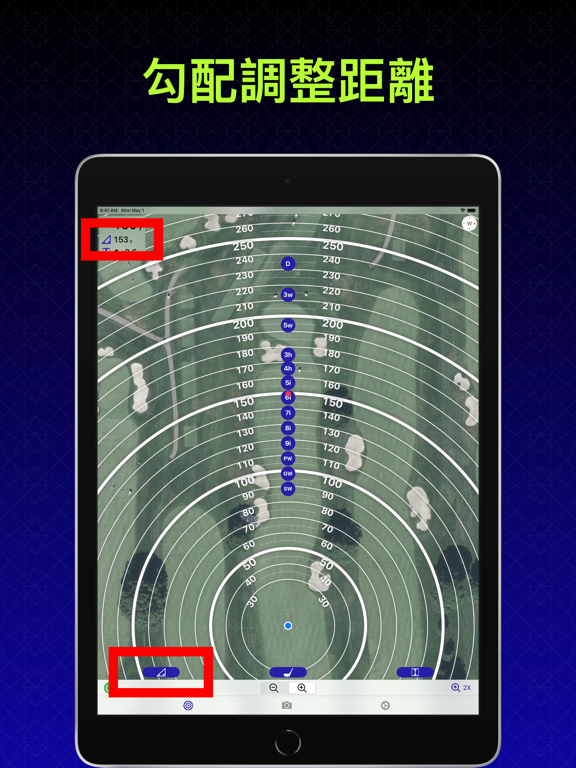
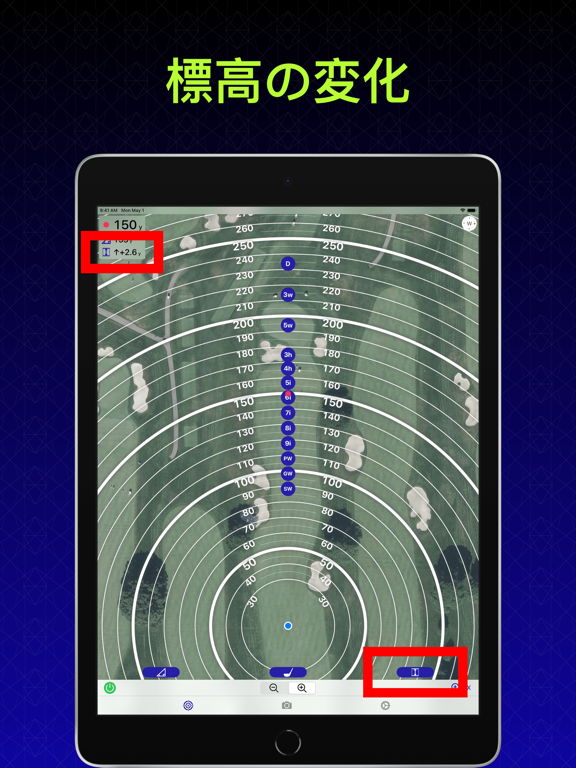
ショットトレーサー 世界初 リアルタイム ショットトレーサー 白色のゴルフボールを使用する必要があります。 暑い日の直射日光に長時間さらされると、デバイスが熱くなることがあります。 サポートされていないデバイス *iPhone8, *iPhone 8 Plus, *iPhone X ゴルフ GPS ゴルフクラブアシスタント ゴルフバッグ内の各ゴルフクラブをどれだけ叩くかを設定します。 ズームインするたびに、ゴルフクラブアシスタントは、ゴルフボールがどこに到達すると予想されるかを示します(勾配調整距離に基づいて)。 勾配調整距離 勾配調整距離は、水平距離と標高の変化を組み合わせたものです。 たとえば、ターゲットがあなたより上にある場合、勾配調整距離は通常の距離よりも長くなります。 ↑/↓高さ(標高の変化) ↑/↓高さ(標高の変化)は、あなたからあなたのターゲットまでの垂直距離の測定値を提供します。 利用規約 https://www.smoothswingapp.com/terms-of-service 個人情報保護方針 https://www.smoothswingapp.com/privacy-policy
App details
What you can learn from SmoothSwing
Every shipping app on the App Store has gone through the same decisions you're working through right now: which screenshot goes first, what caption sits over it, which device frame to show, what color the background should be. The 14 screenshots above are SmoothSwing's answers to those questions — they're public, they're real, and they made it through Apple's review.
Notice the first screenshot in particular. It's the one users see in search results and on the product page, and it's where most apps spend their best caption and tightest design. Look at the proportion of background to phone, where the text sits, what one thing the image is trying to communicate.
Want to see how other Sports apps approach the same problem? Browse more Sports apps in the showcase.
Take what works into your own screenshots
Open LaunchShots and design your App Store & Google Play screenshots — pick a device frame, drop captions, ship in minutes. Free, in your browser.
Open the screenshot editor →