Chart position — tracked daily by LaunchShots
Screenshot style breakdown
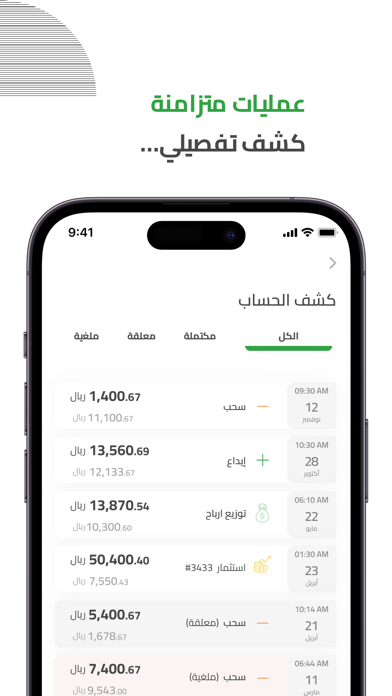
Sampled from 5 of سلفة's App Store screenshots — background, accent and theme, measured by LaunchShots (not something Apple publishes).
#FCFCFC bg
#DDDDDD
#34A444 accent
#111111 text
Screenshots
Icon palette
About this app
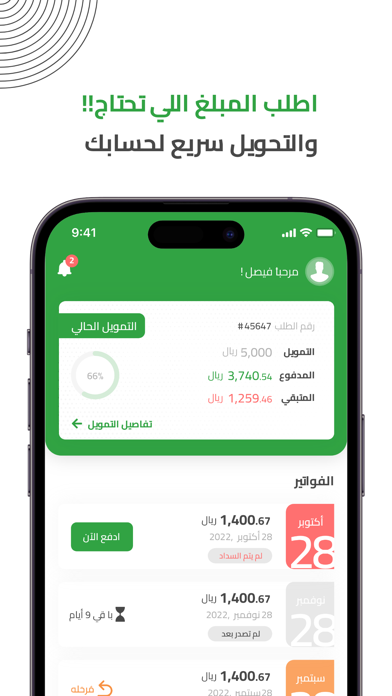
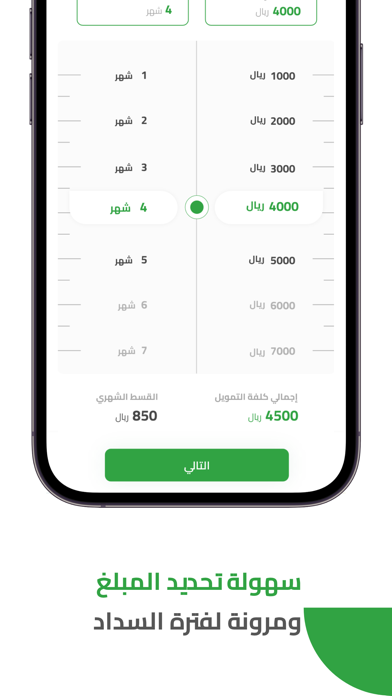
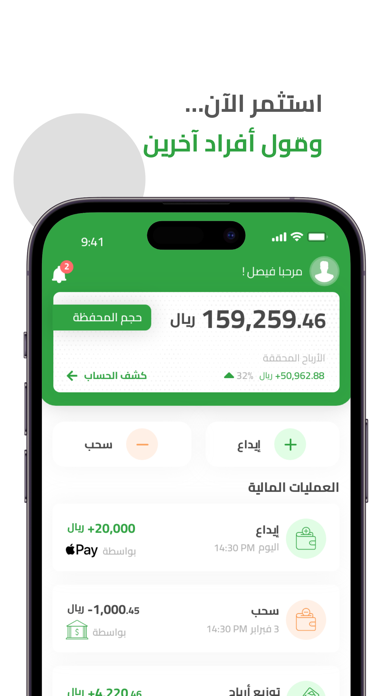
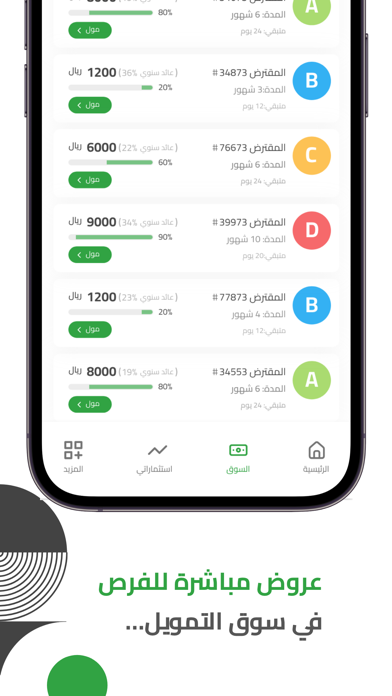
سلفة شركة تمويل من خلال التقنية المالية تتوافق عملياتها مع أحكام الشريعة الإسلامية وتقدم تطبيق للتمويل الطارئ والسريع للأفراد على مدار الساعة ويستغرق الإيداع للتمويل 24 ساعة فقط على أي بنك أو مصرف داخل المملكة العربية السعودية ـ بحيث يمكن طلب مبالغ تمويلية صغيرة تتراوح ما بين 1,000 ريال إلى 30,000 ريال- وفترة سداد تصل إلى 24 شهر وبطريقة سهله. يمكنك طلب التمويل من أي مكان في المملكة العربية السعودية عبر تطبيق سلفة. لماذا تعتبر سلفة للتمويل الأفضل في تمويل الأفراد؟ طلب التمويل بطريقة إلكترونية بالكامل تمويل فوري وسريع على مدار الساعة متوافق مع أحكام الشريعة الإسلامية بدون تحويل راتب أو كفيل أو حضور فترة سداد مرنة تصل إلى 24 شهرًا إيداع التمويل على أي بنك أو مصرف وكذلك بإمكان الأفراد المستثمرين الاستثمار عبر تمويل أفراد آخرين من خلال سوق التمويل في تطبيق سلفة والحصول على عوائد مالية مغرية جراء الاستثمار في التمويل والذي يوزع بشكل شهري وبنسب عالية الربحية. حيث يعتبر هذا النوع للتمويل بين …
App details
What you can learn from سلفة
Every shipping app on the App Store has gone through the same decisions you're working through right now: which screenshot goes first, what caption sits over it, which device frame to show, what color the background should be. The 5 screenshots above are سلفة's answers to those questions — they're public, they're real, and they made it through Apple's review.
What the numbers say: سلفة runs a light set with one background colour (#FCFCFC) carried across every screenshot — the listing reads as a single poster when the shots sit side by side in search results. The accent colour we picked up, #34A444, is the one to reuse for badges, arrows and highlighted words if you borrow this look. Hit Use this style to open the editor with these exact colours and drop your own screenshot in.
Notice the first screenshot in particular. It's the one users see in search results and on the product page, and it's where most apps spend their best caption and tightest design. Look at the proportion of background to phone, where the text sits, what one thing the image is trying to communicate.
Want to see how other Finance apps approach the same problem? Browse more Finance apps in the showcase.
Take what works into your own screenshots
Open LaunchShots and design your App Store & Google Play screenshots — pick a device frame, drop captions, ship in minutes. Free, in your browser.
Open the screenshot editor →Apps with a similar look
Closest background + accent colours among the listings we've analysed — useful when you want to see the same palette handled by a different team.