Chart position — tracked daily by LaunchShots
Screenshot style breakdown
Sampled from 6 of 異世界漫画・悪役令嬢まんが読むなら『マンガがうがう』's App Store screenshots — background, accent and theme, measured by LaunchShots (not something Apple publishes).
#FCFCFC bg
#DDDDDD
#E40404 accent
#111111 text
Screenshots
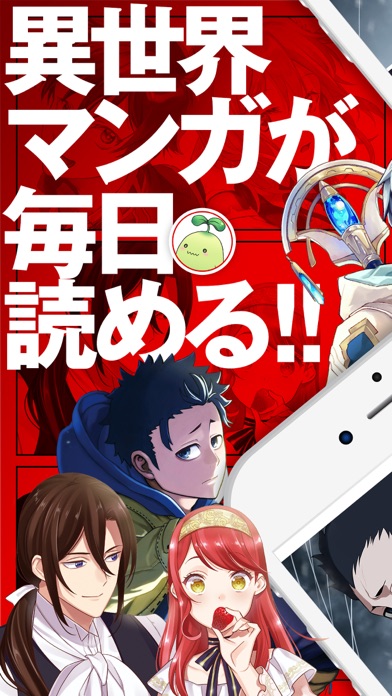

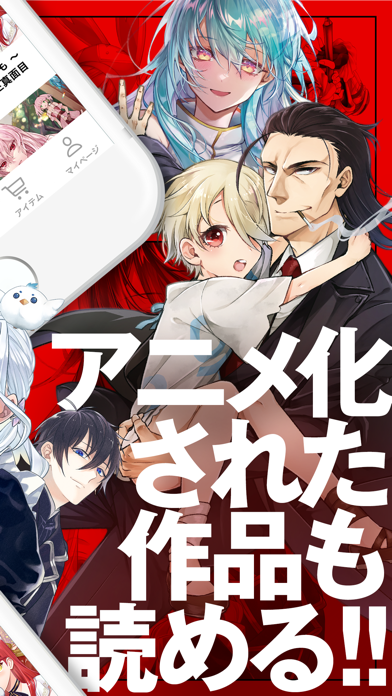
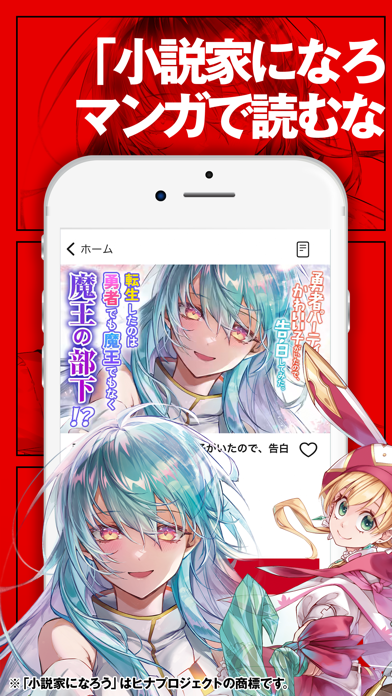


iPad screenshots


Icon palette
About this app
「小説家になろう」作品などを刊行するモンスターコミックスを中心とした双葉社の作品をどこよりも早くお届け! 異世界、悪役令嬢、アニメ化作品などが基本無料で楽しめる、双葉社発のまんがアプリ! ■毎日無料で読める! 毎日午前7時と午後6時に4話分ずつ回復する「がうポイント」を使って、マンガを無料で読めます。 ここでしか読めない「モンスターコミックス」「モンスターコミックスf」などの作品を無料で楽しもう! ■30日間無料で読み返せる! 一度読んだ話は30日間読み返しが無料! 好きなタイミングに何度でもアイテムを消費せずに読み返す事ができます。 ※無料読み返し期間中でも、作品の掲載期間終了により読み返しができない場合があります。 ■「小説家になろう」発の異世界・転生マンガが大集合! ここでしか読めない「小説家になろう」作品を多数収録!最新話もどこよりも早くお届け! 自分のお気に入りの作品を見つけて更新を追いかけよう! ※『小説家になろう』は株式会社ヒナプロジェクトの登録商標です。 作品例 ・魔王様、リトライ! ・異世界…
App details
What you can learn from 異世界漫画・悪役令嬢まんが読むなら『マンガがうがう』
Every shipping app on the App Store has gone through the same decisions you're working through right now: which screenshot goes first, what caption sits over it, which device frame to show, what color the background should be. The 12 screenshots above are 異世界漫画・悪役令嬢まんが読むなら『マンガがうがう』's answers to those questions — they're public, they're real, and they made it through Apple's review.
What the numbers say: 異世界漫画・悪役令嬢まんが読むなら『マンガがうがう』 runs a mixed light-and-dark set where the background shifts from screenshot to screenshot (first shot #FCFCFC) — each image has to stand on its own, so the captions carry more of the story. The accent colour we picked up, #E40404, is the one to reuse for badges, arrows and highlighted words if you borrow this look. Hit Use this style to open the editor with these exact colours and drop your own screenshot in.
Notice the first screenshot in particular. It's the one users see in search results and on the product page, and it's where most apps spend their best caption and tightest design. Look at the proportion of background to phone, where the text sits, what one thing the image is trying to communicate.
Want to see how other Book apps approach the same problem? Browse more Book apps in the showcase.
Take what works into your own screenshots
Open LaunchShots and design your App Store & Google Play screenshots — pick a device frame, drop captions, ship in minutes. Free, in your browser.
Open the screenshot editor →Apps with a similar look
Closest background + accent colours among the listings we've analysed — useful when you want to see the same palette handled by a different team.