Screenshot style breakdown
Sampled from 6 of ソニー生命's App Store screenshots — background, accent and theme, measured by LaunchShots (not something Apple publishes).
#FCFCFC bg
#DDDDDD
#2C5484 accent
#111111 text
Screenshots
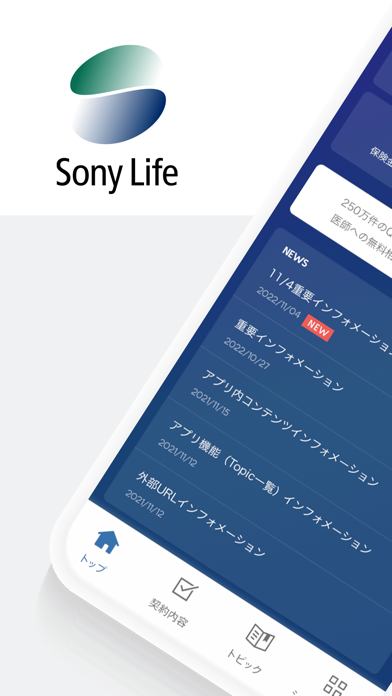
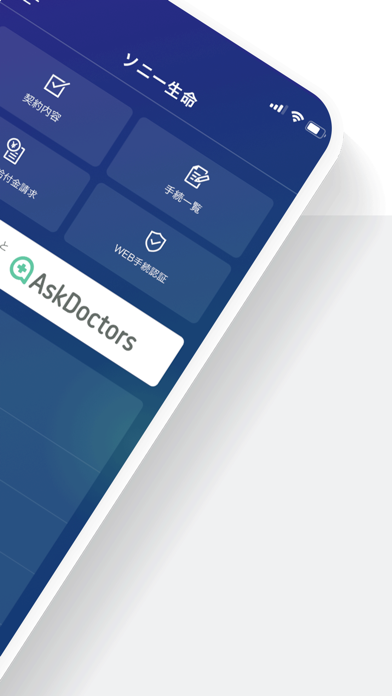
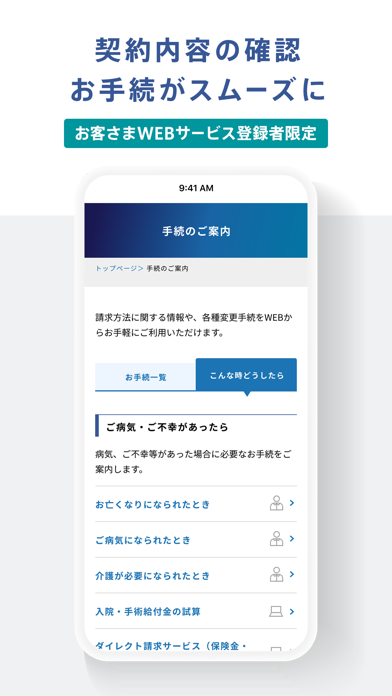

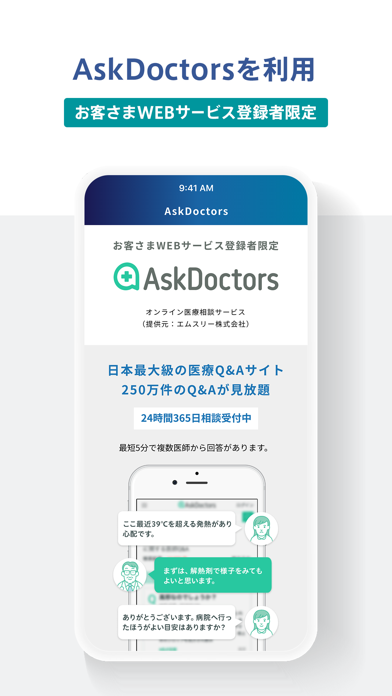
Icon palette
About this app
【アプリの主な機能】 1.契約内容の確認/お手続 生体認証で簡単にログインのうえ、アプリからいつでもご契約内容の確認やお手続が可能です。 2.オリジナルのライフプラン ライフプラン表をはじめ、収支推移や資産残高など。ライフプランナーが作成したオーダーメイドのライフプランデータを確認いただけます。 ※ 本機能は、担当者が当社またはソニーライフ・コミュニケーションズ株式会社に所属しているライフプランナーであるお客さまに限り、ご利用いただけます。 3.ライフプランの実現に役立つ、多彩なコンテンツ マネーをはじめ、健康・育児・趣味など。毎週更新する「アプリ登録者限定」のお役立ちコンテンツをラインナップ。 【アプリの登録方法】 アプリの利用を開始するためには、2種類の登録方法があります。 ◆方法1:ソニー生命の「お客さまWEBサービス」のID・パスワードで登録 ◆方法2:「招待コード」で登録 ソニー生命のライフプランナーが発行する招待コードを使って、アプリをご登録いただけます。招待コードの発行をご希望の場合、担…
App details
What you can learn from ソニー生命
Every shipping app on the App Store has gone through the same decisions you're working through right now: which screenshot goes first, what caption sits over it, which device frame to show, what color the background should be. The 6 screenshots above are ソニー生命's answers to those questions — they're public, they're real, and they made it through Apple's review.
What the numbers say: ソニー生命 runs a light set with one background colour (#FCFCFC) carried across every screenshot — the listing reads as a single poster when the shots sit side by side in search results. The accent colour we picked up, #2C5484, is the one to reuse for badges, arrows and highlighted words if you borrow this look. Hit Use this style to open the editor with these exact colours and drop your own screenshot in.
Notice the first screenshot in particular. It's the one users see in search results and on the product page, and it's where most apps spend their best caption and tightest design. Look at the proportion of background to phone, where the text sits, what one thing the image is trying to communicate.
Want to see how other Finance apps approach the same problem? Browse more Finance apps in the showcase.
Take what works into your own screenshots
Open LaunchShots and design your App Store & Google Play screenshots — pick a device frame, drop captions, ship in minutes. Free, in your browser.
Open the screenshot editor →Apps with a similar look
Closest background + accent colours among the listings we've analysed — useful when you want to see the same palette handled by a different team.