Chart position — tracked daily by LaunchShots
Screenshot style breakdown
Sampled from 5 of ショートカット アイコン着せ替え - アプリアイコン作成's App Store screenshots — background, accent and theme, measured by LaunchShots (not something Apple publishes).
#8CDCE4 bg
#7BC1C8
#5C949C accent
#111111 text
Screenshots

Icon palette
About this app
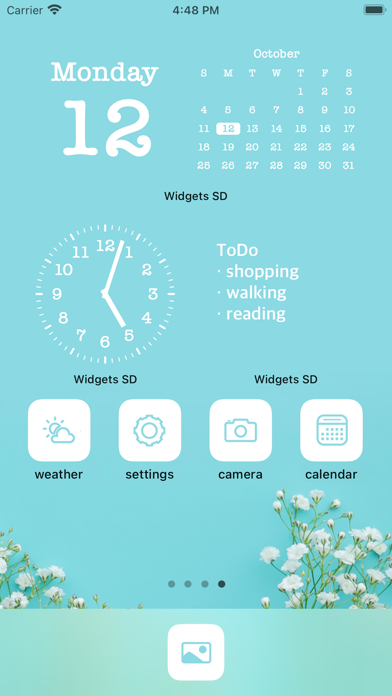
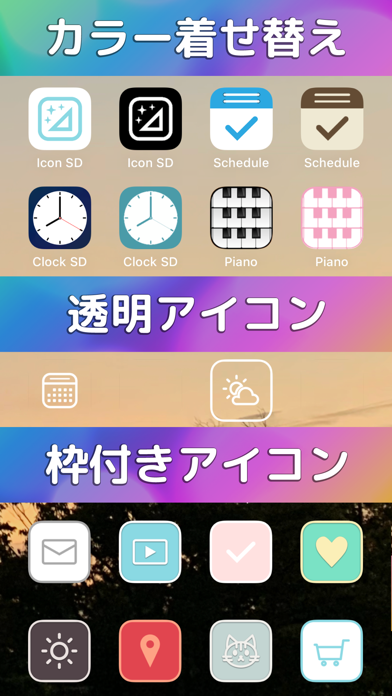
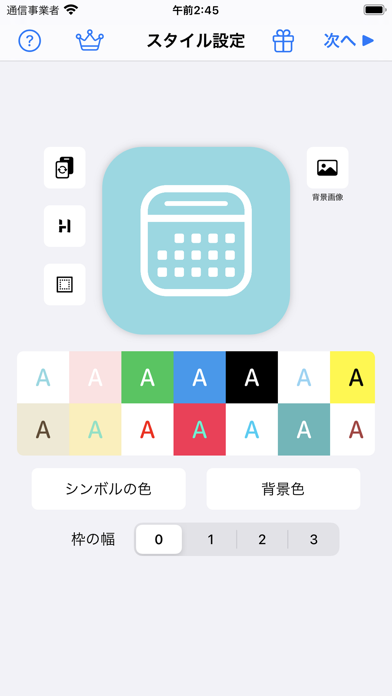
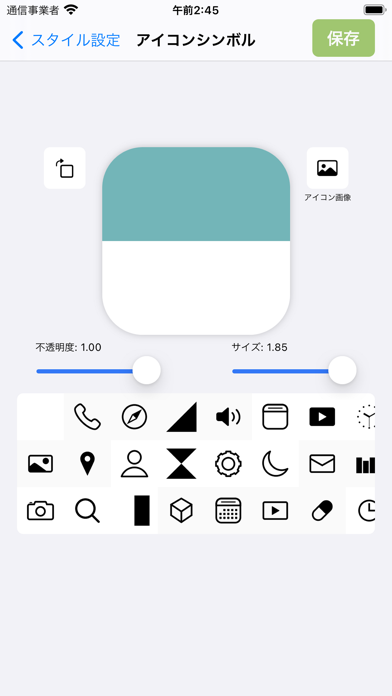
ホーム画面のアプリアイコンを変えて、かわいくおしゃれに着せ替えしよう。 自分の好みのアイコンが、わずか数ステップで簡単に作成可能。 ・・・ここがすごい!・・・ 既存のアプリアイコンの色替え 透明アイコン作成 ・・・こんなことも出来ます・・・ 自分の画像からアイコンを作る アイコンのマークが選べる(100種類以上) アイコンの色を変更する テンプレートからの配色が選べる 作ったアイコンはアルバムに保存できる 色の反転がワンタップ マークのサイズも変更可能 アイコンに枠が付けられます
App details
What you can learn from ショートカット アイコン着せ替え - アプリアイコン作成
Every shipping app on the App Store has gone through the same decisions you're working through right now: which screenshot goes first, what caption sits over it, which device frame to show, what color the background should be. The 5 screenshots above are ショートカット アイコン着せ替え - アプリアイコン作成's answers to those questions — they're public, they're real, and they made it through Apple's review.
What the numbers say: ショートカット アイコン着せ替え - アプリアイコン作成 runs a mixed light-and-dark set where the background shifts from screenshot to screenshot (first shot #8CDCE4) — each image has to stand on its own, so the captions carry more of the story. The accent colour we picked up, #5C949C, is the one to reuse for badges, arrows and highlighted words if you borrow this look. Hit Use this style to open the editor with these exact colours and drop your own screenshot in.
Notice the first screenshot in particular. It's the one users see in search results and on the product page, and it's where most apps spend their best caption and tightest design. Look at the proportion of background to phone, where the text sits, what one thing the image is trying to communicate.
Want to see how other Graphics & Design apps approach the same problem? Browse more Graphics & Design apps in the showcase.
Take what works into your own screenshots
Open LaunchShots and design your App Store & Google Play screenshots — pick a device frame, drop captions, ship in minutes. Free, in your browser.
Open the screenshot editor →Apps with a similar look
Closest background + accent colours among the listings we've analysed — useful when you want to see the same palette handled by a different team.