Chart position — tracked daily by LaunchShots
Screenshot style breakdown
Sampled from 5 of SCE's App Store screenshots — background, accent and theme, measured by LaunchShots (not something Apple publishes).
#6C5C5C bg
#807272
#CC043C accent
#FFFFFF text
Screenshots


iPad screenshots



Icon palette
About this app
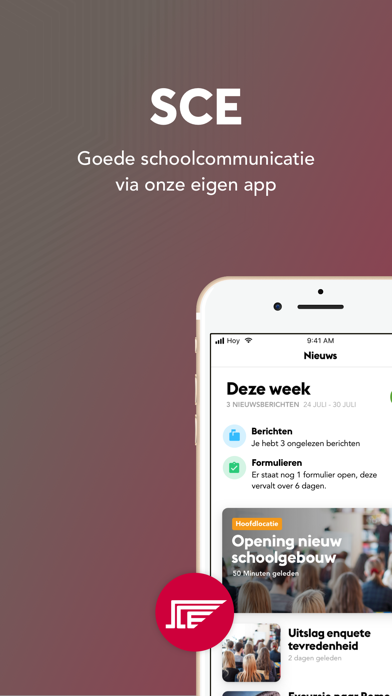
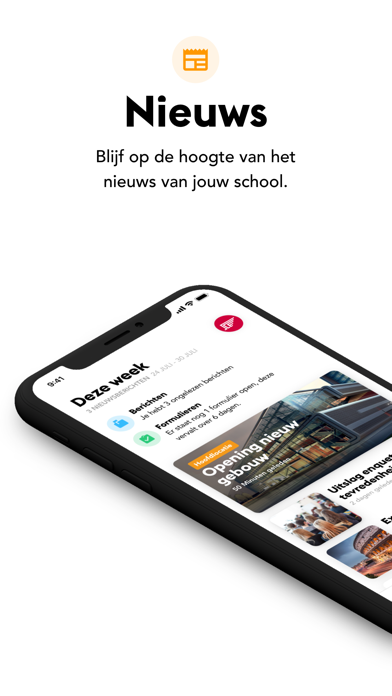
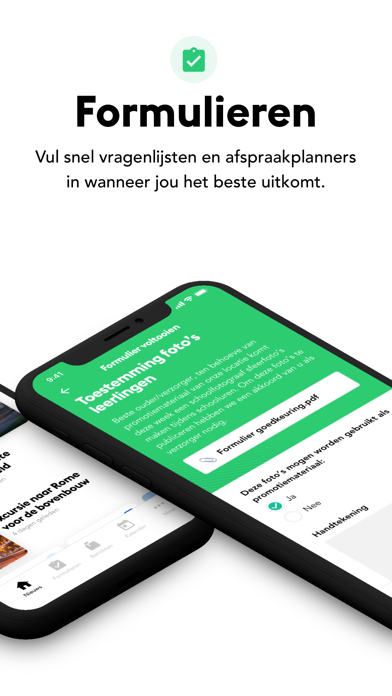
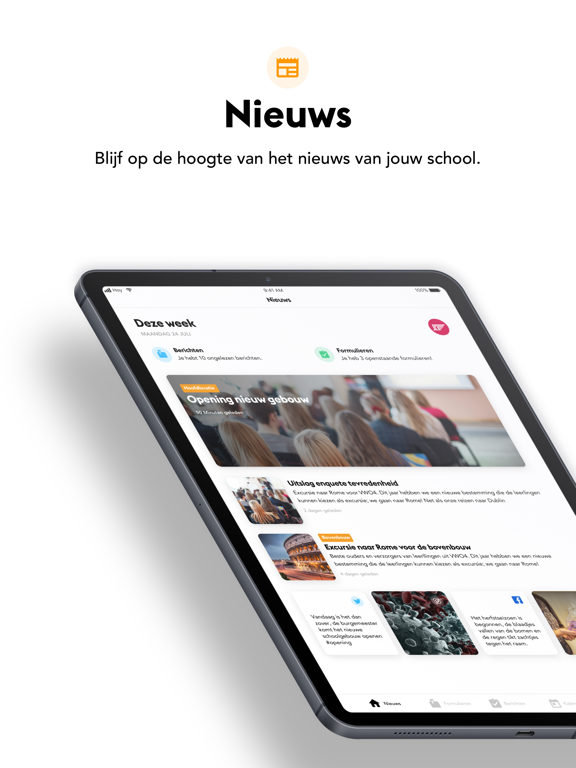
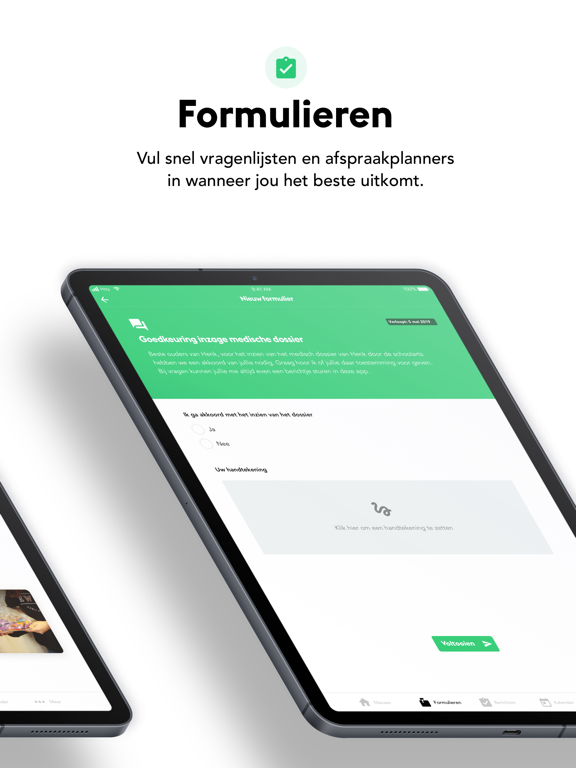
Ben jij een ouder, leerling of medewerker van Stedelijk College Eindhoven? Download dan nu de SCE app en log in met de gegevens die je via mail hebt ontvangen. Geen uitnodiging gehad, maar wel altijd het laatste nieuws van Stedelijk College Eindhoven in de broekzak? Dat kan ook zonder inlog! • Complete nieuwsfeed Bekijk de nieuwsfeed van de school, met de laatste updates van social media, de website of app. • Handige formulieren Geen verloren brieven of mails meer! Bekijk in een oogopslag wat jij nog moet regelen en vul in de app direct formulieren in. • Berichten en notificaties Heb je een vraag aan de school of mentor? Stuur via de app een bericht en ga het gesprek aan. • Actuele kalender Bekijk alle activiteiten die relevant voor jou zijn snel in de jaarkalender. Niet vergeten? Stel een herinnering voor jezelf in.
App details
What you can learn from SCE
Every shipping app on the App Store has gone through the same decisions you're working through right now: which screenshot goes first, what caption sits over it, which device frame to show, what color the background should be. The 10 screenshots above are SCE's answers to those questions — they're public, they're real, and they made it through Apple's review.
What the numbers say: SCE runs a mixed light-and-dark set where the background shifts from screenshot to screenshot (first shot #6C5C5C) — each image has to stand on its own, so the captions carry more of the story. The accent colour we picked up, #CC043C, is the one to reuse for badges, arrows and highlighted words if you borrow this look. Hit Use this style to open the editor with these exact colours and drop your own screenshot in.
Notice the first screenshot in particular. It's the one users see in search results and on the product page, and it's where most apps spend their best caption and tightest design. Look at the proportion of background to phone, where the text sits, what one thing the image is trying to communicate.
Want to see how other Education apps approach the same problem? Browse more Education apps in the showcase.
Take what works into your own screenshots
Open LaunchShots and design your App Store & Google Play screenshots — pick a device frame, drop captions, ship in minutes. Free, in your browser.
Open the screenshot editor →Apps with a similar look
Closest background + accent colours among the listings we've analysed — useful when you want to see the same palette handled by a different team.