Chart position — tracked daily by LaunchShots
Screenshot changes — detected by LaunchShots
Screenshot style breakdown
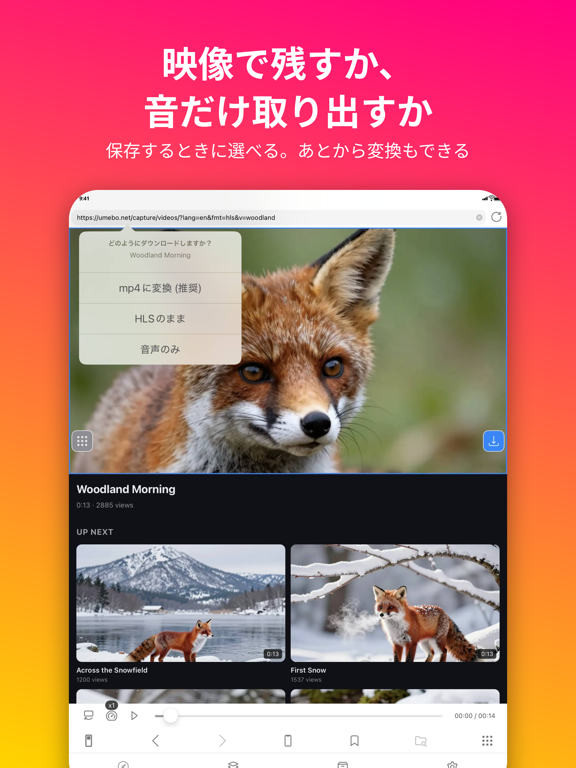
Sampled from 5 of 動画保存 / バックグラウンド再生 / iCap's App Store screenshots — background, accent and theme, measured by LaunchShots (not something Apple publishes).
#FC1474 bg
#FC3487
#FC6444 accent
#FFFFFF text
Screenshots



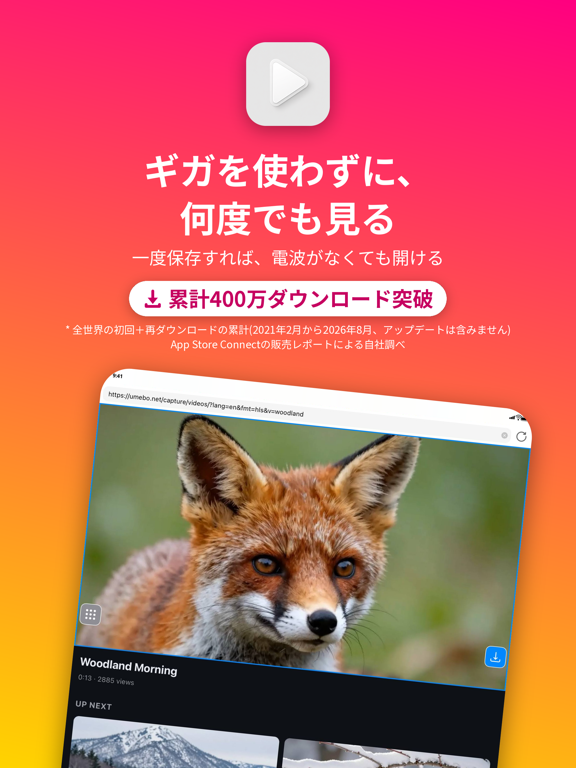
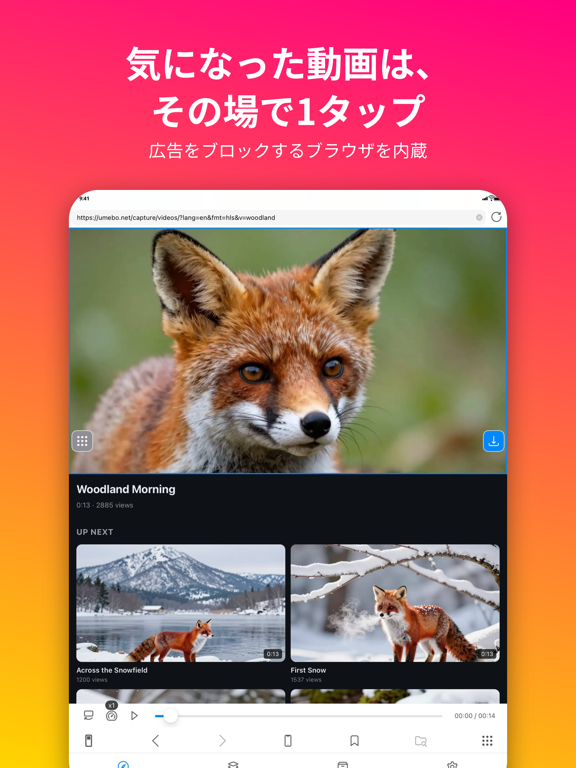
iPad screenshots


Icon palette
About this app
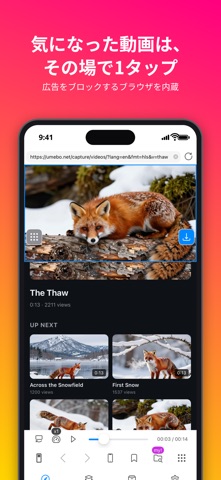
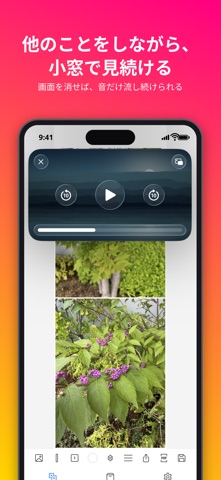
・とにかく使いやすさにこだわった動画保存+再生アプリ。アプリ内蔵の広告ブロック機能付きブラウザで、広告に邪魔されずに動画を保存できます。 ・アプリ内ブラウザ・ファイルアプリ・カメラロールから動画を保存でき、保存後はオフラインでいつでも再生可能。 ・1日あたりのダウンロード本数に上限はありません。 ・バックグラウンド再生に対応。アプリを切り替えても音声が流れ続けます。 ・picture in picture再生で、他の作業をしながら小窓で動画を視聴できます。 ・動画はフォルダで整理して管理。ファイルアプリからの閲覧・コピーも可能です。 ・パスコードを設定して、保存した動画を人に見られないよう保護できます。 ・2倍速、0.5倍速など再生速度を変更可能。 ・モバイルモードとPCモードの両方でサイトを閲覧可能。 ・保存・変換・再生をすべて並行処理。待たされるストレスがありません。 ・ボタン一つで画面を90度回転。 ・1つの動画のみリピート、複数動画の連続リピート、最後で停止など再生オプションも豊富。 ・保存した動画はいつでもカメラロ…
App details
What you can learn from 動画保存 / バックグラウンド再生 / iCap
Every shipping app on the App Store has gone through the same decisions you're working through right now: which screenshot goes first, what caption sits over it, which device frame to show, what color the background should be. The 10 screenshots above are 動画保存 / バックグラウンド再生 / iCap's answers to those questions — they're public, they're real, and they made it through Apple's review.
What the numbers say: 動画保存 / バックグラウンド再生 / iCap runs a mixed light-and-dark set where the background shifts from screenshot to screenshot (first shot #FC1474) — each image has to stand on its own, so the captions carry more of the story. The accent colour we picked up, #FC6444, is the one to reuse for badges, arrows and highlighted words if you borrow this look. Hit Use this style to open the editor with these exact colours and drop your own screenshot in.
Notice the first screenshot in particular. It's the one users see in search results and on the product page, and it's where most apps spend their best caption and tightest design. Look at the proportion of background to phone, where the text sits, what one thing the image is trying to communicate.
Want to see how other Photo & Video apps approach the same problem? Browse more Photo & Video apps in the showcase.
Take what works into your own screenshots
Open LaunchShots and design your App Store & Google Play screenshots — pick a device frame, drop captions, ship in minutes. Free, in your browser.
Open the screenshot editor →Apps with a similar look
Closest background + accent colours among the listings we've analysed — useful when you want to see the same palette handled by a different team.