Chart position — tracked daily by LaunchShots
Screenshot style breakdown
Sampled from 5 of てっぱく抽選アプリ's App Store screenshots — background, accent and theme, measured by LaunchShots (not something Apple publishes).
#FCFCFC bg
#DDDDDD
#54AC04 accent
#111111 text
Screenshots
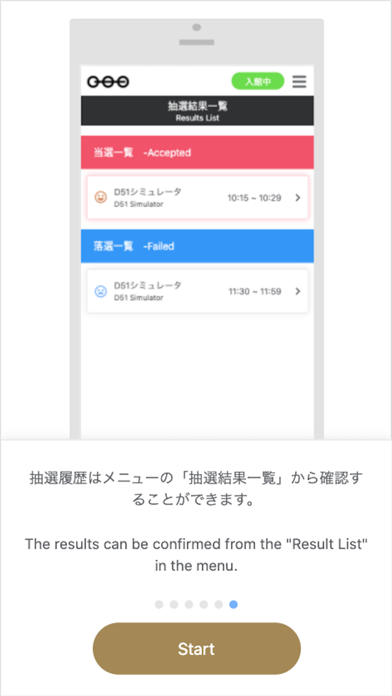
iPad screenshots


Icon palette
About this app
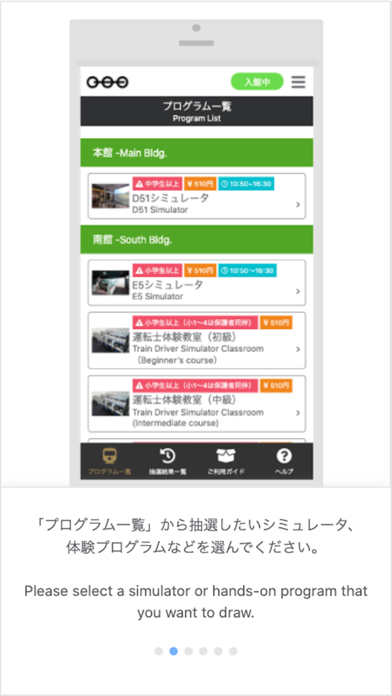
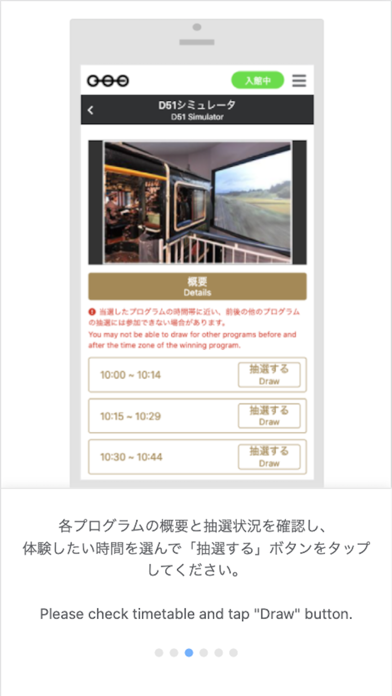
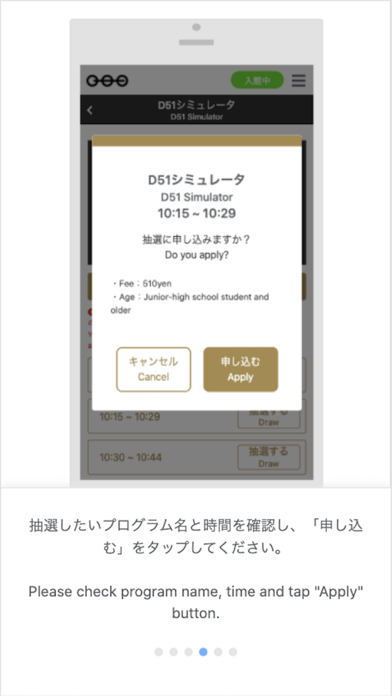
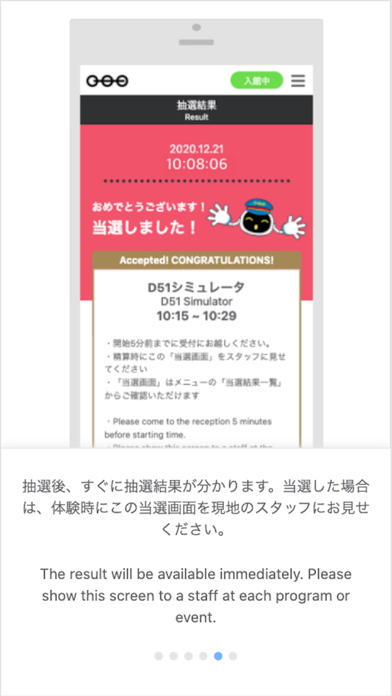
本アプリケーションは鉄道博物館に入館後、ご利用ください。ご利用にあたっては必ずお手持ちのスマートフォン・タブレット端末の位置情報設定をON(許可)にしてください。 ―主な機能- ■抽選機能 スマートフォン・タブレット端末で鉄道博物館の各種シミュレータ、体験プログラム、イベント等の抽選を行うことができます。 ■抽選結果通知機能 抽選後、すぐに「当選」「落選」の結果が画面上に表示されます。 ■プッシュ通知機能 落選した方に限り、同一プログラムの「再チャレンジ」に参加できる場合があります。「再チャレンジ」 が可能となった場合は、端末上にプッシュ通知でお知らせします。 ―ご利用にあたって- ■抽選に参加できるのは、スマートフォンまたはタブレット端末をお持ちのお客さまに限ります。 ■開館時間と同時に、全てのプログラムの全時間帯(枠)が一斉に抽選開始となります。 ■開館前・閉館後に抽選に参加することはできません。 ■各プログラムにつき、それぞれ1端末1日1回のみ抽選に参加することができます。 ※ただし、落選した方に限り同一…
App details
What you can learn from てっぱく抽選アプリ
Every shipping app on the App Store has gone through the same decisions you're working through right now: which screenshot goes first, what caption sits over it, which device frame to show, what color the background should be. The 10 screenshots above are てっぱく抽選アプリ's answers to those questions — they're public, they're real, and they made it through Apple's review.
What the numbers say: てっぱく抽選アプリ runs a light set with one background colour (#FCFCFC) carried across every screenshot — the listing reads as a single poster when the shots sit side by side in search results. The accent colour we picked up, #54AC04, is the one to reuse for badges, arrows and highlighted words if you borrow this look. Hit Use this style to open the editor with these exact colours and drop your own screenshot in.
Notice the first screenshot in particular. It's the one users see in search results and on the product page, and it's where most apps spend their best caption and tightest design. Look at the proportion of background to phone, where the text sits, what one thing the image is trying to communicate.
Want to see how other Education apps approach the same problem? Browse more Education apps in the showcase.
Take what works into your own screenshots
Open LaunchShots and design your App Store & Google Play screenshots — pick a device frame, drop captions, ship in minutes. Free, in your browser.
Open the screenshot editor →Apps with a similar look
Closest background + accent colours among the listings we've analysed — useful when you want to see the same palette handled by a different team.