Chart position — tracked daily by LaunchShots
Screenshot changes — detected by LaunchShots
Screenshot style breakdown
Sampled from 6 of しまじろうアプリ(スマホ版)'s App Store screenshots — background, accent and theme, measured by LaunchShots (not something Apple publishes).
#FC2C3C bg
#FC4957
#FCE414 accent
#FFFFFF text
Reading the caption text from the screenshots in your browser…
Screenshots
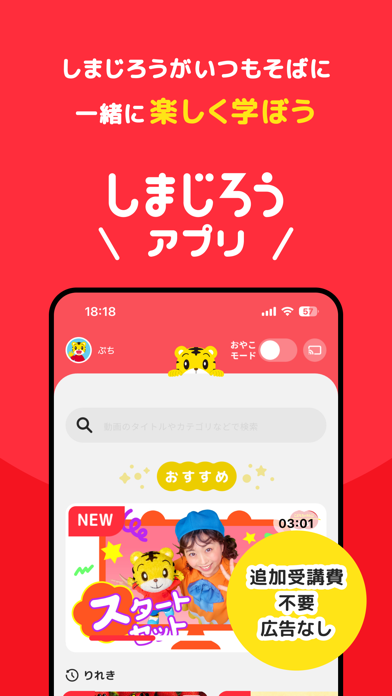
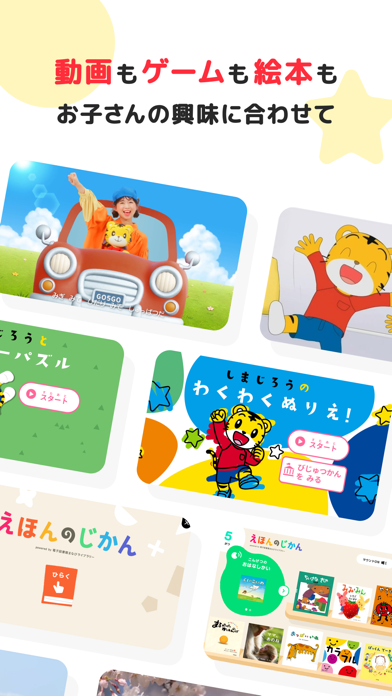
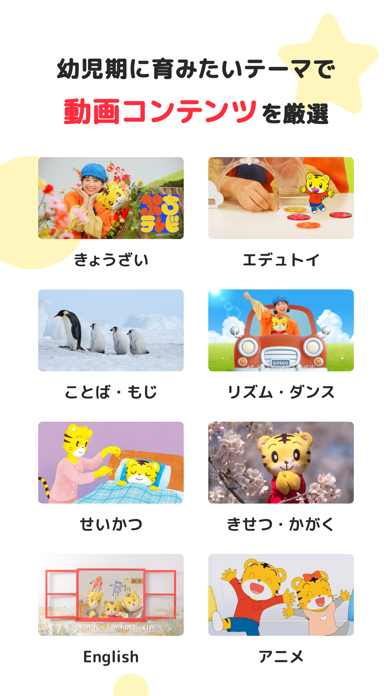


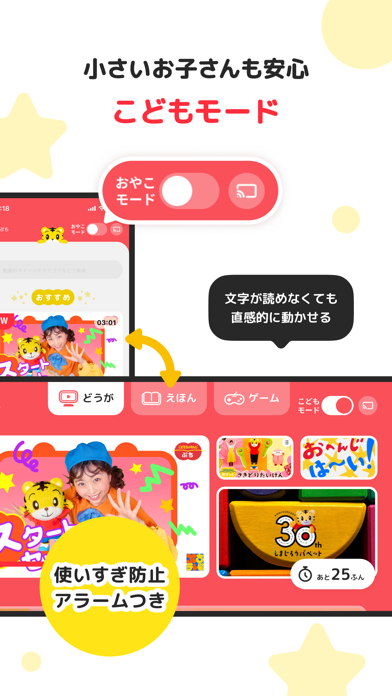


iPad screenshots


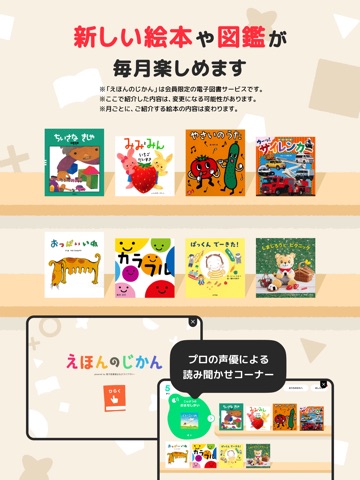
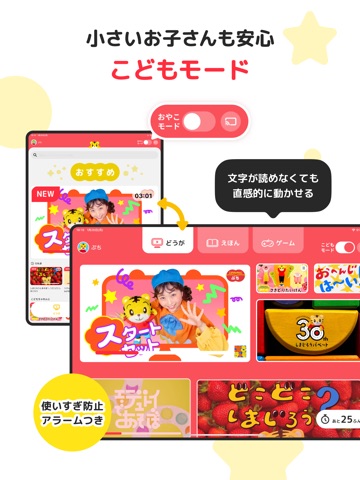


Icon palette
About this app
<主な特徴> ・〈こどもちゃれんじ〉が提供する良質なコンテンツ体験 ・おやこモード/こどもモードで、シーンに合わせて使える <安心のための工夫> ・広告表示なし ・使いすぎ防止タイマー(アラーム)で長時間視聴を防止 ・キャスト機能でテレビに映して、大画面で動画視聴 ※キャスト機能利用には対応端末・環境が必要です。 <こどもちゃれんじ会員のかたへ> 会員のかたは限定コンテンツをご利用になれます。 ご利用には会員番号とパスワードが必要です。 ※会員でないかたも、一部コンテンツはご利用になれます。 【本アプリでの利用者情報の取り扱いについて】 「サイト・アプリでのお客様に関する情報の取扱い」もあわせてご確認ください。 https://www.benesse.co.jp/privacy/ 1.GPSによる位置情報等、電話帳、スマートフォンに保管している写真や動画は取得しません。 2.本アプリで個人情報をご登録いただく際は、別途個別に個人情報の利用目的を提示しご同意いただきます。その場合、本アプリの利用履歴はお客様の個人情報としてご同意いただいた利…
App details
What you can learn from しまじろうアプリ(スマホ版)
Every shipping app on the App Store has gone through the same decisions you're working through right now: which screenshot goes first, what caption sits over it, which device frame to show, what color the background should be. The 16 screenshots above are しまじろうアプリ(スマホ版)'s answers to those questions — they're public, they're real, and they made it through Apple's review.
What the numbers say: しまじろうアプリ(スマホ版) runs a mixed light-and-dark set where the background shifts from screenshot to screenshot (first shot #FC2C3C) — each image has to stand on its own, so the captions carry more of the story. The accent colour we picked up, #FCE414, is the one to reuse for badges, arrows and highlighted words if you borrow this look. Hit Use this style to open the editor with these exact colours and drop your own screenshot in.
Notice the first screenshot in particular. It's the one users see in search results and on the product page, and it's where most apps spend their best caption and tightest design. Look at the proportion of background to phone, where the text sits, what one thing the image is trying to communicate.
Want to see how other Education apps approach the same problem? Browse more Education apps in the showcase.
Take what works into your own screenshots
Open LaunchShots and design your App Store & Google Play screenshots — pick a device frame, drop captions, ship in minutes. Free, in your browser.
Open the screenshot editor →Apps with a similar look
Closest background + accent colours among the listings we've analysed — useful when you want to see the same palette handled by a different team.