Chart position — tracked daily by LaunchShots
Screenshot style breakdown
Sampled from 3 of みちラジ's App Store screenshots — background, accent and theme, measured by LaunchShots (not something Apple publishes).
#FCECDC bg
#DDCFC1
#FCAC5C accent
#111111 text
Screenshots
Icon palette
About this app
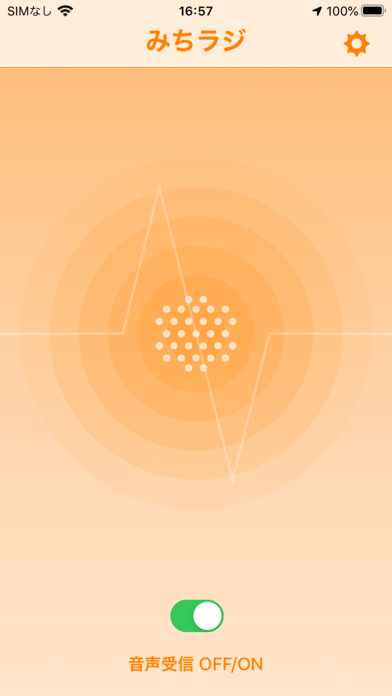
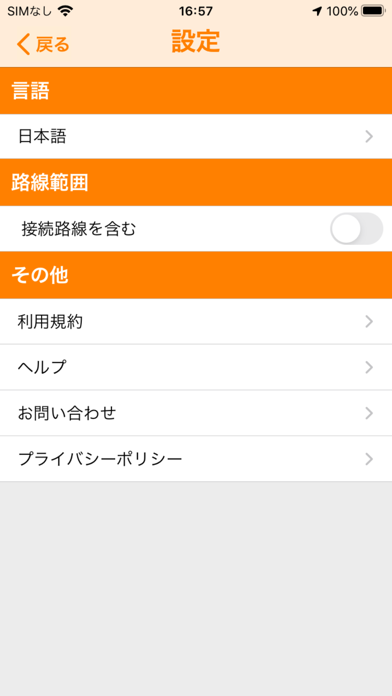
みちラジは、高速道路上の道路交通情報(通行止め・事故・渋滞・所要時間)を現在の進行方向や接続する路線ごとに、自動音声(日本語、英語、中国語、韓国語)で案内するアプリです。 NEXCO中日本が管理する道路高速道路の交通情報を提供しています。 ※道路交通法により走行中のドライバーによる携帯電話の使用は禁止されています。携帯電話は停車中の安全な場所で操作、または同乗者の方が操作を行ってください。 ※当アプリをご利用の際はインターネットの接続が必要です。 ※当アプリは高速道路上の走行位置を正確に判定するためスマートフォンのGPS位置情報を使用します。 バックグラウンド(端末スリープ時、他のアプリ併用時など)でのサービス提供を可能とするため、 位置情報の利用は「常に許可」に設定し、正確な位置情報は有効にしてください。 上記の設定でも、当アプリを終了すれば、GPS位置情報を利用しないため、通信料は発生しません。 ※当アプリを利用するための利用料、情報提供料など特別な料金は不要です。ただし、通信料はお客様のご負担とな…
App details
What you can learn from みちラジ
Every shipping app on the App Store has gone through the same decisions you're working through right now: which screenshot goes first, what caption sits over it, which device frame to show, what color the background should be. The 3 screenshots above are みちラジ's answers to those questions — they're public, they're real, and they made it through Apple's review.
What the numbers say: みちラジ runs a light set with one background colour (#FCECDC) carried across every screenshot — the listing reads as a single poster when the shots sit side by side in search results. The accent colour we picked up, #FCAC5C, is the one to reuse for badges, arrows and highlighted words if you borrow this look. Hit Use this style to open the editor with these exact colours and drop your own screenshot in.
Notice the first screenshot in particular. It's the one users see in search results and on the product page, and it's where most apps spend their best caption and tightest design. Look at the proportion of background to phone, where the text sits, what one thing the image is trying to communicate.
Want to see how other Navigation apps approach the same problem? Browse more Navigation apps in the showcase.
Take what works into your own screenshots
Open LaunchShots and design your App Store & Google Play screenshots — pick a device frame, drop captions, ship in minutes. Free, in your browser.
Open the screenshot editor →Apps with a similar look
Closest background + accent colours among the listings we've analysed — useful when you want to see the same palette handled by a different team.