Chart position — tracked daily by LaunchShots
Screenshot style breakdown
Sampled from 5 of Tốc Độ Giới Hạn's App Store screenshots — background, accent and theme, measured by LaunchShots (not something Apple publishes).
#5C646C bg
#727980
#142C4C accent
#FFFFFF text
Screenshots

Icon palette
About this app
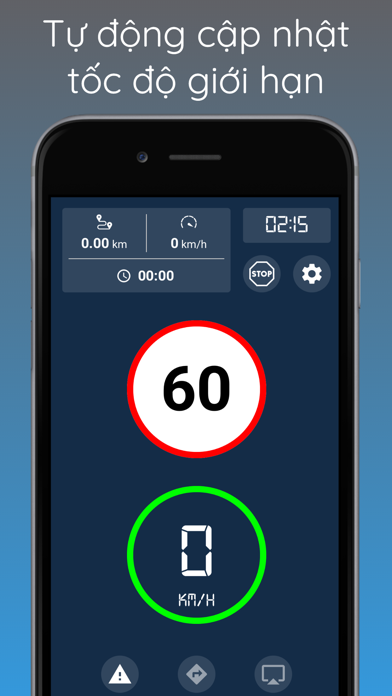
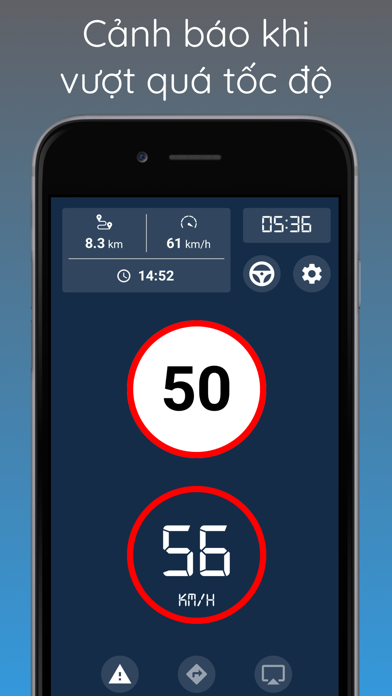
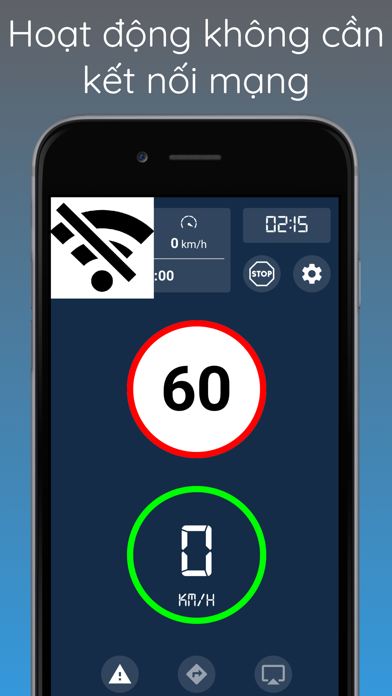
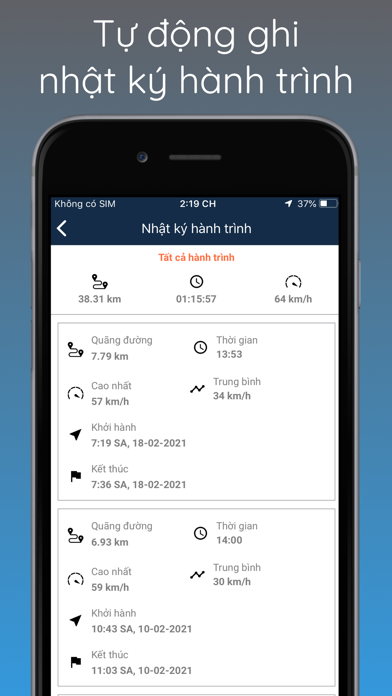
Hiểu được sự vất vả, căng thẳng và mệt mỏi của bạn khi lái xe tham gia giao thông, chúng tôi mang đến ứng dụng Tốc Độ Giới Hạn. Đây là ứng dụng đầu tiên và duy nhất tại Việt Nam giúp bạn biết được tốc độ tối đa của tuyến đường hiện tại. Với ứng dụng này, bạn có thể thoải mái, tự tin điều khiển phương tiện của mình lưu thông mọi lúc, mọi nơi*; đặc biệt ứng dụng có thể hoạt động mà không cần kết nối mạng**. Ứng dụng sẽ tự động cập nhật tốc độ tối đa cho phép và tốc độ hiện tại của phương tiện, từ đó sẽ đưa ra cảnh báo tốc độ nếu phương tiện vượt quá tốc độ cho phép, giúp bạn tránh mắc phải các lỗi về tốc độ một cách đáng tiếc. Trong điều kiện trời mưa, thời tiết xấu, thiếu ánh sáng khi di chuyển vào ban đêm hoặc biển báo bị khuất tầm nhìn... việc vượt quá tốc độ là điều có thể xảy ra. Vì vậy, chức năng cảnh báo tốc độ sẽ là một người bạn đồng hành hữu ích cho chuyến đi của bạn. Một tín…
App details
What you can learn from Tốc Độ Giới Hạn
Every shipping app on the App Store has gone through the same decisions you're working through right now: which screenshot goes first, what caption sits over it, which device frame to show, what color the background should be. The 5 screenshots above are Tốc Độ Giới Hạn's answers to those questions — they're public, they're real, and they made it through Apple's review.
What the numbers say: Tốc Độ Giới Hạn runs a mixed light-and-dark set where the background shifts from screenshot to screenshot (first shot #5C646C) — each image has to stand on its own, so the captions carry more of the story. The accent colour we picked up, #142C4C, is the one to reuse for badges, arrows and highlighted words if you borrow this look. Hit Use this style to open the editor with these exact colours and drop your own screenshot in.
Notice the first screenshot in particular. It's the one users see in search results and on the product page, and it's where most apps spend their best caption and tightest design. Look at the proportion of background to phone, where the text sits, what one thing the image is trying to communicate.
Want to see how other Navigation apps approach the same problem? Browse more Navigation apps in the showcase.
Take what works into your own screenshots
Open LaunchShots and design your App Store & Google Play screenshots — pick a device frame, drop captions, ship in minutes. Free, in your browser.
Open the screenshot editor →Apps with a similar look
Closest background + accent colours among the listings we've analysed — useful when you want to see the same palette handled by a different team.