Chart position — tracked daily by LaunchShots
Screenshot style breakdown
Sampled from 6 of Macellan SuperApp's App Store screenshots — background, accent and theme, measured by LaunchShots (not something Apple publishes).
#FCFCF4 bg
#DDDDD6
#6454BC accent
#111111 text
Reading the caption text from the screenshots in your browser…
Screenshots


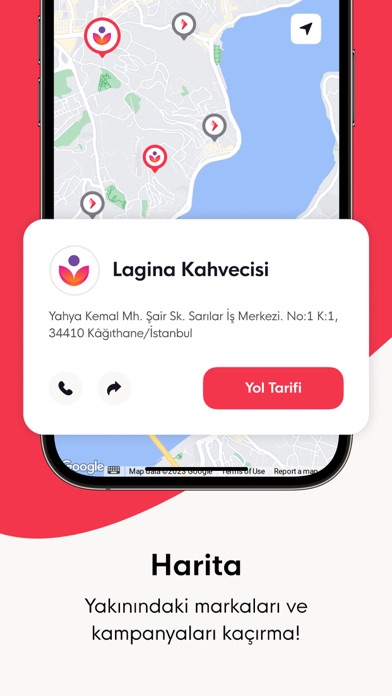


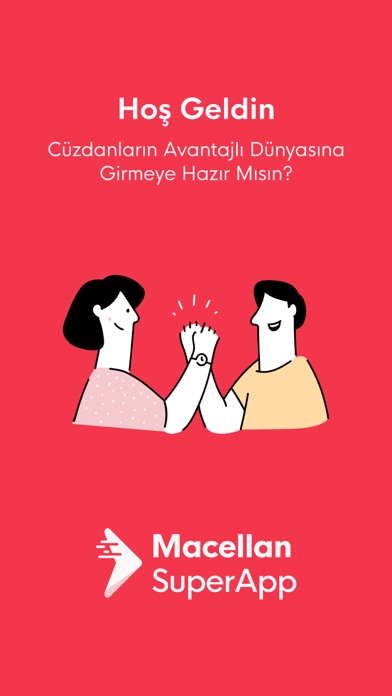
Icon palette
About this app
Uygulamayı telefonuna indir, cüzdanlarını oluştur, harcamanı Macellan SuperApp üzerinden yap ve avantajları kaçırma! Hızlı Alışveriş Ödemelerini QR kod ile saniyeler içerisinde sıra beklemeden yaparsın. Temassız Öde Ödemelerini kart alışverişi olmadan QR kodu ile güvenle yaparsın. Fırsatları Yakala Cüzdanlardaki kampanyalardan anlık olarak haberin olur. Hiçbir kampanyayı kaçırmadan, yapılan kampanyalardan ödeme sırasında otomatik olarak faydalanırsın. QR Paylaş Ailenden biri ya da sevdiklerin adına ödeme yapmak istersen, QR kod ile kendi cüzdanından ödeme yapabilirsin. Yapılan ödeme miktarını ve alınan ürünü uygulamadan görebilirsin. Scan&Go Bu özelliği kullanan işletmelerde uygulama üzerinden barkodunu okuttuğun ürünler sanal sepetine eklenir. Tüm ürünleri ekledikten sonra dijital cüzdanından ödemeyi yapıp hiç kasaya uğramadan mağazadan çıkabilirsin. Hesap Geçmişi Geçmişte yaptığ…
App details
What you can learn from Macellan SuperApp
Every shipping app on the App Store has gone through the same decisions you're working through right now: which screenshot goes first, what caption sits over it, which device frame to show, what color the background should be. The 7 screenshots above are Macellan SuperApp's answers to those questions — they're public, they're real, and they made it through Apple's review.
What the numbers say: Macellan SuperApp runs a light set with one background colour (#FCFCF4) carried across every screenshot — the listing reads as a single poster when the shots sit side by side in search results. The accent colour we picked up, #6454BC, is the one to reuse for badges, arrows and highlighted words if you borrow this look. Hit Use this style to open the editor with these exact colours and drop your own screenshot in.
Notice the first screenshot in particular. It's the one users see in search results and on the product page, and it's where most apps spend their best caption and tightest design. Look at the proportion of background to phone, where the text sits, what one thing the image is trying to communicate.
Want to see how other Finance apps approach the same problem? Browse more Finance apps in the showcase.
Take what works into your own screenshots
Open LaunchShots and design your App Store & Google Play screenshots — pick a device frame, drop captions, ship in minutes. Free, in your browser.
Open the screenshot editor →Apps with a similar look
Closest background + accent colours among the listings we've analysed — useful when you want to see the same palette handled by a different team.