Screenshot style breakdown
Sampled from 6 of ラクレコ+'s App Store screenshots — background, accent and theme, measured by LaunchShots (not something Apple publishes).
#F4F4F4 bg
#D6D6D6
#FC0484 accent
#111111 text
Reading the caption text from the screenshots in your browser…
Screenshots
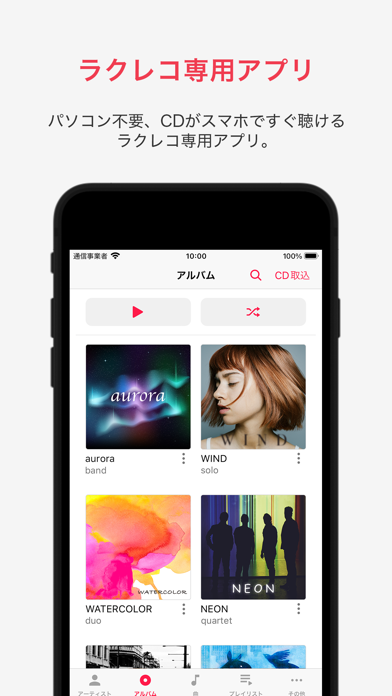
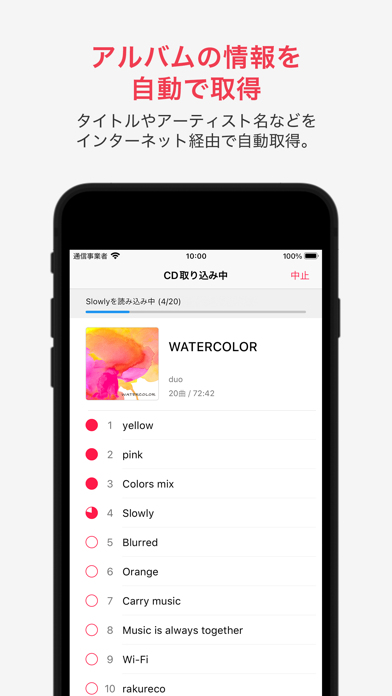
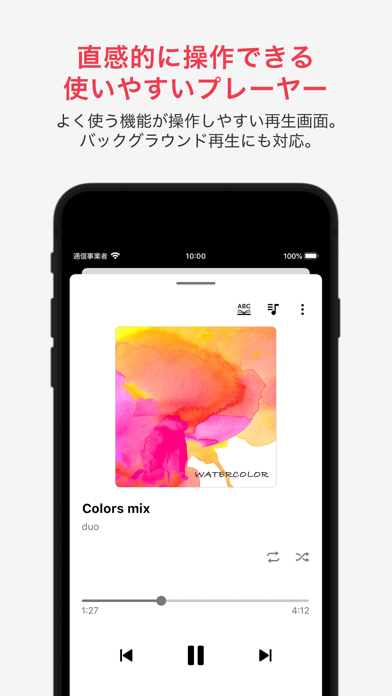
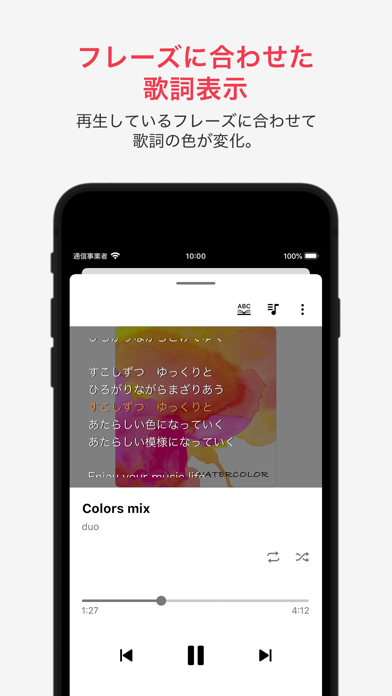
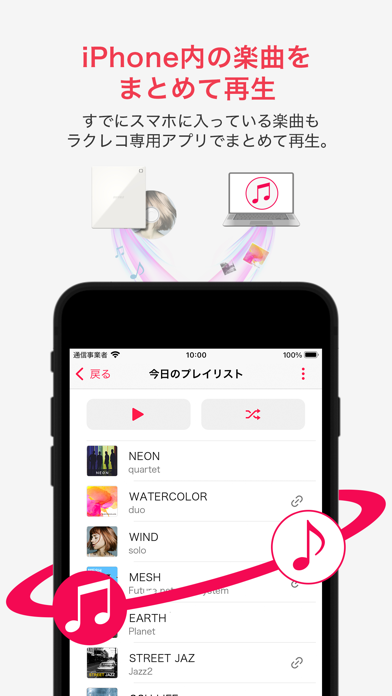
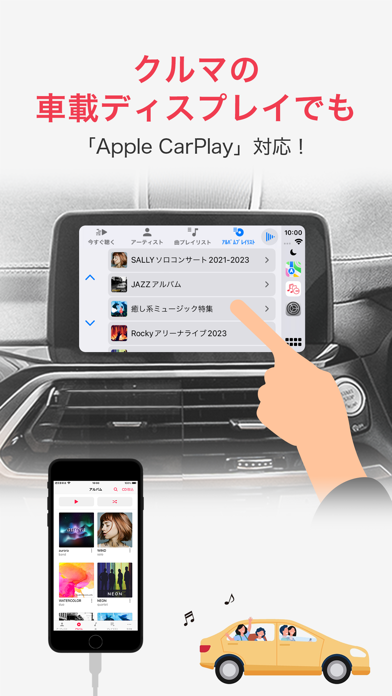
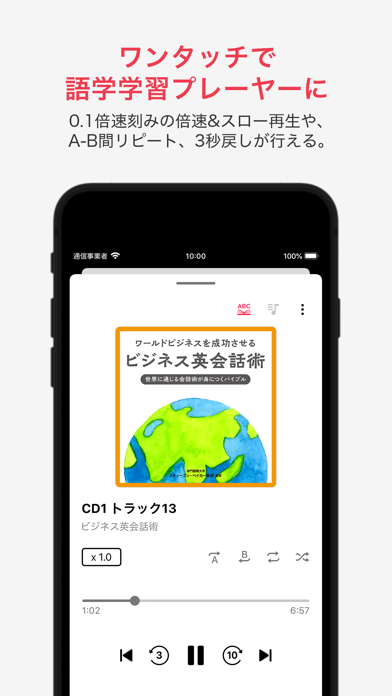
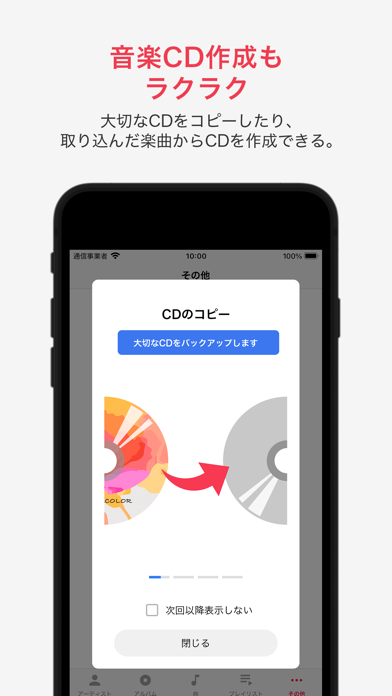
iPad screenshots


Icon palette
About this app
本アプリは、バッファロー製のスマートフォン用CDレコーダー「ラクレコ+」のアプリです。 すでに「ラクレコ」をご利用の方は、本アプリをアップデートするだけで、これまで取り込んだ音楽データや設定をそのままお使いいただけます。新たにスリープタイマー機能も追加され、より快適にお楽しみいただけます。 【ご注意】 ※本アプリをアンインストールする際、端末に取り込んだ音楽データも合わせて削除されますのでご注意ください。 【スマートフォン用CDレコーダー「ラクレコ+」について】 「ラクレコ+」は、バッファローが開発したスマートフォン用CDレコーダーです。従来の使いやすさはそのままに、さらに進化を遂げました。USBケーブル(ケーブルモデル)やWi-Fi(Wi-Fiモデル)でスマートフォンと接続し、CDから直接音楽を取り込んで楽しめます。 自宅にWi-Fiルーターがない場合やパソコンが苦手な方でも「ラクラク」ご利用いただけます。 ※「ラクレコ+」は、オンラインショップや家電量販店などでお買い求めください。 【「ラクレコ+」アプリの機能】 …
App details
What you can learn from ラクレコ+
Every shipping app on the App Store has gone through the same decisions you're working through right now: which screenshot goes first, what caption sits over it, which device frame to show, what color the background should be. The 16 screenshots above are ラクレコ+'s answers to those questions — they're public, they're real, and they made it through Apple's review.
What the numbers say: ラクレコ+ runs a light set with one background colour (#F4F4F4) carried across every screenshot — the listing reads as a single poster when the shots sit side by side in search results. The accent colour we picked up, #FC0484, is the one to reuse for badges, arrows and highlighted words if you borrow this look. Hit Use this style to open the editor with these exact colours and drop your own screenshot in.
Notice the first screenshot in particular. It's the one users see in search results and on the product page, and it's where most apps spend their best caption and tightest design. Look at the proportion of background to phone, where the text sits, what one thing the image is trying to communicate.
Want to see how other Music apps approach the same problem? Browse more Music apps in the showcase.
Take what works into your own screenshots
Open LaunchShots and design your App Store & Google Play screenshots — pick a device frame, drop captions, ship in minutes. Free, in your browser.
Open the screenshot editor →Apps with a similar look
Closest background + accent colours among the listings we've analysed — useful when you want to see the same palette handled by a different team.