Chart position — tracked daily by LaunchShots
Screenshot style breakdown
Sampled from 6 of THE眼球トレーニング〜見るだけ動体視力アップ〜's App Store screenshots — background, accent and theme, measured by LaunchShots (not something Apple publishes).
#040C14 bg
#272E34
#4C94A4 accent
#FFFFFF text
Reading the caption text from the screenshots in your browser…
Screenshots


iPad screenshots



Icon palette
About this app
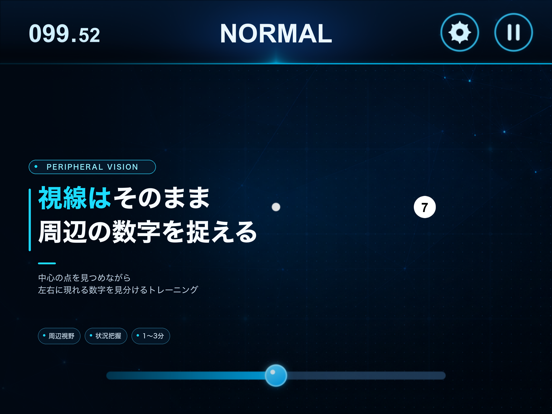
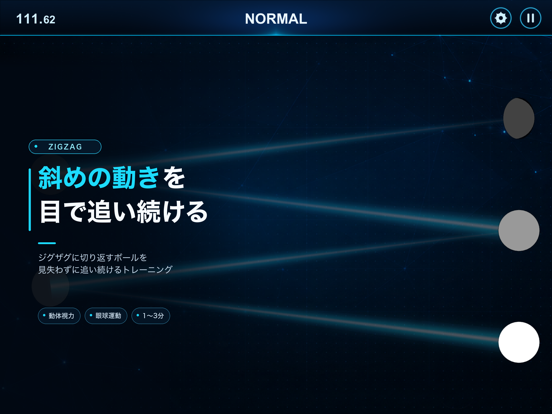
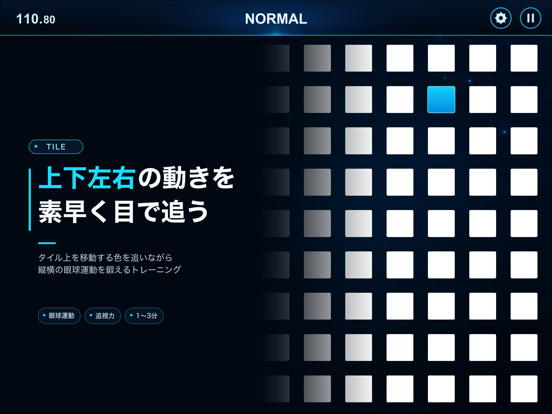
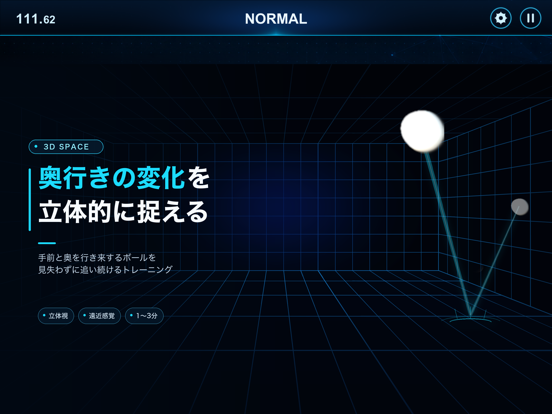
「スポーツやeSportsで強くなりたい」あなたへ。 1日3分からでいい。見るだけの眼球トレーニングで、動体視力を向上させませんか? 勉強や仕事で目や集中力を使う方、さらに目の衰えが気になる中高年の方にもオススメです。 ------------------------------- 視る力がライバルと差をつける! ------------------------------- 野球・サッカー・テニス・卓球などの球技、相手の動きを瞬時に判断するボクシング・空手などの格闘技、1フレーム単位での判断が勝敗を分けるeSportsでは、特に動体視力が重要です。 動体視力とは、ズバリ「目の筋肉」です! 眼球を動かす外眼筋の働きにより、いかに早く、なめらかに視線を動かせるかで決まります。この動体視力は、この外眼筋の働きに大きく左右されます。そのため、いくつになっても日々トレーニングを続けることで、鍛えられる能力なのです。 しかし、これはあまり知られていないかもしれません。だからこそ、早く始めるほどライバルとの差になるのです。 本アプリは、あなた専用の「視る力トレーナー」。 5つのビジョ…
App details
What you can learn from THE眼球トレーニング〜見るだけ動体視力アップ〜
Every shipping app on the App Store has gone through the same decisions you're working through right now: which screenshot goes first, what caption sits over it, which device frame to show, what color the background should be. The 14 screenshots above are THE眼球トレーニング〜見るだけ動体視力アップ〜's answers to those questions — they're public, they're real, and they made it through Apple's review.
What the numbers say: THE眼球トレーニング〜見るだけ動体視力アップ〜 runs a dark set with one background colour (#040C14) carried across every screenshot — the listing reads as a single poster when the shots sit side by side in search results. The accent colour we picked up, #4C94A4, is the one to reuse for badges, arrows and highlighted words if you borrow this look. Hit Use this style to open the editor with these exact colours and drop your own screenshot in.
Notice the first screenshot in particular. It's the one users see in search results and on the product page, and it's where most apps spend their best caption and tightest design. Look at the proportion of background to phone, where the text sits, what one thing the image is trying to communicate.
Want to see how other Medical apps approach the same problem? Browse more Medical apps in the showcase.
Take what works into your own screenshots
Open LaunchShots and design your App Store & Google Play screenshots — pick a device frame, drop captions, ship in minutes. Free, in your browser.
Open the screenshot editor →Apps with a similar look
Closest background + accent colours among the listings we've analysed — useful when you want to see the same palette handled by a different team.