Chart position — tracked daily by LaunchShots
Screenshot style breakdown
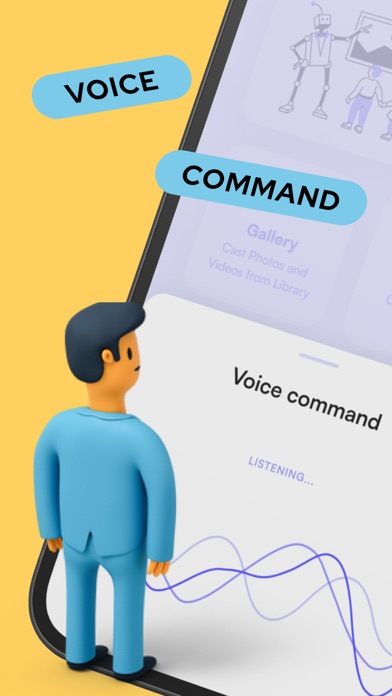
Sampled from 6 of Remote control for TCL's App Store screenshots — background, accent and theme, measured by LaunchShots (not something Apple publishes).
#7CCCEC bg
#6DB3CF
#FCB444 accent
#111111 text
Screenshots




iPad screenshots


Icon palette
About this app
**DISCLAIMER This app is not the official TCL app. It was designed with care to try and bring TCL users an overall better experience Features: * Your last remote will be saved for quick and easy access next time you'll open the app * NO installation, just click and play * FAST touch pad and keyboard for quick swipes and typing * AMAZING design with cool and easy interface Have questions? remote isn't working? Please feel free to contact us on support@os-apps.com
App details
What you can learn from Remote control for TCL
Every shipping app on the App Store has gone through the same decisions you're working through right now: which screenshot goes first, what caption sits over it, which device frame to show, what color the background should be. The 12 screenshots above are Remote control for TCL's answers to those questions — they're public, they're real, and they made it through Apple's review.
What the numbers say: Remote control for TCL runs a light set where the background shifts from screenshot to screenshot (first shot #7CCCEC) — each image has to stand on its own, so the captions carry more of the story. The accent colour we picked up, #FCB444, is the one to reuse for badges, arrows and highlighted words if you borrow this look. Hit Use this style to open the editor with these exact colours and drop your own screenshot in.
Notice the first screenshot in particular. It's the one users see in search results and on the product page, and it's where most apps spend their best caption and tightest design. Look at the proportion of background to phone, where the text sits, what one thing the image is trying to communicate.
Want to see how other Utilities apps approach the same problem? Browse more Utilities apps in the showcase.
Take what works into your own screenshots
Open LaunchShots and design your App Store & Google Play screenshots — pick a device frame, drop captions, ship in minutes. Free, in your browser.
Open the screenshot editor →Apps with a similar look
Closest background + accent colours among the listings we've analysed — useful when you want to see the same palette handled by a different team.