Chart position — tracked daily by LaunchShots
Screenshot style breakdown
Sampled from 4 of ロケスマ's App Store screenshots — background, accent and theme, measured by LaunchShots (not something Apple publishes).
#84C4FC bg
#74ACDD
#F49C54 accent
#111111 text
Reading the caption text from the screenshots in your browser…
Screenshots
iPad screenshots
Icon palette
About this app
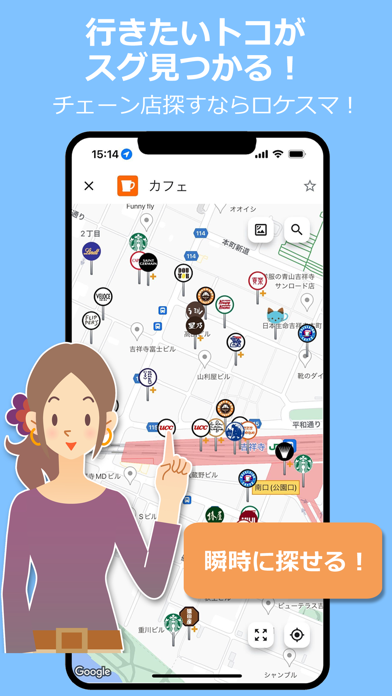
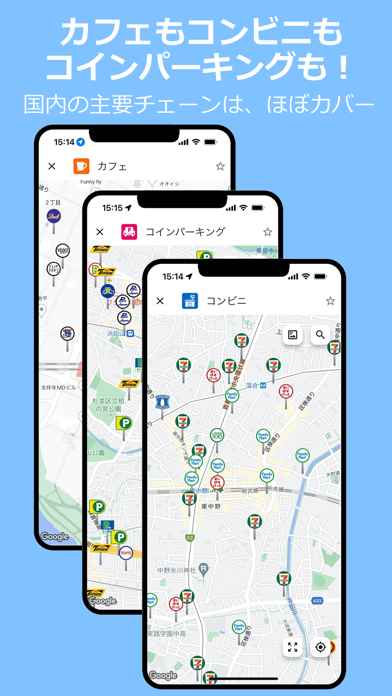
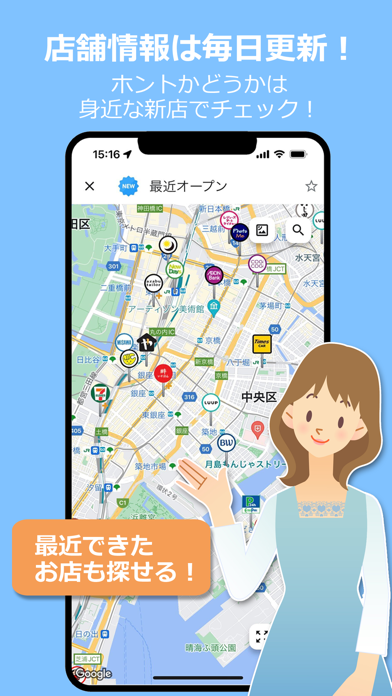
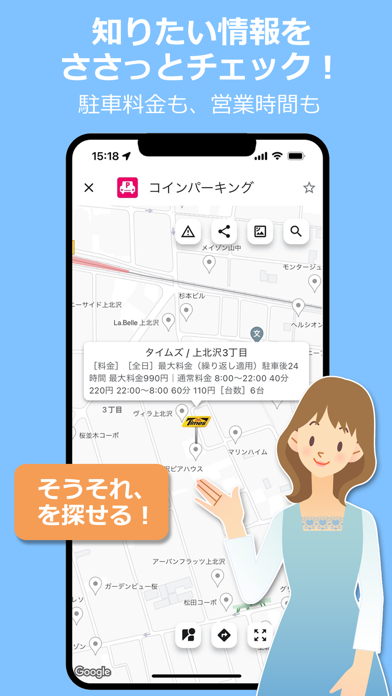
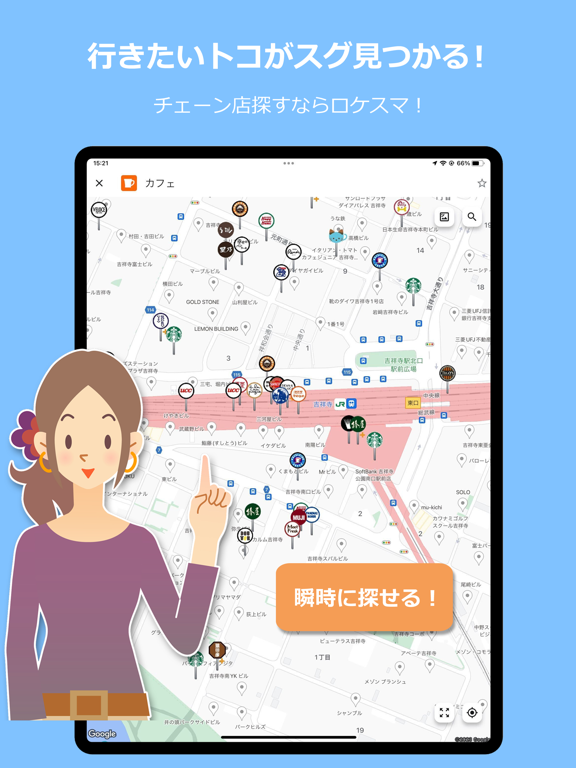
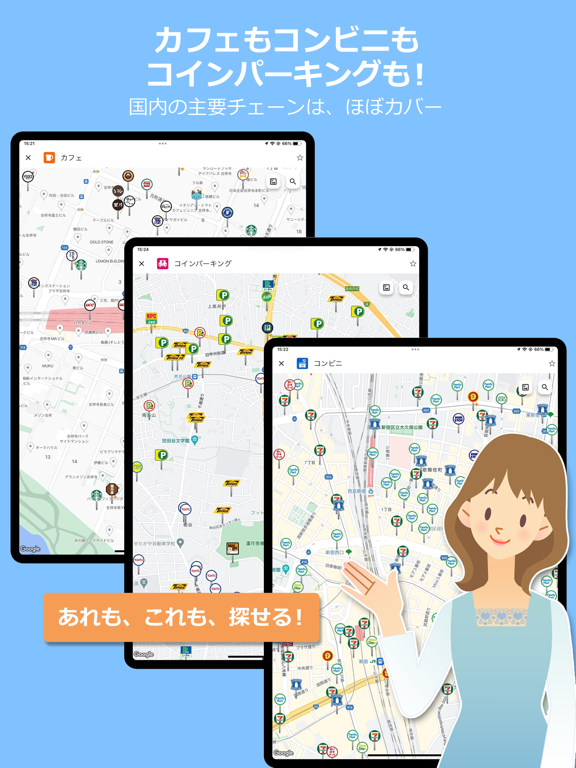
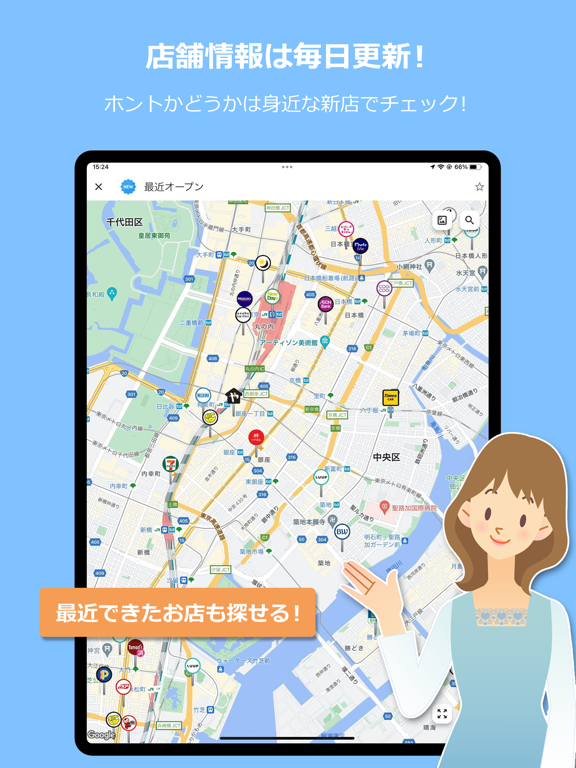
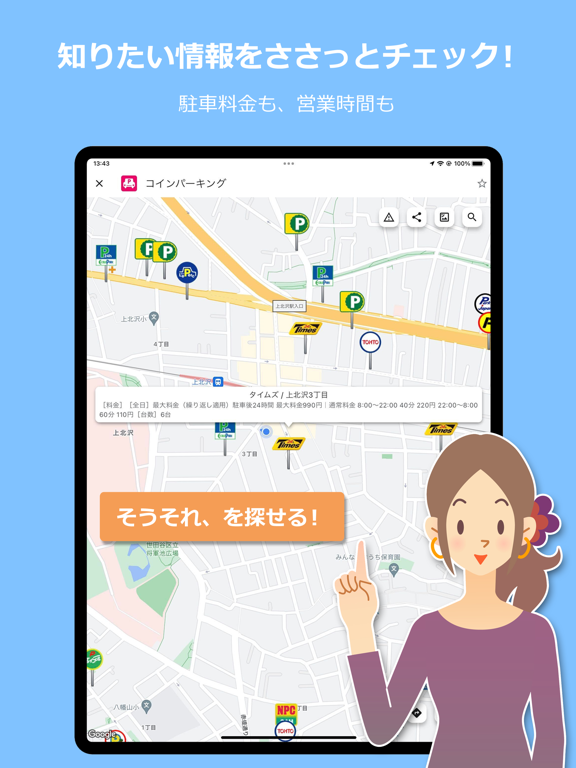
国内10,000以上のチェーン、112万店舗の情報を、毎日更新している注目の店舗検索アプリです! ・スターバックスも、セブンイレブンも、タイムズも、主要チェーンはもちろん、小規模チェーンもどしどしカバー! ・毎日更新なので、新店も閉店も素早く対応。がっかりさせません! ぜひ、お近くの店舗で確認してみてください! ・各社のロゴがピン表示されるため、ひと目で何のお店か分かります。 ・店舗の営業時間、駐車場有無、駐車料金などなど、店舗について知りたい情報も素早く確認できます! ・もちろんカーナビ連携も可能! 見つけたお店をサクっとナビアプリに転送できます。 ・チェーン店以外の「EV充電スタンド」「道の駅」「日帰り温泉」なども、外部サイトからデータ提供を受けて検索可能にしています(「コラボ+」タブ)。
App details
What you can learn from ロケスマ
Every shipping app on the App Store has gone through the same decisions you're working through right now: which screenshot goes first, what caption sits over it, which device frame to show, what color the background should be. The 8 screenshots above are ロケスマ's answers to those questions — they're public, they're real, and they made it through Apple's review.
What the numbers say: ロケスマ runs a light set with one background colour (#84C4FC) carried across every screenshot — the listing reads as a single poster when the shots sit side by side in search results. The accent colour we picked up, #F49C54, is the one to reuse for badges, arrows and highlighted words if you borrow this look. Hit Use this style to open the editor with these exact colours and drop your own screenshot in.
Notice the first screenshot in particular. It's the one users see in search results and on the product page, and it's where most apps spend their best caption and tightest design. Look at the proportion of background to phone, where the text sits, what one thing the image is trying to communicate.
Want to see how other Navigation apps approach the same problem? Browse more Navigation apps in the showcase.
Take what works into your own screenshots
Open LaunchShots and design your App Store & Google Play screenshots — pick a device frame, drop captions, ship in minutes. Free, in your browser.
Open the screenshot editor →Apps with a similar look
Closest background + accent colours among the listings we've analysed — useful when you want to see the same palette handled by a different team.