Chart position — tracked daily by LaunchShots
Screenshot style breakdown
Sampled from 5 of +KIRARI's App Store screenshots — background, accent and theme, measured by LaunchShots (not something Apple publishes).
#DCDC44 bg
#C1C13B
#747424 accent
#111111 text
Screenshots

iPad screenshots
Icon palette
About this app
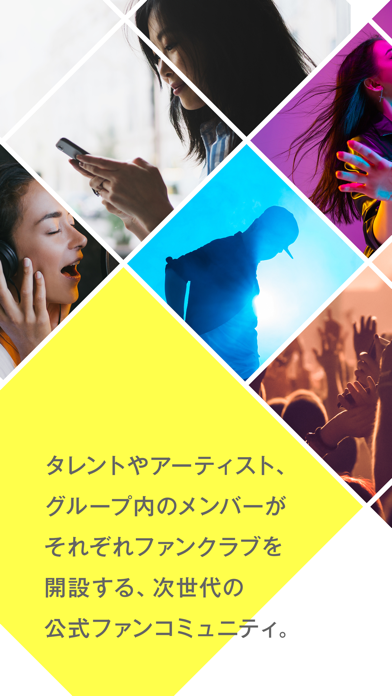
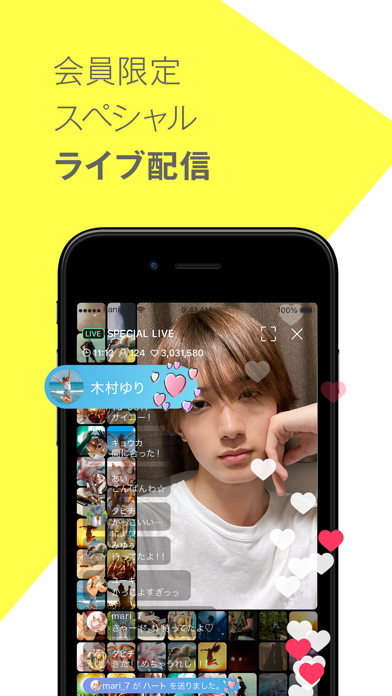
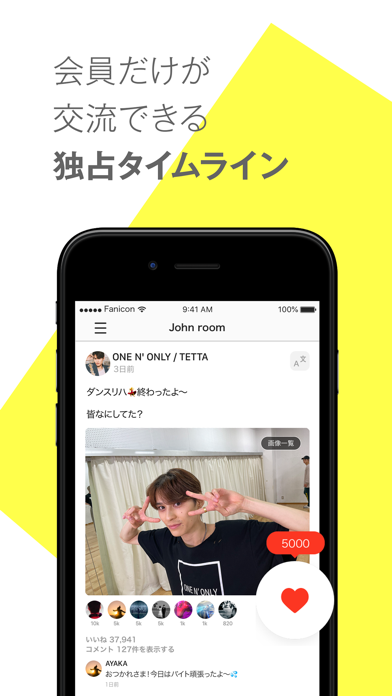
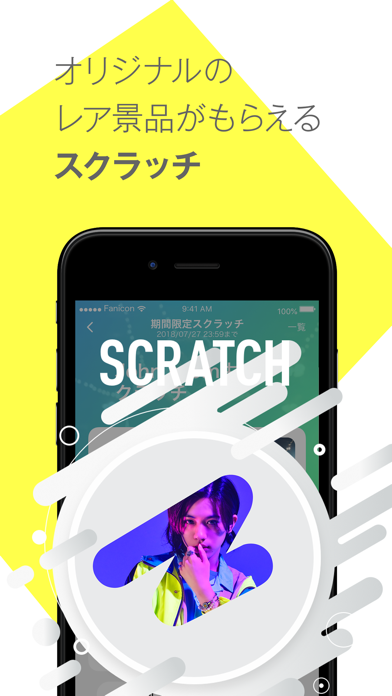
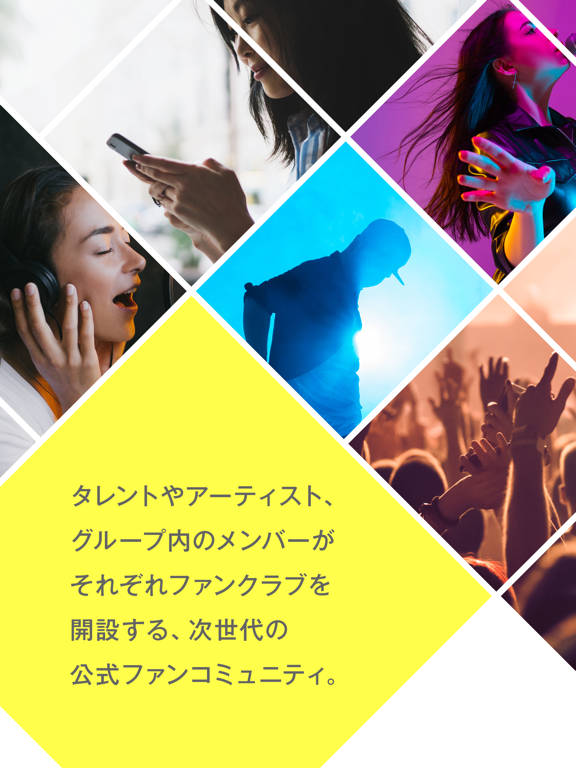
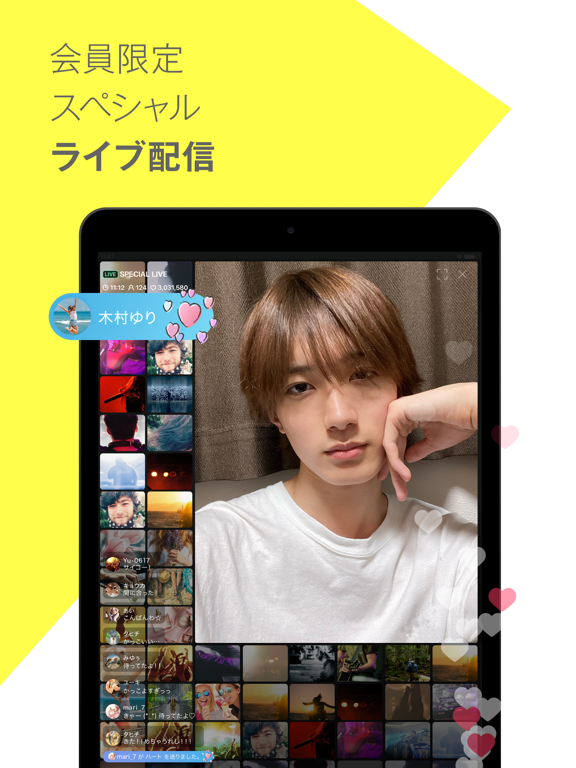
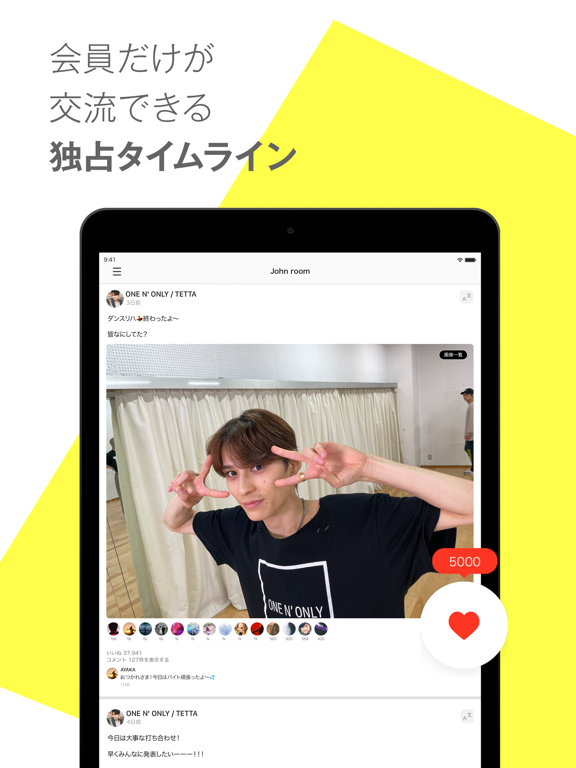
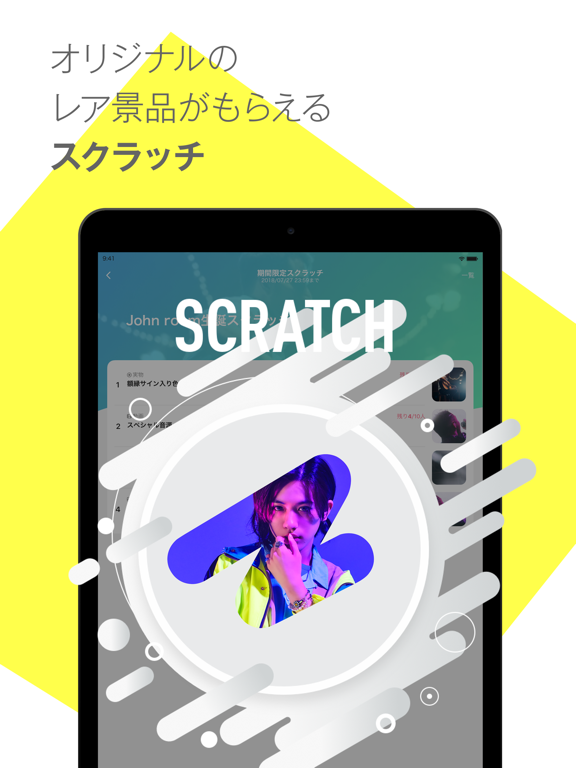
+KIRARIはタレントやアーティスト、グループ内のメンバーがそれぞれファンクラブを開設する、次世代の公式ファンコミュニティ ●アーティスト&タレント一人ひとりとコミュニケーションがとれる 次世代のオフィシャルファンコミュニティが始動します! より近くで応援できるコンテンツとなります。 ●メンバーからの会員限定投稿やライブ配信! ●レアな景品も?スクラッチくじ機能あり! ●ファン同士のコミュニュケーションが可能な掲示板機能あり! ●会員限定のコンテンツや企画が日々開催! 購入後はiTunesアカウントからの支払になります。定期購読は月ごとの自動更新です。期限終了の24時間前までに停止しない場合、24時間以内に自動更新されます。期間終了の24時間以上前であればいつでも自動更新の停止が可能です。自動更新の停止や変更はiTunesアカウントの設定から対応してください。実際の手順はアプリ設定の「解約について」から確認できます。利用中の有料会員のキャンセルは、契約期間が終わった後にキャンセル処理が行われます。有料会員になる際、キ…
App details
What you can learn from +KIRARI
Every shipping app on the App Store has gone through the same decisions you're working through right now: which screenshot goes first, what caption sits over it, which device frame to show, what color the background should be. The 10 screenshots above are +KIRARI's answers to those questions — they're public, they're real, and they made it through Apple's review.
What the numbers say: +KIRARI runs a light set where the background shifts from screenshot to screenshot (first shot #DCDC44) — each image has to stand on its own, so the captions carry more of the story. The accent colour we picked up, #747424, is the one to reuse for badges, arrows and highlighted words if you borrow this look. Hit Use this style to open the editor with these exact colours and drop your own screenshot in.
Notice the first screenshot in particular. It's the one users see in search results and on the product page, and it's where most apps spend their best caption and tightest design. Look at the proportion of background to phone, where the text sits, what one thing the image is trying to communicate.
Want to see how other Entertainment apps approach the same problem? Browse more Entertainment apps in the showcase.
Take what works into your own screenshots
Open LaunchShots and design your App Store & Google Play screenshots — pick a device frame, drop captions, ship in minutes. Free, in your browser.
Open the screenshot editor →Apps with a similar look
Closest background + accent colours among the listings we've analysed — useful when you want to see the same palette handled by a different team.